

🐞 Extension not loading
Locating snippets from Inbox Topics sometimes failed to load the extension. It’s been resolved now. 🙌
New features, improvements and fixes in Cluing. Page 11 of 24.
Locating snippets from Inbox Topics sometimes failed to load the extension. It’s been resolved now. 🙌
We’ve developed a mobile extension for Edge 🎉
It’s designed to help you capture and save important info while doing research on mobile.
Enjoy! 🙌
You can now edit your snippet link! If a webpage link changes or needs an update, simply edit it to keep everything working smoothly. 🙌
Sharing Clusters and Topics just got a lot easier. Now, you’ll see a list of all existing collaborators, including the ones from Slack. No more searching for correct email – just pick and share. Enjoy 🙌
Whenever you mention your Slack colleague in a snippet comment, they will now receive a direct Slack message. This makes communication faster and ensures they never miss important updates. ✨
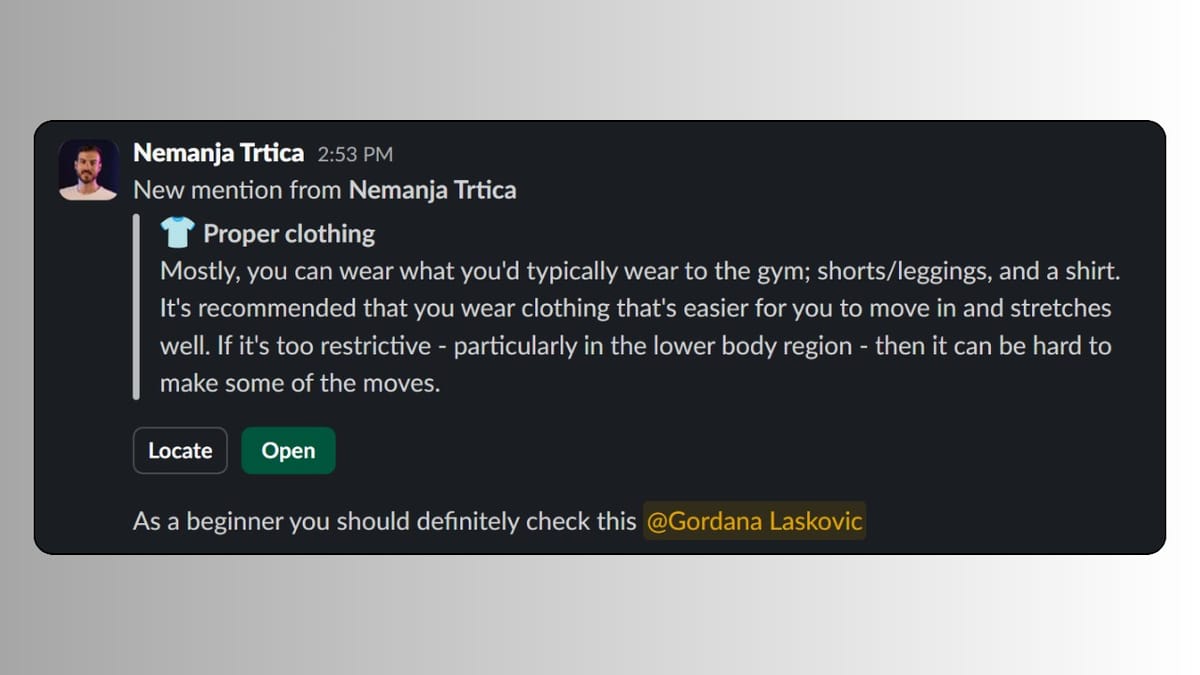
We’ve fixed the bug that caused the whole page to reload when clicking a notification. It was annoying, we know, but it’s all good now. 😁
Want to edit a tag or get rid of one entirely? Now you can! 🙌
We’ve added the ability to edit and delete tags within your workspace. This gives you complete control over your tag organization. 🏷️
Search just got better! 🎊
You can now look through comments, making it even easier to find exactly what you need. 🙌
We’ve fixed a little glitch that was showing snippets before Topic was fully loaded. Now, everything should load smoothly and in the right order. 🙌
There was a bug causing comments to disappear when creating snippets with Highlighter. That is fixed and now, your comments will be saved right along with your snippets. 😁
There was a bug that prevented scrolling to newly created bookmark snippets. That is now fixed! 🙌
There was a bug that caused the wrong workspace to open when using a direct link to a topic. That is now fixed! 🔗
Need to organize your topics to match your workflow?
Simply Drag & Drop your topics to change their order and create a workspace that suits you perfectly. 🎢
Sometimes you just want to save an image as a snippet? Now you can! 🚀
No need to highlight any additional text - just select the image and save it to your topic.
We’ve updated the LinkedIn and X snippets! Now, you can see the profile picture, name, and a link to the profile of the person who shared the post. It’s like putting a face to the name, making everything more relatable. 👌🏼
Plus, your favorite posts are always just one click away!
#Tagging just got easier! 🎊
Our new system lets you quickly add tags to your snippets without using comments. Enjoy a more intuitive tagging experience!
There was a bug that sometimes prevented your shortcut button from showing. We fixed it and now, it will always be right where you need it, ready to help you work faster. ✨
There was a bug that was causing some trouble with reordering on mobile. It’s all fixed and now you can easily rearrange your clusters, topics, and snippets, just like on your desktop. 🙌
We’ve fixed the issue that made it hard to locate your snippets when the extension wasn’t installed. Now, you can easily find your snippets, whether you have the extension or not. 🙌
There was a bug that was causing our Save Button to appear in wrong place on Quora posts. We fixed it and now you can easily save your favorite Quora content without any hassle. 😁