

🎉 Search trough your snippets
We’ve developed a specialized search engine for your snippets. It swiftly explores your entire workflow, excluding comments. Say goodbye to hassle and hello to effortless searching 🚀
New features, improvements and fixes in Cluing. Page 21 of 24.
We’ve developed a specialized search engine for your snippets. It swiftly explores your entire workflow, excluding comments. Say goodbye to hassle and hello to effortless searching 🚀
You can now add #tags to you Snippets simply by typing them in your Comments! 😄
With #tags your research is even more organized and searchable 🧐
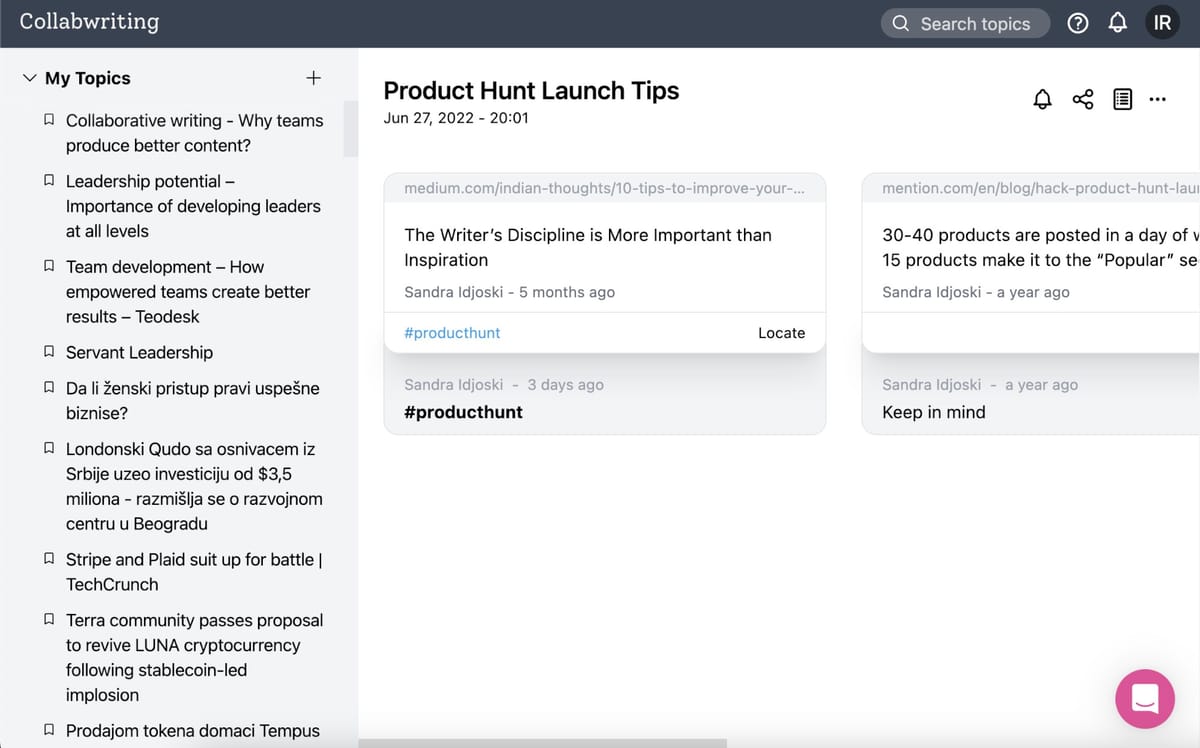
Dashboard is now vertically scrollable on mobile phone! The same UX you had with Collabwriting Extension is now available on Mobiles as well 😄
We’ve added 2 new ways our Locate works:
With these two additional mechanism locate functionality works a lot better and even on pages that are no initialy fully loaded 😄
We hear you! You are selecting bigger chunks of text on PDFs and Webpages you visit so the Dashboard it’s hard to collaborate with all that collected text shown on the Dashboard 🫣
We’ve added Expand & Collapse button that shrinks down snippets so you can spend more time collaborating 😄
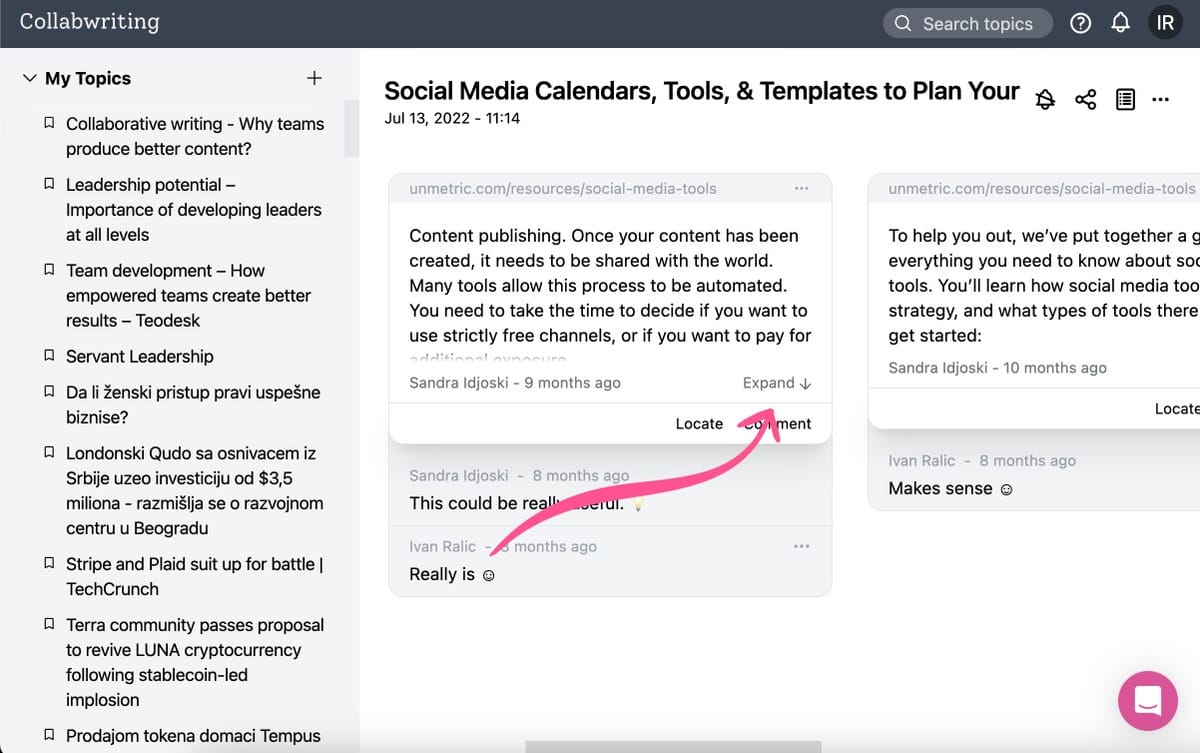
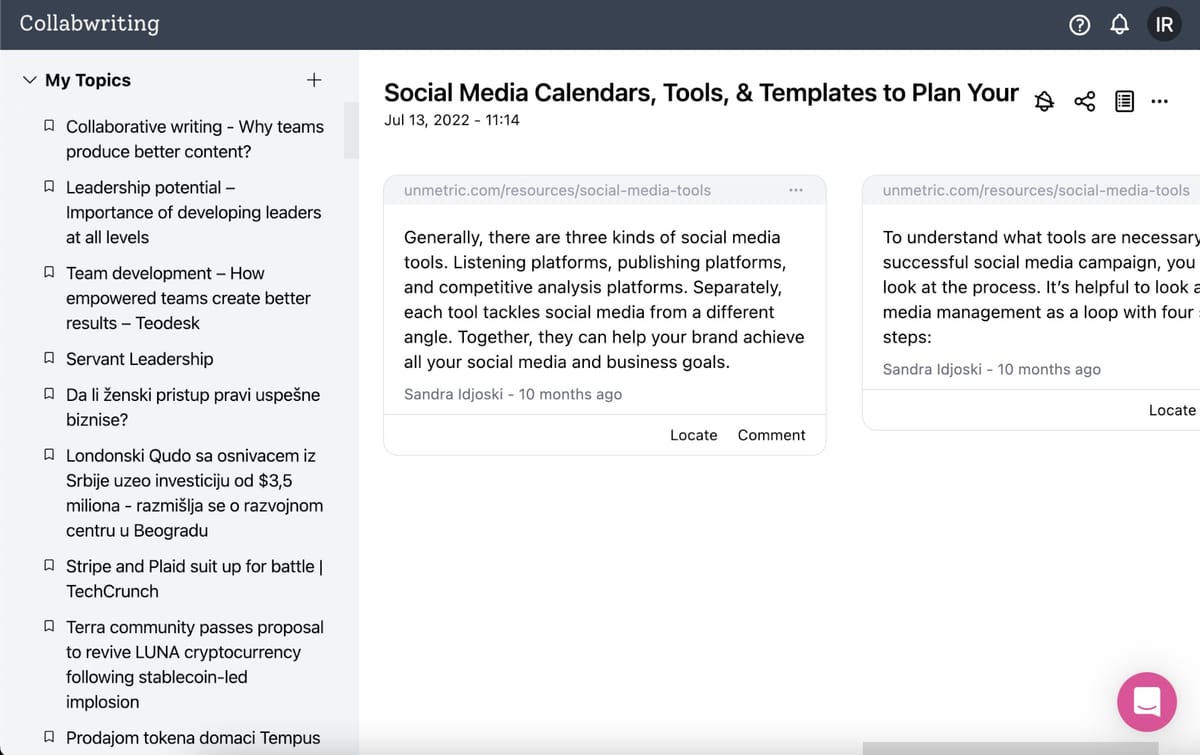
Ever wondered who added a Snippet to your Topic, so you needed to go to Activity Tab to check it out. Well, not anymore!
With our new design you are able to see exactly who and when has added a Snippet right on the Card itself 🥳
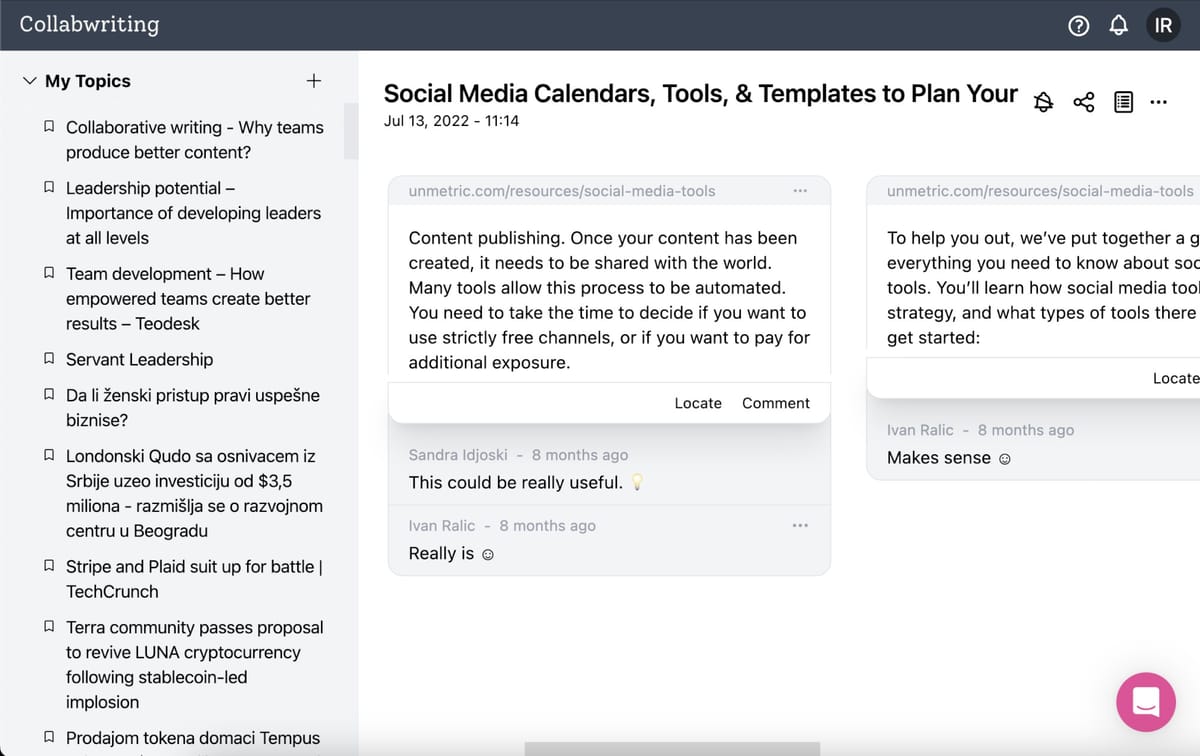
Comments now scrollable under the card so you can always have important info at your eyesight 🤓
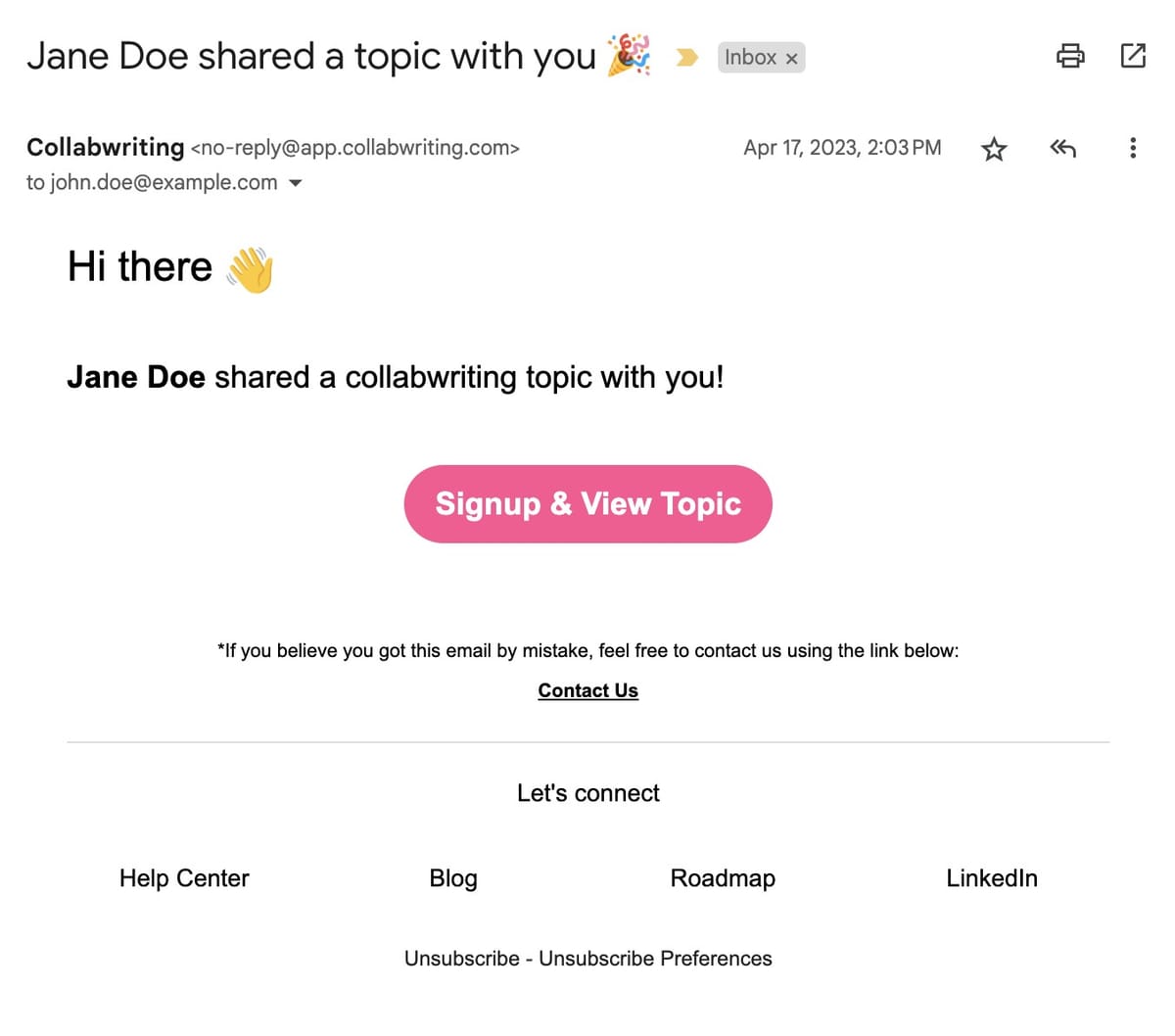
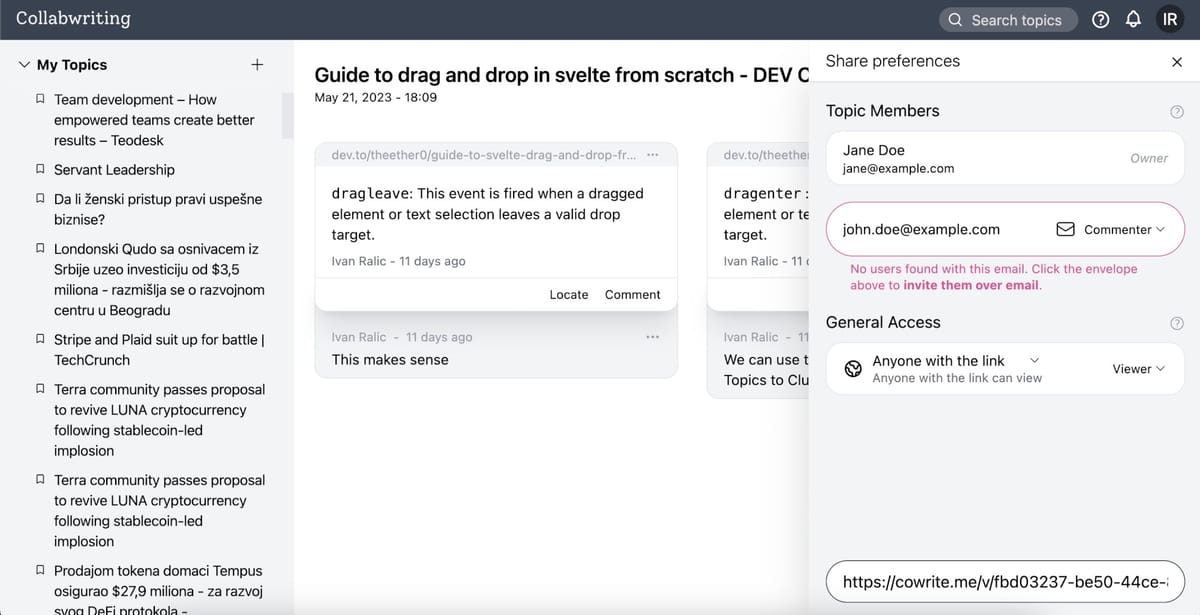
You ever wanted to add Collaborators that do not use Collabwriting yet? Well now you can 😄
Write their email address and they’ll be invited over the email to collaborate 😊
We had a problem of logout not working sometimes, so accessing Collabwriting from different accounts was a problem. We fixerd it 😄
You’ve saved a Collabwriting link, and then have deleted that particular Topic. It just looked like it was loading for faaar too long 🐌
It wasn’t a snail but a bug 🫣
We fixed it 😄
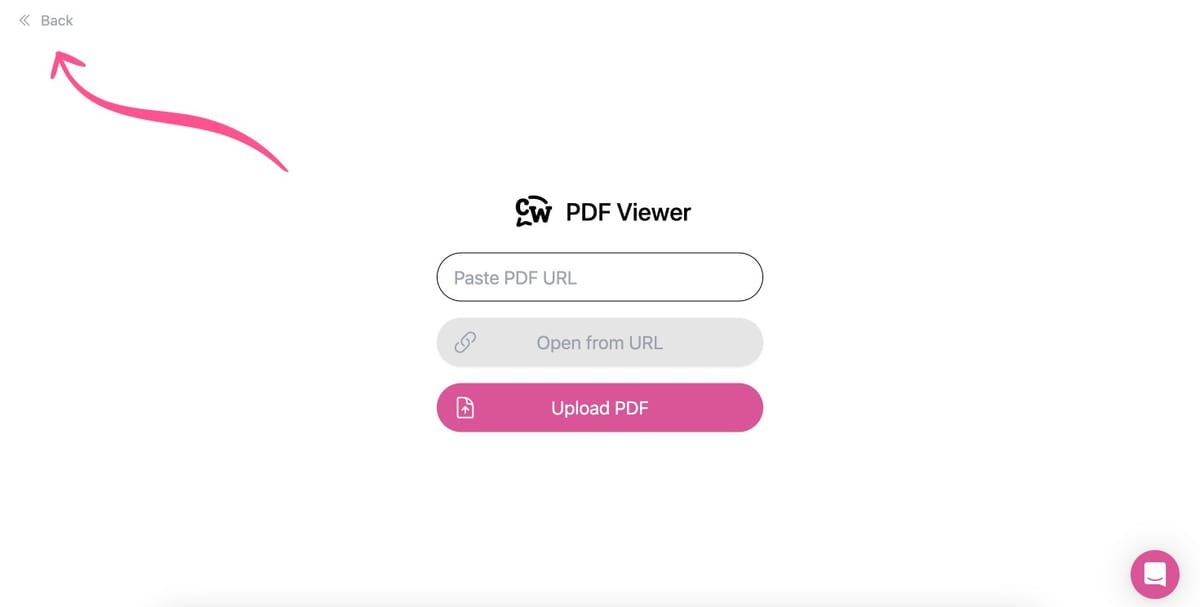
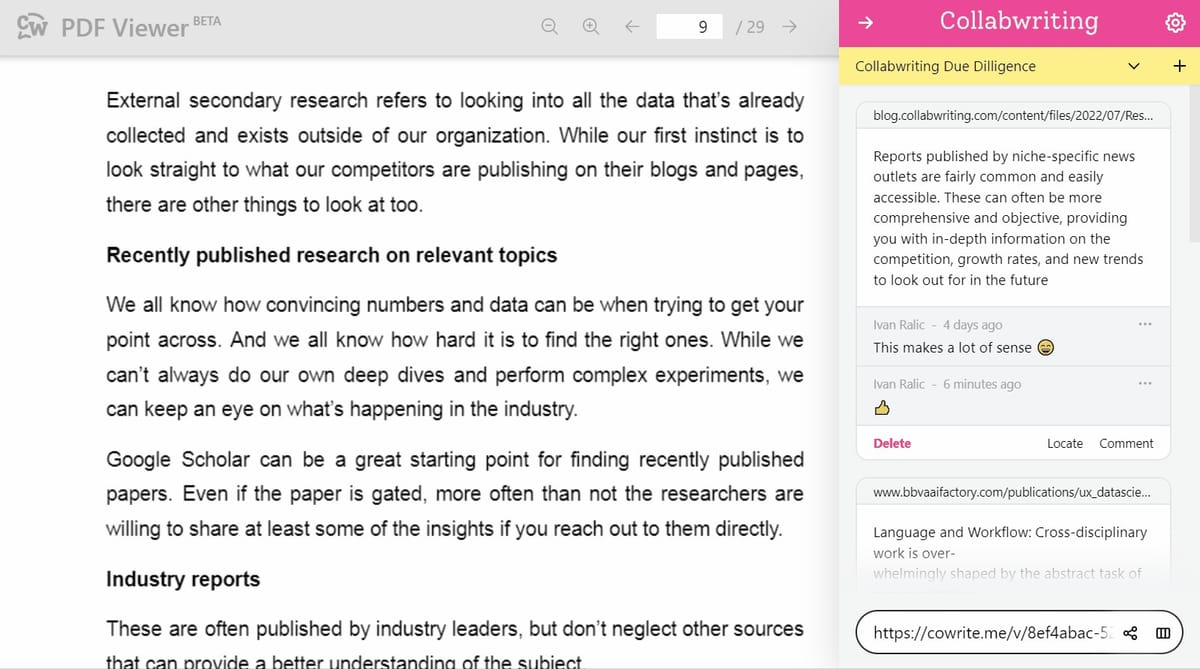
You can now go back to Dashboard from the PDF Viewer 🥳
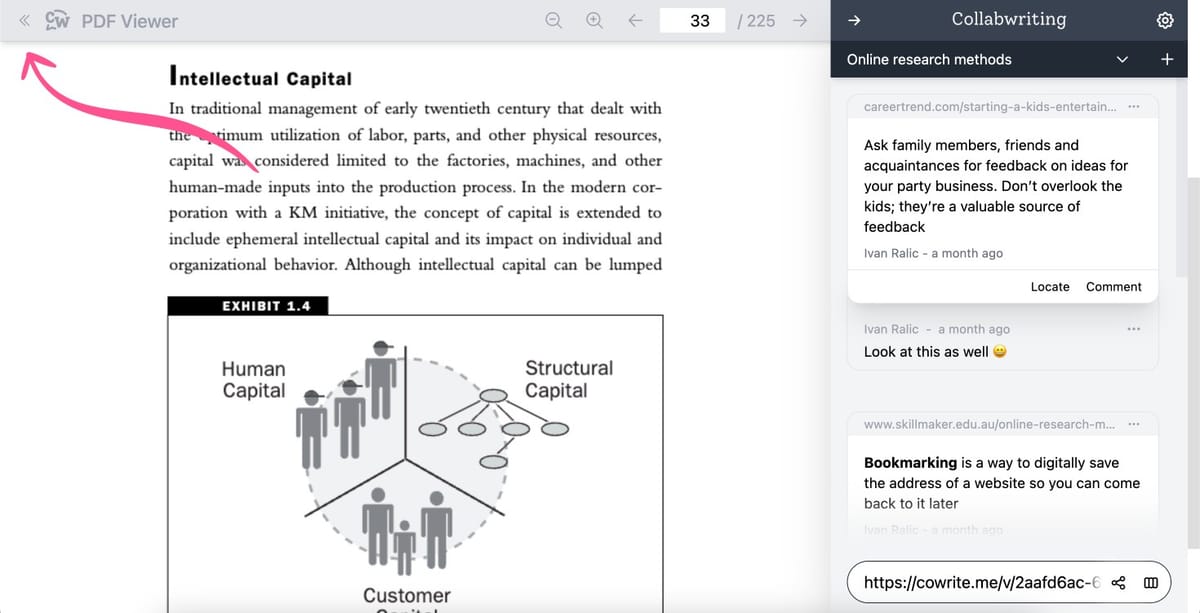
Creating highlights on webpages is great but there is a part of the research in online E-Books and PDFs as well.
With this feature you’ll be able to create highlights in PDFs 😄
The name of the topic was missing when opened on mobile and the snippets shown were from a completely different topic. We fixed that 🤗
On some websites, there were dark background under buttons when deleting snippet. That is now fixed 😊
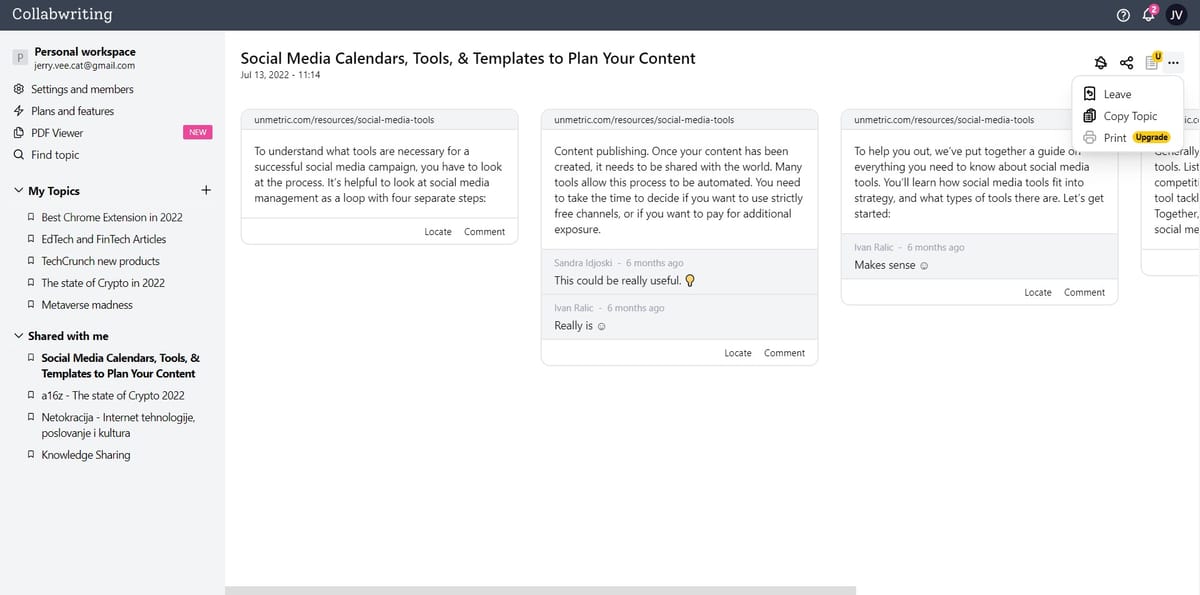
You can now export your entire Topic to clipboard 😄
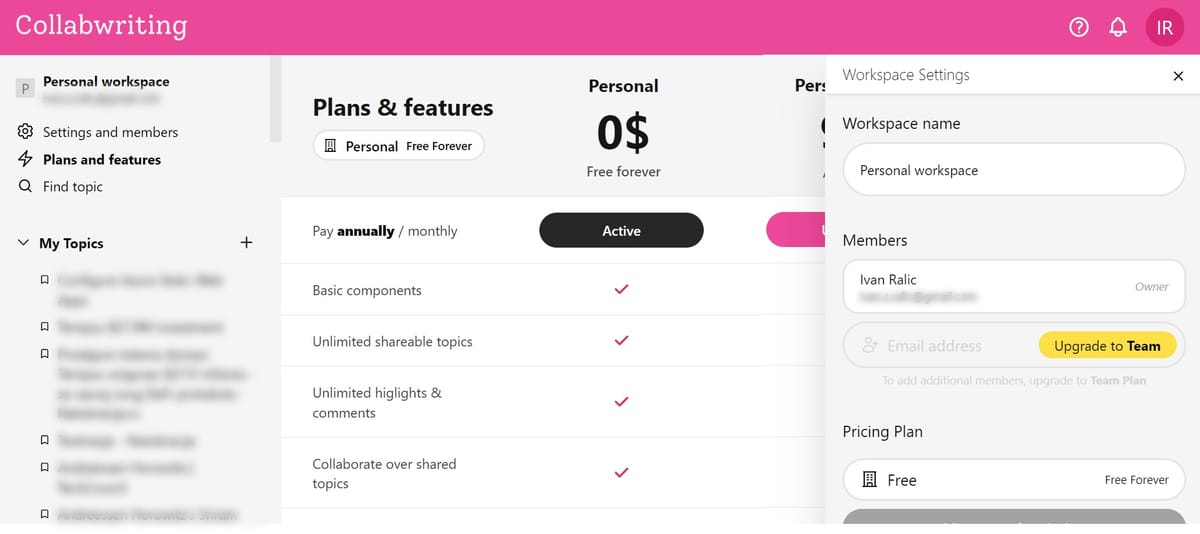
You can now manage your workspace from the Workspace Panel by clicking new ⚙ Settings and Members navigation item 😄
Here you can:
If “Personal Workspace” got to boring, now you can change it to anything you want, so be creative 😁
There was an issue with Snippets changing order in Dashboard after page is refreshed. This is fixed now 😅
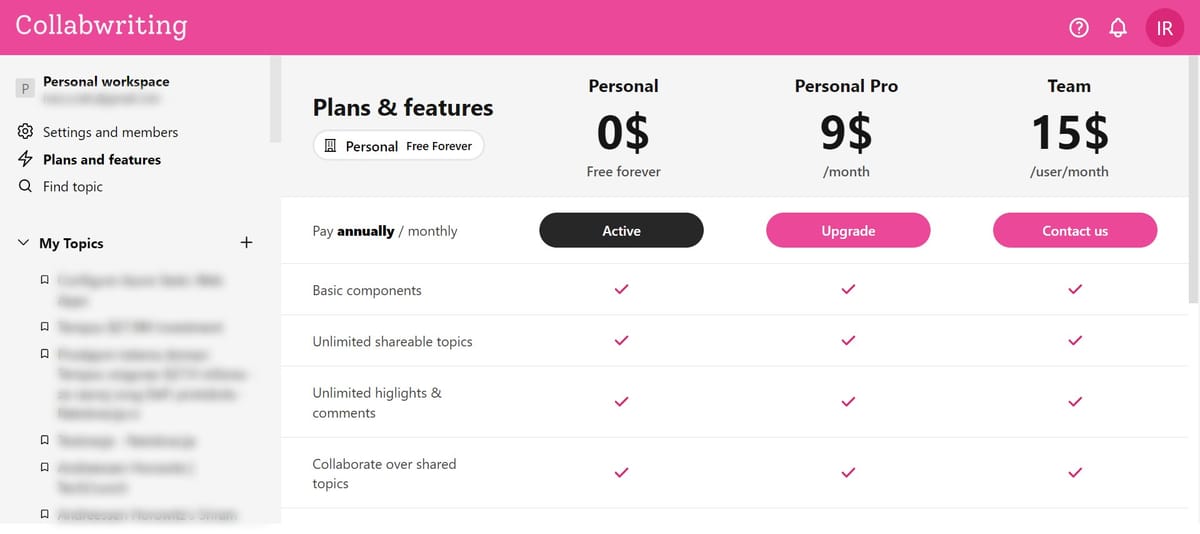
Tracking your subscription plan, as well as managing your subscirption just got easier 😄
All the features and updates can now be found on our all new Plans & Features Page.
When clicking Locate in the Dashboard, besides only showing you a highlighted snippet, from now on the Extension will open and with a selected Topic and highlight the selected Snippet as well 🥳
This feature works seamlessly with Chrome’s locate algorithm, so locate will work properly even with your Collaborator that do not have an Extension 😊
Collaboration just got easier 😄
Now you can create snippets without panel opening by highlighting text and then pressing SHIFT + ENTER. The snippet will be savet to the current Topic.
And as before, if you want to quick add a new snippet and open the panel just press the ENTER