🎉 Open Collabwriting Shortcut
There’s now a small button that pops up every time you select a text on some website, so you can easily open collabwritng where ever you are 😄

New features, improvements and fixes in Cluing. Page 20 of 24.
There’s now a small button that pops up every time you select a text on some website, so you can easily open collabwritng where ever you are 😄
You can now add titles to your Snippets so organization got a lot more efficient 😄
Sometimes if you land on a webpage through Collabwriting Extension, change your Topic and refresh that page for what ever reason, Extension would open up previous topic.
This is now fixed 😄
You can now save Topics with Chinese, Arabic, Slavic or pretty much any name you wish 😄
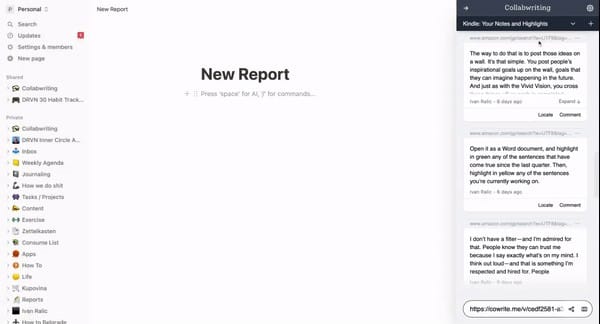
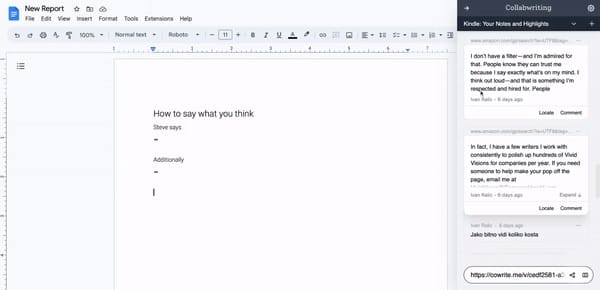
You can now just Drag&Drop Snippets to GoogleDocs, Notion, Gmail, Outlook and a lot more supported apps.
Sharing findings or creating outputs from your resesarch has never been easier 😄
Sometimes 404 error would popup after Collabwriting login.
This was happeining due to other extensions trying to reach our endpoint so the error would be invoked.
This is now fixed so the error won’t bug you anymore, but we are still blocking those requests nevertheless 😅
In somecases Workspace Name wouldn’t change due to a bug. Now everything is fixed 😄
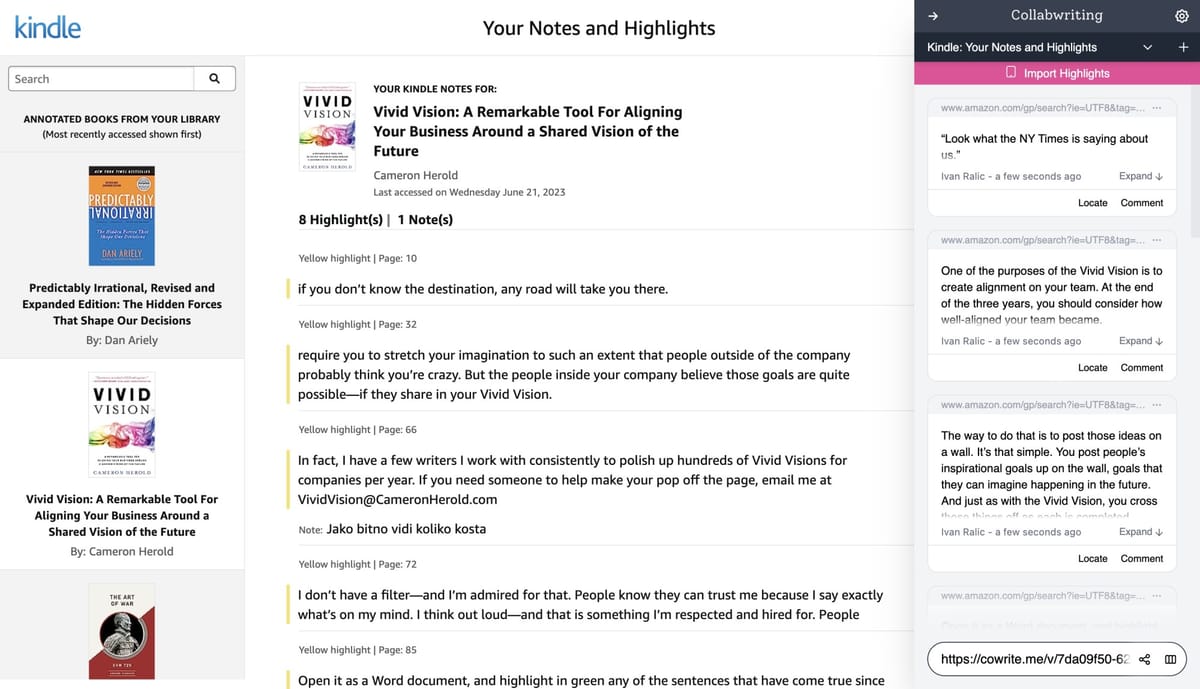
You can now import all your Kindle Highlights and Notes in Collabwriting and start collaborating over them as well 😄
If it’s a free Knidle Book everyone will have access to locate highlights, and if not you can click the Snippet url and find it on Amazon 🧐
Find the link to Kindle in Extension or Dashboard Settings ⚙️
Want to quickly find something? Try our new shortcuts for Search ⚡️
Windows - CTRL + K
Mac - ⌘ + K
You can now upload PDFs as big as 30MB and start collaborating on bigger documents as well 😄
You now have the power for defining all #tags your collaborators can use 👌
They can still add #tags on shared Snippets but those are #tags you’ve predefined for them to use 🦾
More structure | Less trolling | Better process
On some websites the icon color in Extension was black which made them really hard to see. This is now fixed 👀
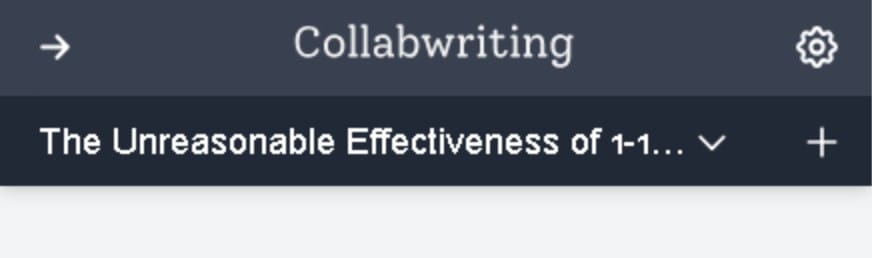
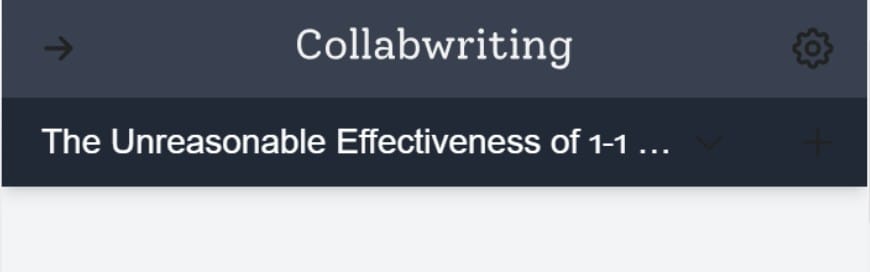
Snippets on shared topics weren’t sorted correctly so they were changing order after every refresh. This is now fixed and won’t cause OCD problems anymore 😄
You can now upload PDFs with non-latin names and content and start collaborating on them as well 🤓
You can now add Topic Cluster Collaborators 😄
This way you can easily set roles for users on any Cluster’s Topic inside 👀
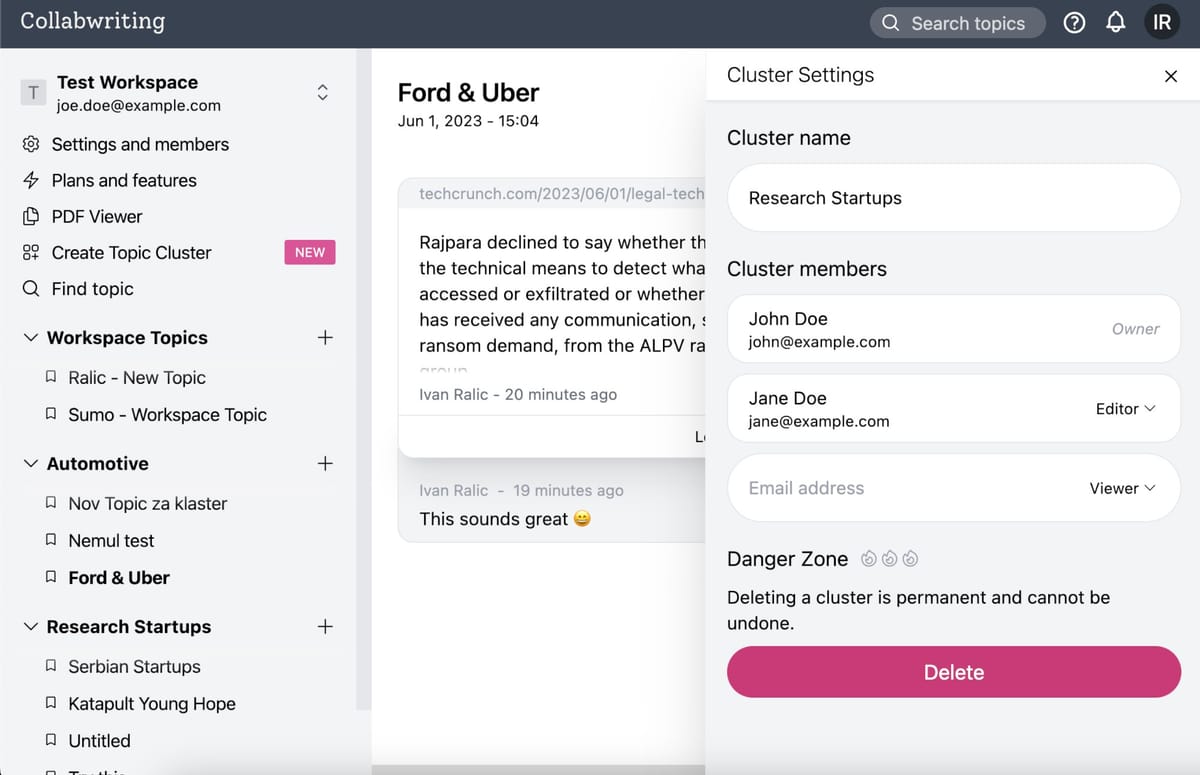
You can now sort Topics into different Topic Clusters and use them as collections where your Topics live 🥳
So now you can organize your topics like a pro. Simply drag and drop them between clusters with ease. It’s a joyful and intuitive way to keep your ideas neatly sorted and accessible. 🙌
Text color is now adaptable based on your brand’s color. So whatever color you choose links will be visible 🤓
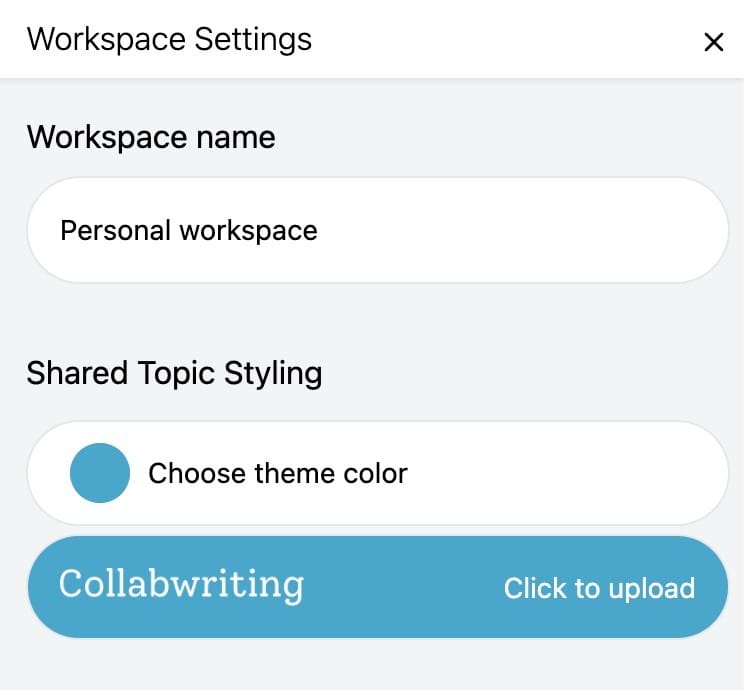
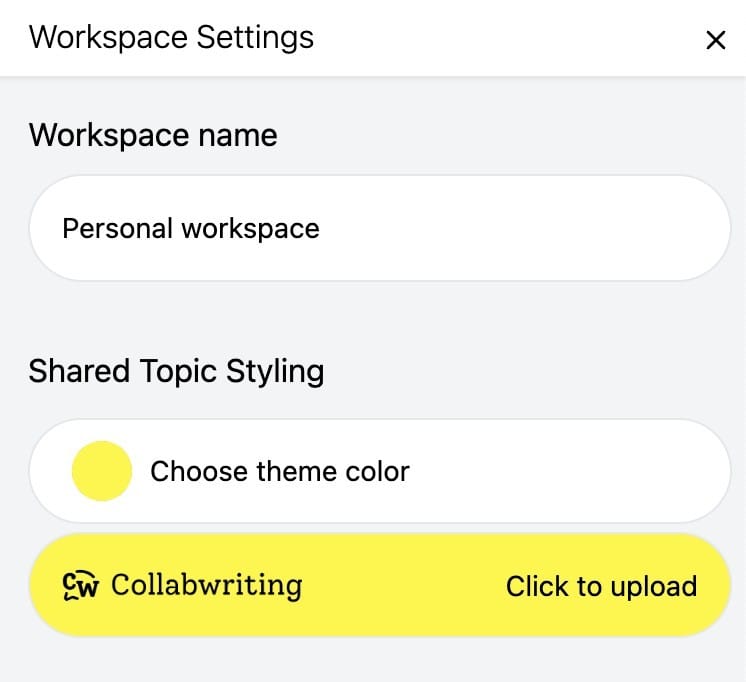
You can now brand your topics with your custom colors and logo 😄
So when you share a topic with someone they know who’s behind all the hard research 🥳
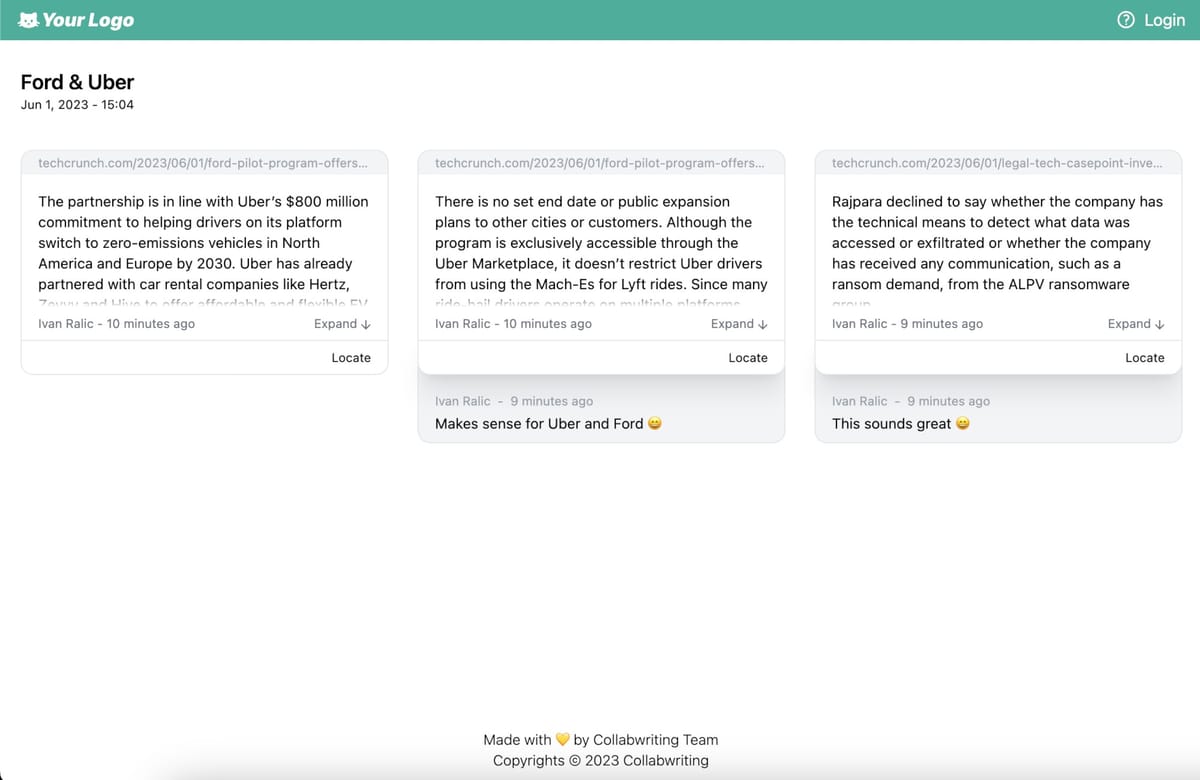
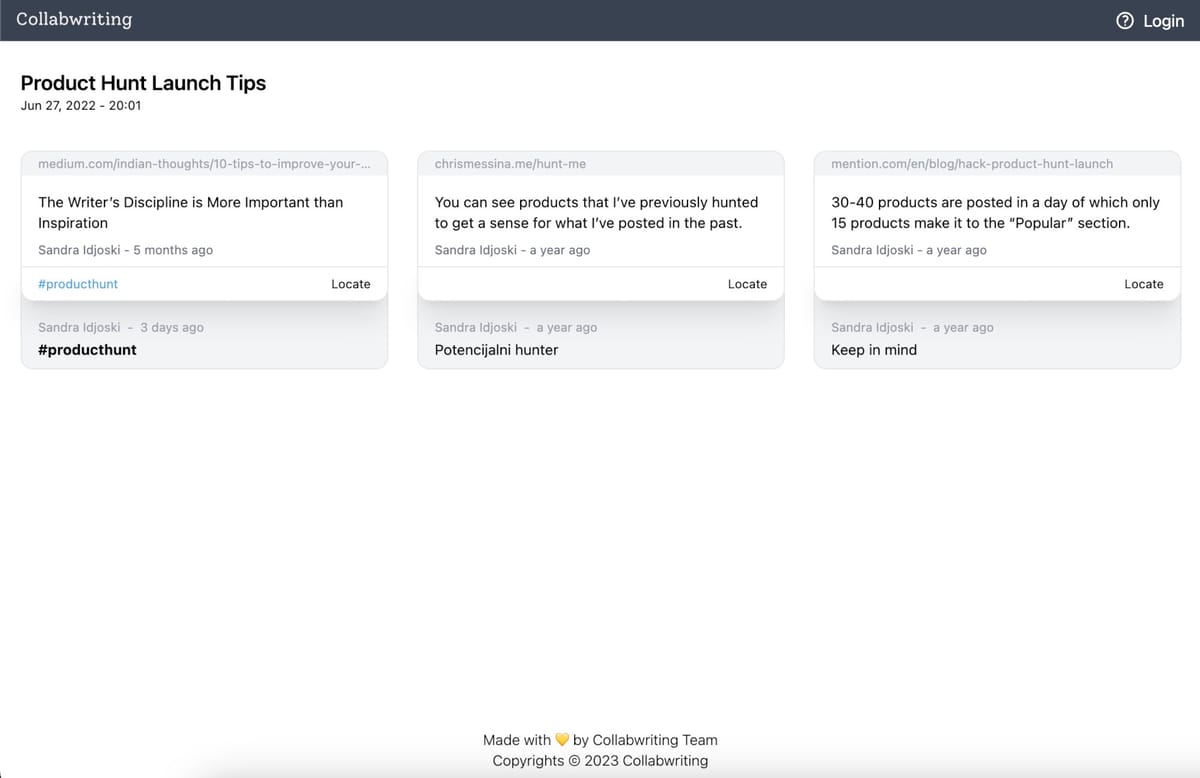
Shared Topics now look more like a Dashboard and less like an Extension. With a horizontal scroll on Desktops and vertical scroll on Mobiles now collaborating around what you share is even easier 😄
Shared Topics do not require login anymore! Whenever you share topic with your colleagues or your audience they’ll be able to view it without registering to Collabwriting. So trully public links 🥳
Besides collaborating around online PDFs, you can now upload your own and start collaborating on them as well 😄