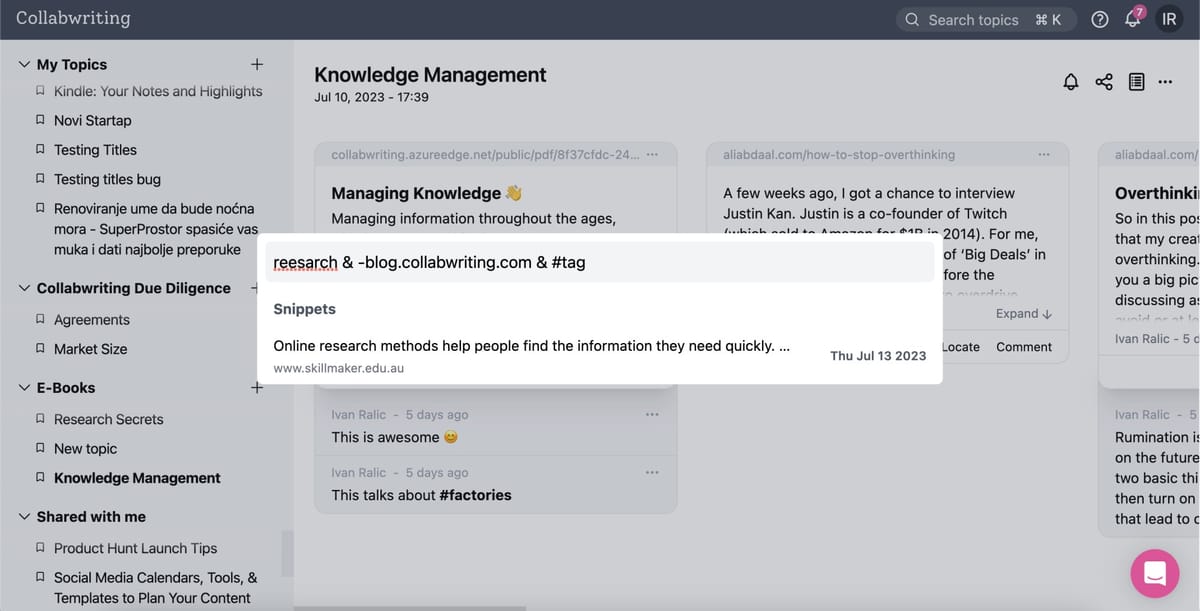
The arrow keys position now reseats with every search and you can now use it to access the search bar too. You can now search through Collabwriting, without ever needing a single additional click.
Sometimes when uploading big PDFs you’re not sure if everything is working, if your connection is good or there’s a bug? This simple progress bar solves that 🥳
We’ve enhanced our Locate Algortihm so it now supports more webpages even when there’s no Extension Installed, so your Collaborators will have a better UX 😄
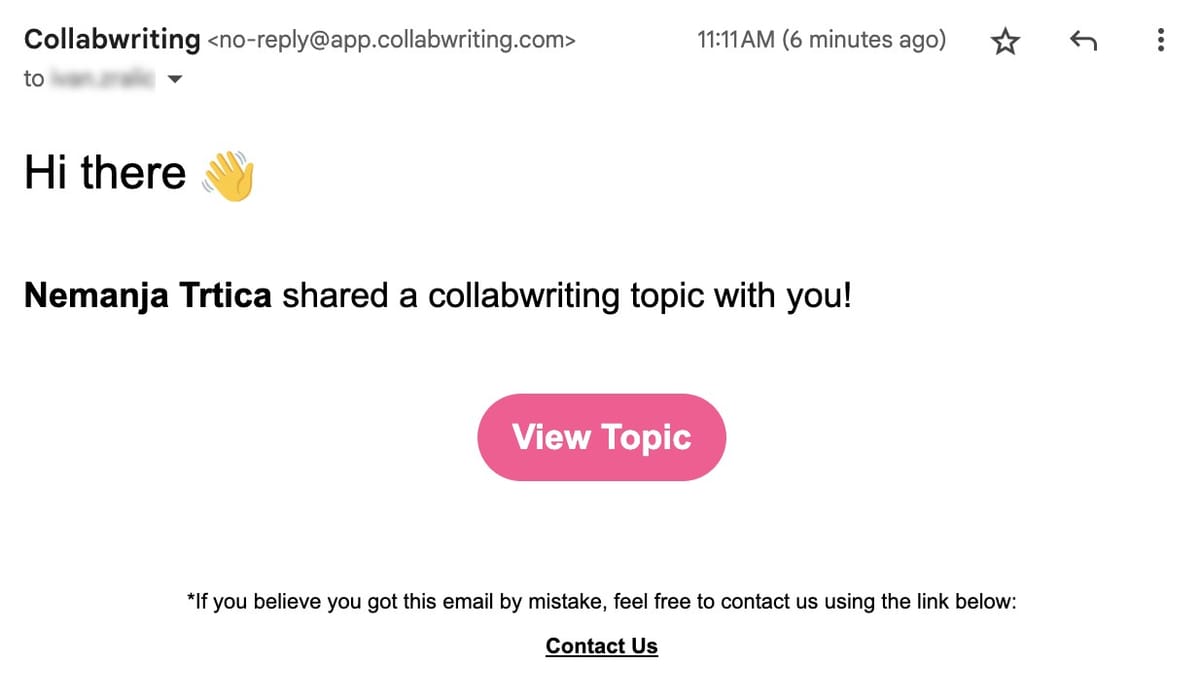
We’ve developed a support for email notifications 😄
Now when you add your collaborators on Topic, Topic Cluster or Workspace they’ll get notified by email as well 😊
We’ll be expanding this feature in the future and currently are thinking about what’s the best way to notify people over the email, but not spam them. We’re thinking about daily and weekly diggests, if you have any other suggestions please write them on our roadmap 😄🙌
We’ve leant something new last week, when typing Japanese you have additional ↵ Enter to select a symbol so mayority of apps work differently for japanese.
If your system is set to Japanese you can use your ↵ Enter key for typing, and now if you want to quickly send comment just press:
Highlights created in PDFs were redirecting to a login page for shared Topics. We’ve fixed this now. You can collaborate with users without them needing to login even on PDFs 😊