🎉 Bulk Select & Delete Snippets
You can now delete multiple snippets at once. 🙌
All you have to do is press SHIFT and the checkboxes will appear. You can then select as many as you want and delete them.
New features, improvements and fixes in Cluing. Page 18 of 24.
You can now delete multiple snippets at once. 🙌
All you have to do is press SHIFT and the checkboxes will appear. You can then select as many as you want and delete them.
We’ve imporved how our search works. Now it works across multiple workspaces, and when you click a #tag you are redirected to the right one 🥳
When exploring your snippets, you were able only to see “x days ago” but now you can also see the exact date and time of each snippet creation. Simply hover over the timestamp, and the popup will show detailed info. 📅
There was an issue where Save button wasn’t showing on LinkedIn. That is now fixed 🙌
There was a bug where long links would overflow cards in comments. That is now fixed. 🎉
In some cases, research papers did not end with .pdf but were still PDFs, so our PDF Viewer wasn’t recognising them as such.
We’ve updated the way we look at PDFs and now they are supported as well 😄
There was a bug preventing users to paste images to commets. Now that’s fixed 🫣
You can now add a description to the topic for a better understanding of the content inside of it 🥳
Just open Desired Topic, click on a share button and type your Description:
You can now save entire twit in a single click 😄
Like on LinkedIn, posts are locateable even when you’re not logged in.
Sometimes Copilot doesn’t provide relevant snippets to desired research request or you just need more.
With this new button, you can add more snippets and expand your research to make it better and more precise. Maximum amount of researched snippets by Copilot is 30.
Enjoy 🙌
Now, you can access Copilot directly from the extension as well. Just open settings panel and you’ll find it there!
Enjoy 🙌
It looked like Sidebar won’t open on mobile view when Share Topic Panel is already opened, but it was just opening below it 😬
This is now fixed and opens as it should 🥳
When PDF document was large, locating text inside it didn’t always worked as expected, and sometimes highlight would appear like it’s highlighting a paragraph above 🫣
Now it’s fixed! 😊
If sidebar was open, Notification panel wasn’t visible because it was open underneath sidebar.
It’s now fixed. 😊
When sharing your Topic with collaborators, sometimes Topic Owner would show as undefined 😬
This is fixed now, editor roles will see the owner, visitors see only themselves 🥸
You can now save entire LinkedIn post in a single click 😄
The best thing is, LinkedIn Posts are locateable even when you’re not logged in.
The same UX we previously had on the Daashboard is now present in the Extension as well.
Now, in a single click you can add new Topics to particular Clusters straight from the Extension 🥳
You can now right-click on the Quick Open Button and the menu will pop up with options to learn more and hide it forever.
If you change your mind by any chance you can re-enable it here 😄
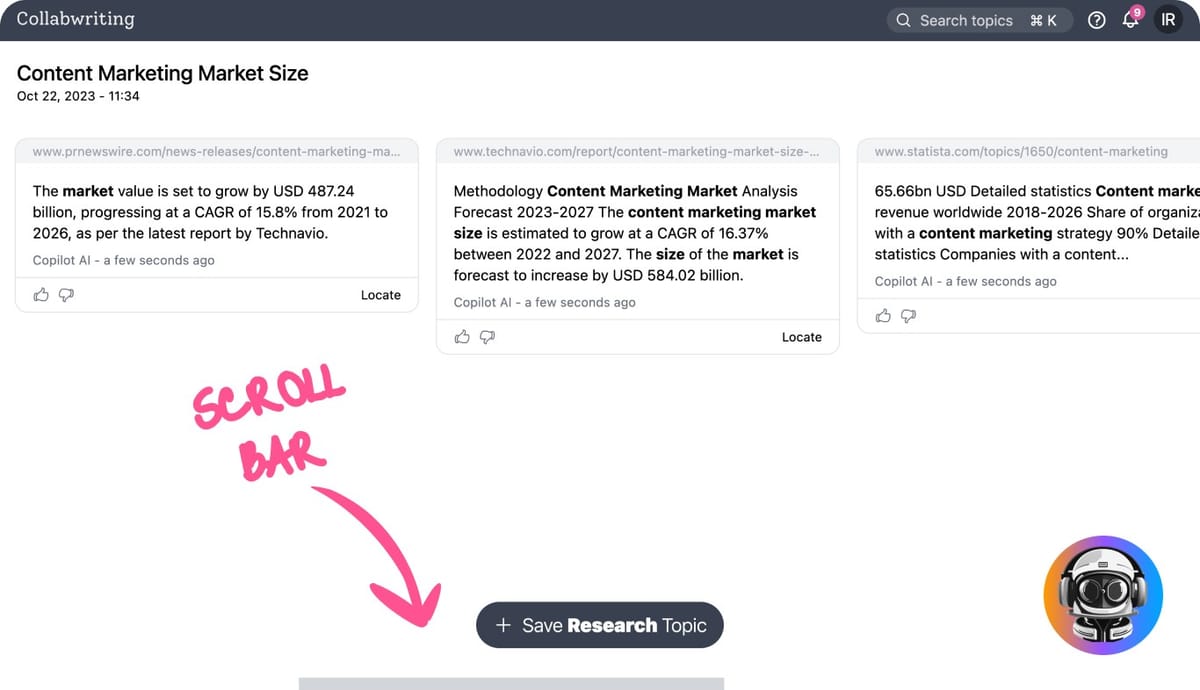
Now when copilot adds newly found cards they are automatically scrolled to on the screen, and we’ve added a clickable scroll bar at the bottom for all you mice lovers 🐭
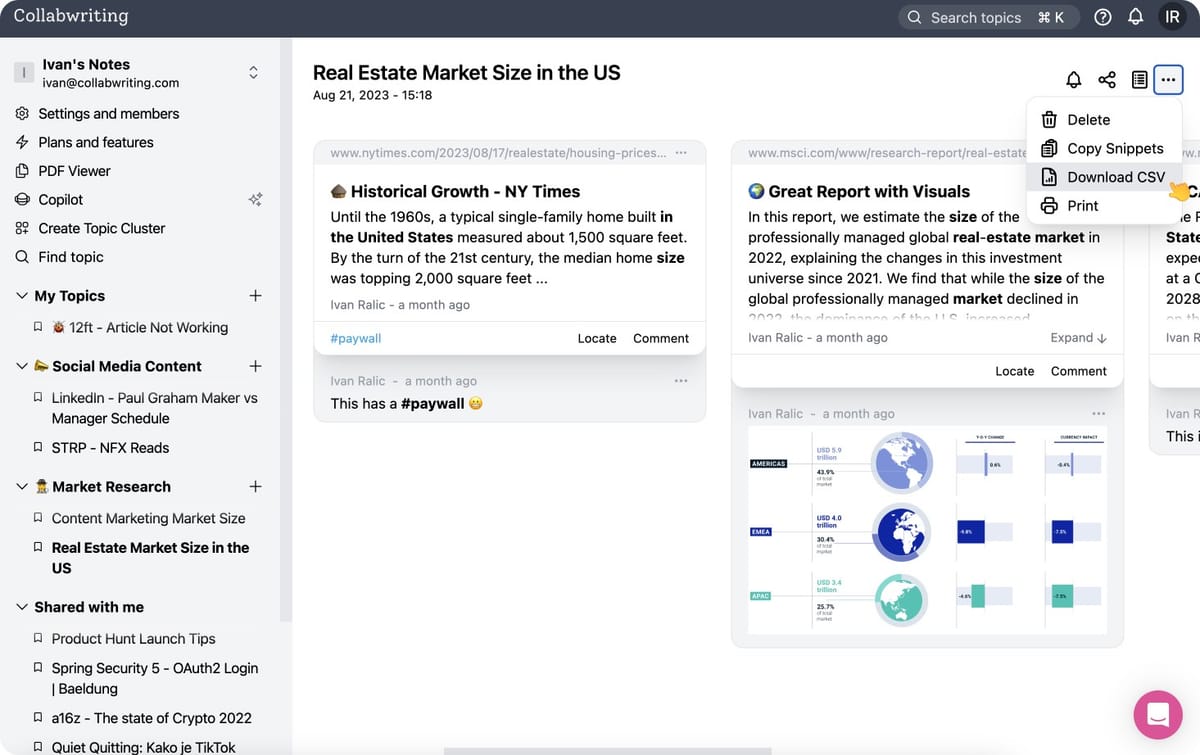
You can now export your Research Topic to CSV so you can then open it in Google Sheets, Excel or your app of choice 😄