Skip to content

Changelog

New features, improvements and fixes in Cluing. Page 17 of 24.

Fix

🐞 Plans and Features weren't opening on Mobile

It looked like Plans and Features won’t open on mobile view, but it actually does. It was just our Sidebar that was persistent and wouldn’t close when it should. 😬

This is now fixed and works as expected πŸ₯³

Fix

🐞 "Shared with Me" Cleanup

There was a little bug that was causing topics to stay in your β€œShared with Me” section after leaving Cluster.

Good news, that bug is officially history! πŸ™Œ

Feature

πŸŽ‰ Topic Author

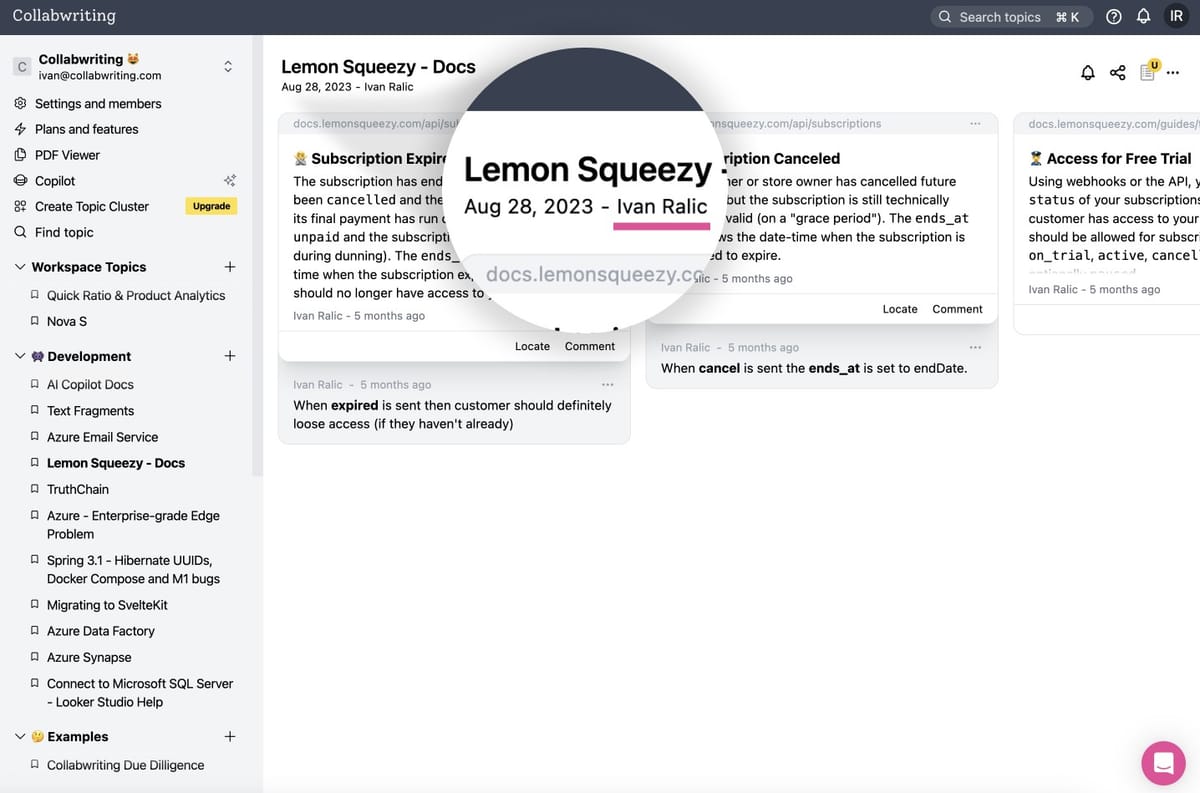
Ever wondered who created a topic you just visited? We now show you the Author right below Topic Name πŸ˜„

So no more opening Share Preferences Panel and looking for the Owner 😎

Feature

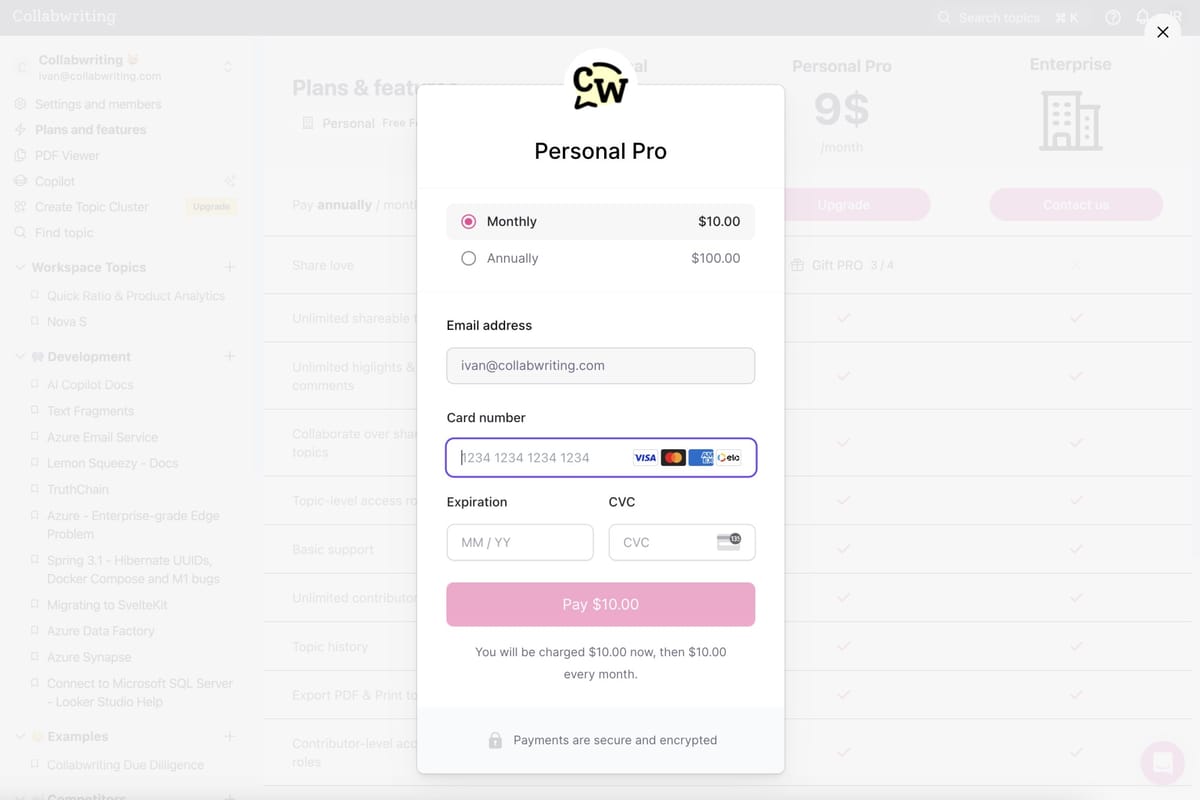
πŸŽ‰ New Billing & Checkout Experience

You now have more options to pay, manage your billing, pause subscriptions and everything around getting as much buck for your money πŸ˜„

To test it out, we’ve prepared promo code for 50% OFF just use NEWSHOP50OFF at the checkout πŸŽ‰

*promotion ends at the end of the week February 11th 2024

Improvement

βš™οΈ Smoother Horizontal Scroll

If you’re using mouse and want to scroll horizontally through topics, now you can! Just press SHIFT (or ⇧ on Mac) and scroll away 🌬️

Improvement

βš™οΈ Opening online PDFs improvement

Some hosting providers started marking our PDF Viewer as a bot πŸ€–

Thus, some online PDFs stopped loading inside Collabwriting. We made some optimizations for now and have a plan to fix these kinds of issues in the future entierly.

Fix

🐞 Topic name glitch fix

Sometimes when switching topics very rapidly (like really really fast⚑️) topic name would glitch and you would be presented with the name of the last topic you clicked. This now imposible, how ever fast you are 😎

Fix

🐞 Workspace Theme set to RED by default

Our Workspace theme color went a bit rogue – defaulting to red without letting you know. Now, problem is fixed so just dive in and make it uniquely yours! 🌈

Improvement

βš™οΈ All new button for opening online PDFs

We’ve enhanced the visibility of the β€˜Open in Collabwriting’ button when working with online PDFs. Simply open extension and button will appear in bottom right corner.

Enjoy πŸ™Œ

Improvement

βš™οΈ More slicker Drag&Drop

We’ve given our Drag & Drop a friendly makeover, makeing things much more smoother.
Just waiting for you to try it out! ✨

Improvement

βš™οΈ UX improved when deleting snippets

We noticed snippets were a bit stubborn - they just wouldn’t shrink when you hit delete.

Well, guess what? We’ve sorted it out! No more scrolling to delete an expanded snippet. πŸ™Œ

Fix

🐞 Vertical Title on Extension

We had a little β€œummm” moment where Snippet Title on our Extension decided to go vertical on some webpages. That is now fixed 😊

Fix

🐞 Long links not pasting in comments

There was a little hiccup where pasting a long link in a comment caused the app to break and the tab to go unresponsive. As always we fixed the problem, so say goodbye to those confusing moments! πŸŽ‰

Feature

πŸŽ‰ YouTube Capture

You can now capture screenshot of youtube videos. Whether it’s a memorable scene or a valuable tutorial, save that moment effortlessly. πŸ™Œ

Like on LinkedIn, and Twitter we added Save Button. All you have to do is:

  • Just go to YouTube
  • Open Collabwriting Extension
  • Click the Save Button

Feature

πŸŽ‰ Move Snippets to different Topics

Research can be a dynamic process, and sometimes snippets end up in the wrong topic.

Now, you can effortlessly move snippets to the correct topic, making organization much more easier. πŸš€

Improvement

βš™οΈ Optimized Print Dialog

Print Dialog would sometimes block the app even in different tabs 😬

We had some performance issues, now they are fixed, and everything works smoothly πŸ˜„