
⚙️ Extension fresh Look
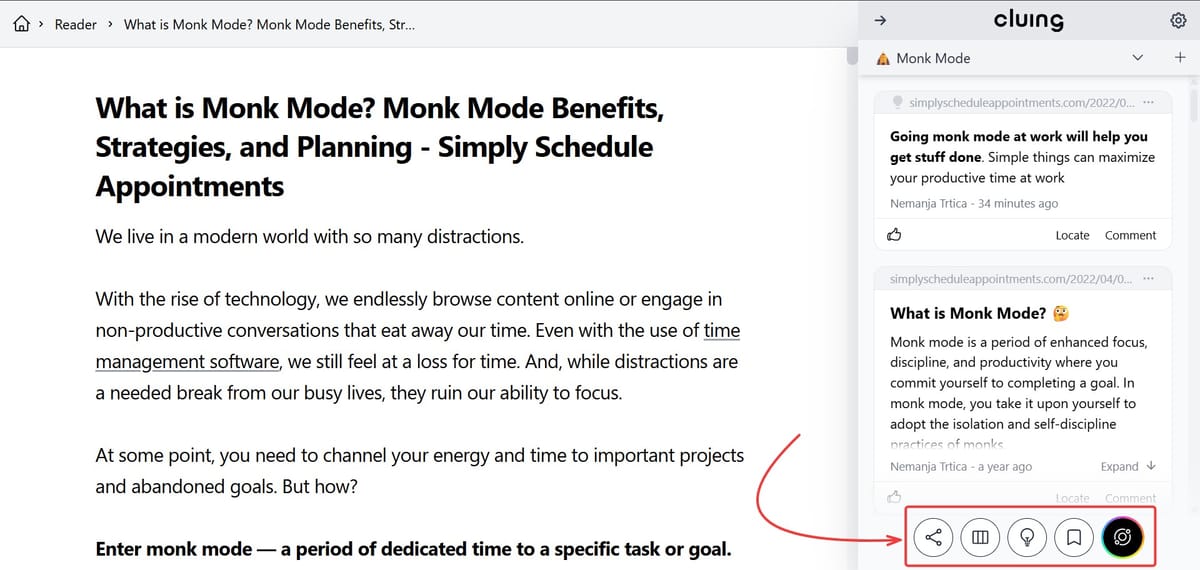
We gave the extension a cleaner action bar, so the stuff you use most — sharing, jumping to your dashboard, creating an idea, saving a bookmark, summarizing a page — is just one click away. Enjoj 🙌
New features, improvements and fixes in Cluing. Page 3 of 24.
We gave the extension a cleaner action bar, so the stuff you use most — sharing, jumping to your dashboard, creating an idea, saving a bookmark, summarizing a page — is just one click away. Enjoj 🙌
You can now upload CSV files directly into AI chat and storage - ask questions about your data and keep the files on hand for later. (Note: XLSX/XLS support has been retired) 🙃
Inbound emails are parsed more accurately now - complete with AI summaries, the sender as author, and Gravatar avatars - so saved emails look tidy and ready to use. 📩
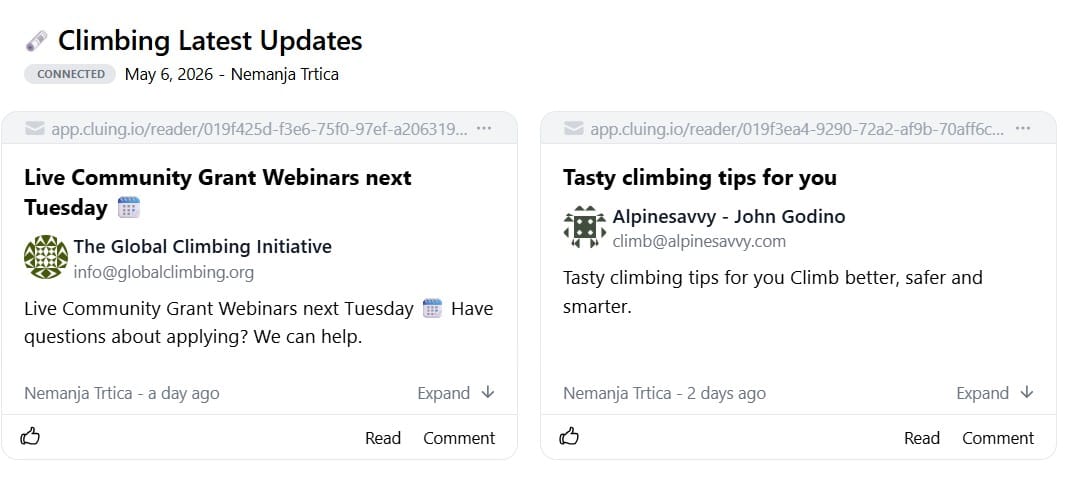
We spent some quality time on mobile this release. You can now save a canvas straight to a topic, copy snippet and comment links, and add tags while you’re creating a snippet. 📱
We reworked how link summaries are generated, so the whole thing is faster and a lot more reliable now. Kick it off from the Topic or extension, and any URL turns into a tidy summary. 🙌
There was a bug that made the free models and Agents disappear on iOS, locking you out of them on your phone. They’re back in the picker now. 🙃
There was a bug where “Show all highlights” in the mobile PDF reader left some highlights hidden. It now reveals every one of them. 🙌
There was a bug that made Reddit posts with only an image or video save as empty. That is now fixed and they now come through complete. 😎
There was a bug that put the new LinkedIn save button in the wrong spot. We moved it to where it belongs, so it’s easy to reach while you browse. 😊
There was a bug that made the tag suggestion list misbehave as you typed. We cleaned it up, so suggestions now appear and act exactly as you’d expect. 😊
Meet your new digital clutter-buster. 🤔
We’ve added a Workspace Organizer agent to help you tidy up your research. It automatically structures your notes, keeping your workspace perfectly sorted so you don’t have to do it manually. 😁
AI Chat now works with more than just PDFs. You can use non-PDF documents in chat, and attached documents are now handled more reliably so your AI assistant always has the context it needs.
We also improved support for document previews and added supported file types in the chat UI, making it easier to understand what you can attach and ask questions about. 🥰
AI chat just got a whole lot easier to navigate. We split things into two clear options. Choose Models for flexible, everyday brainstorming, or Agents when you need a built-in expert to get a specific job done.
Also chat preferences are now remembered between sessions, topic mentions work more smoothly, and editors now show helpful placeholders that prompt you to use commands, along with a handful of smaller visual touch-ups throughout. Enjoj 🤖
Saving content from the web is now better than ever. We’ve improved how articles and web pages are captured, with better titles and descriptions so your saved content is always clean and easy to find. 🙌
We’ve moved AI Chat to WebSocket with SSE fallback, making it noticeably faster and more reliable. Less waiting, fewer interruptions, smoother conversations. 🙌
We’ve improved the Author Search Engine. It’s now way easier to find people and connect content with the Author behind it. 🤗
Adjusted mouse wheel zoom sensitivity for a smoother and more natural navigation experience in Knowledge Graphs. Enjoj 🙌
We’ve added quick links to AI Chat and Knowledge Graph directly in the extension - one click and you’re there. 😁
No more accidental overwrites. Canvas now uses a single-writer approach, so your edits are always safe even when multiple things are happening at once. 🤗
There was an issue where long snippet titles were overflowing outside the snippet container instead of wrapping correctly. That’s now fixed. 🤗