How to create a new Topic?
There are 2 ways you can add a new topic to Cluing: when browsing through the extension or directly through our Dashboard.
Topics can be sorted into Clusters when first created, but can also be organized later on by just dragging and dropping them into the right container.
Creating new topic when using the extension
Section titled “Creating new topic when using the extension”Creating a new Topic right from the extension is super easy! Here’s how:
-
Open the extension.
-
Click the “+” icon in the top right corner of the extension.
To create a snippet, simply select any text on the webpage. A snippet preview will appear in the extension - just press Enter or click ‘Create’ to save it.
Creating new topic on the Dashboard
Section titled “Creating new topic on the Dashboard”To create a new topic from the Dashboard, follow these steps:
-
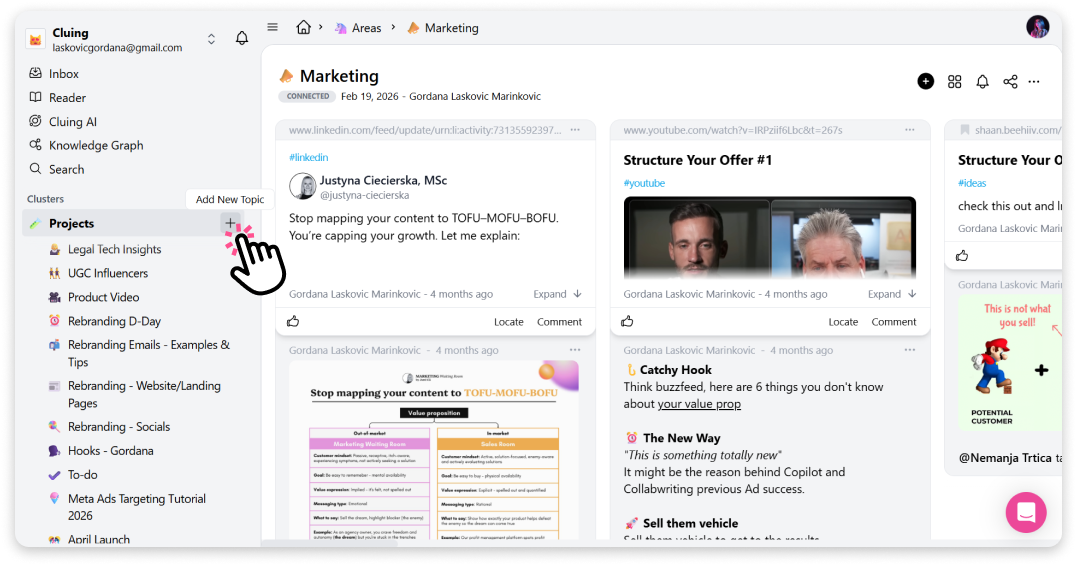
Find the cluster where you want to create the new topic.
-
Hover your mouse cursor over the cluster title - you’ll see a “+” button appear.
-
Click on it, and the new topic will be created.
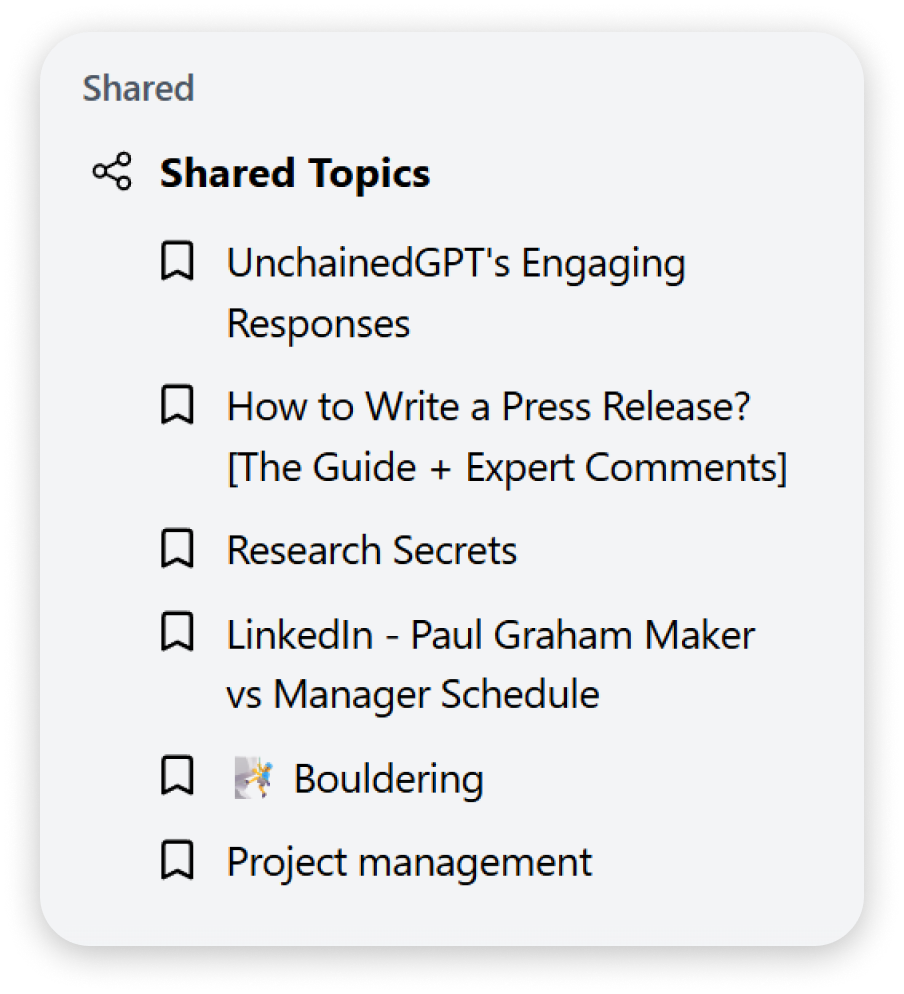
Topics shared with me
Section titled “Topics shared with me”Aside from the topics you create, you can become a contributor on others’ topics as well.
If someone shares a Topic with you, it will appear under “Shared” in your Dashboard sidebar, listed as a Shared Topic.