How to quickly find a Topic?
Find a Topic on the Dashboard
Section titled “Find a Topic on the Dashboard”To find a specific Topic, open your Dashboard and use the search bar located in the top right corner.
Just type the Topic name, and the results will show as you type.
Find a Topic in the Extension
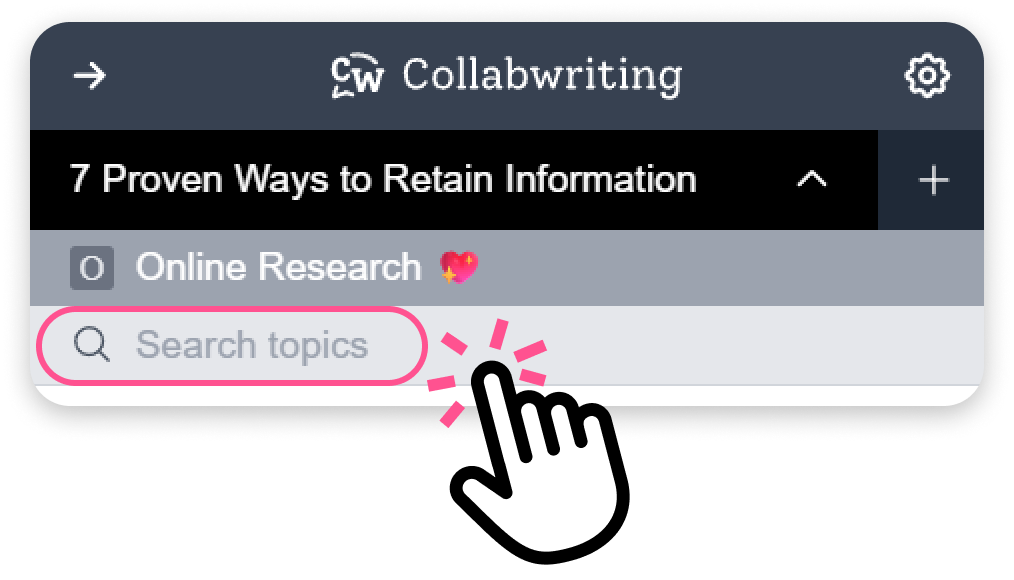
Section titled “Find a Topic in the Extension”When you open the Extension, you’ll see a search bar at the top. Type what you’re looking for, and you’ll find your Topic or snippet instantly.