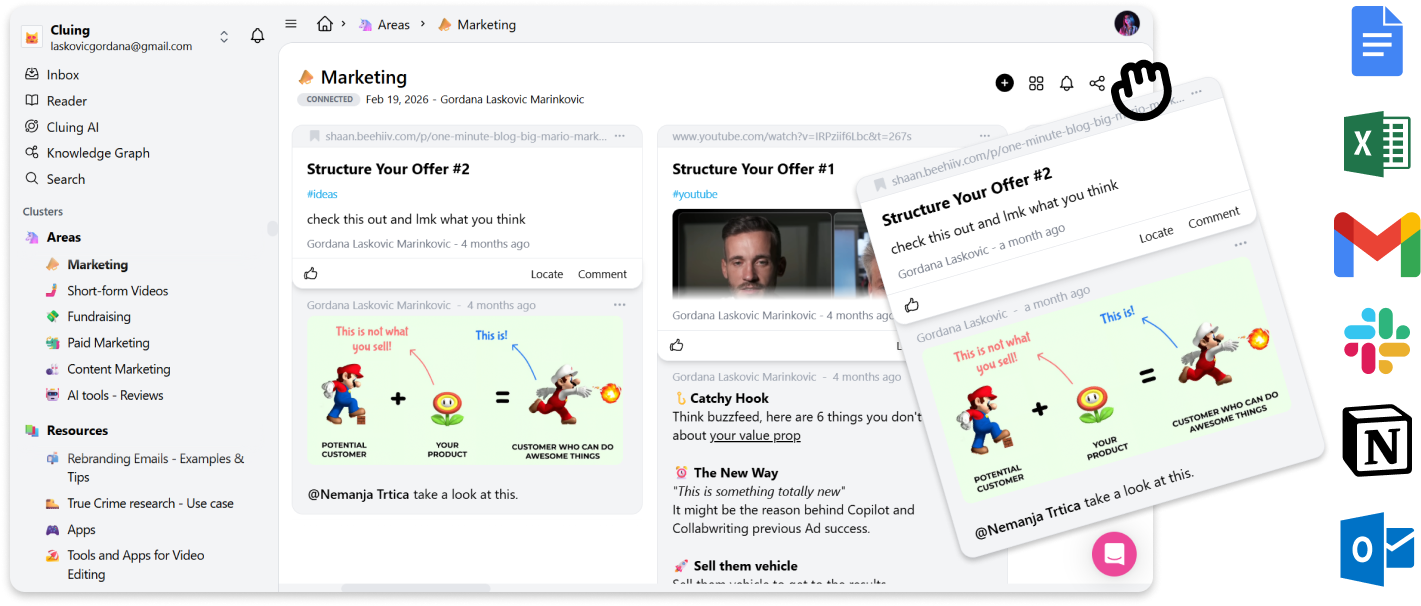
Drag & Drop snippets to external sources
To move snippets to external sources, simply click and hold on the snippet, then drag it to your desired location.
You can do it from both the Dashboard and the Extension.
You can Drag&Drop Snippets to:
-
Google Docs
-
Notion
-
Gmail
-
Outlook, and a lot more supported apps.