

Create Idea Snippet from Extension
How to create an Idea snippet from the browser extension?
Section titled “How to create an Idea snippet from the browser extension?”You can also create an Idea snippet directly from the Cluing browser extension while researching or browsing the web.
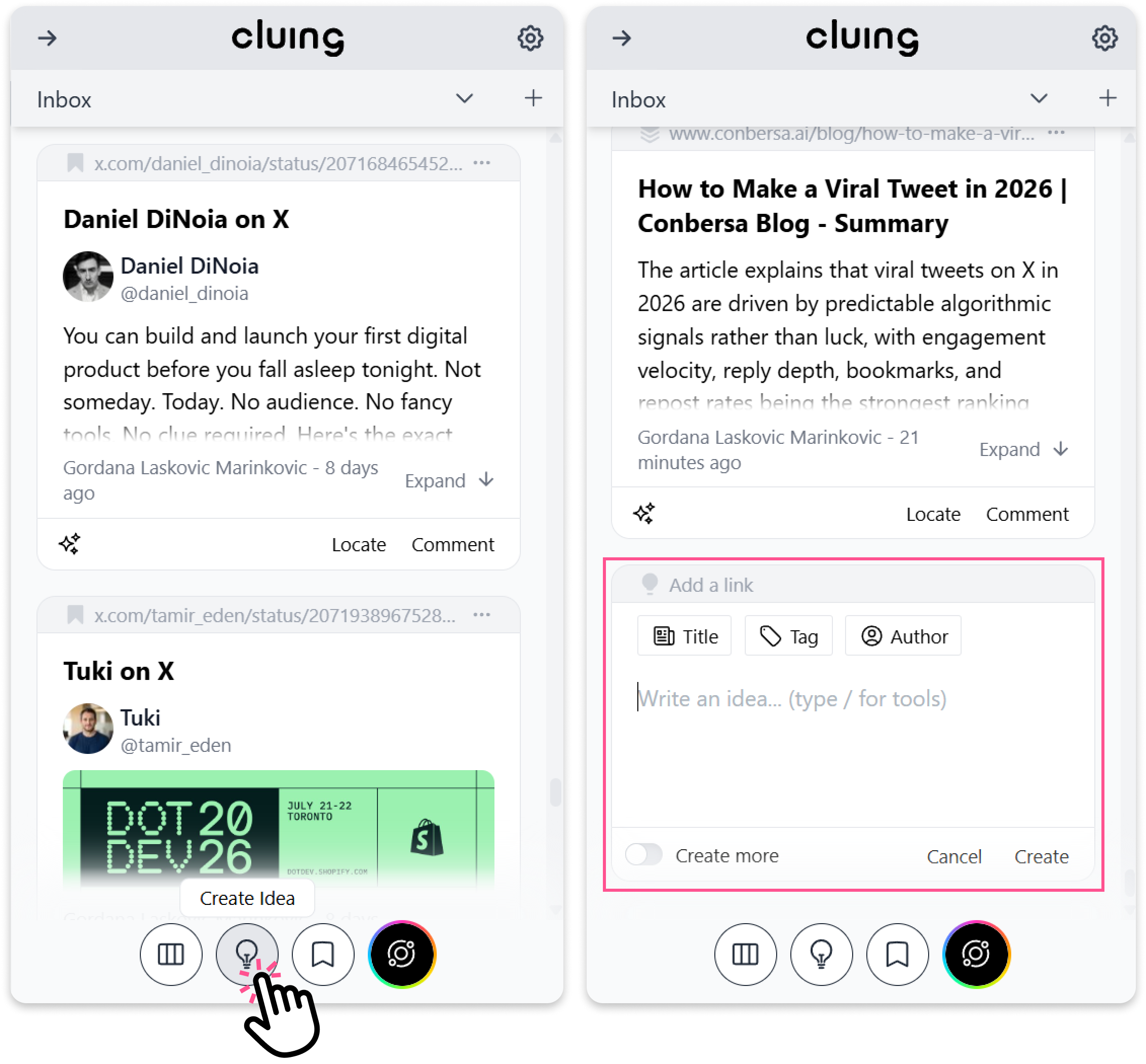
To create one:
-
Open the Cluing extension.
-
At the bottom of the extension, click the 💡 button.
-
Add your thought, insight, or note.
-
Click Create to save it as an Idea snippet.
Your idea can include a title, tag, link, and author.