How to remove workspace members?
Here’s how to remove workspace members:
-
Go to your Dashboard.
-
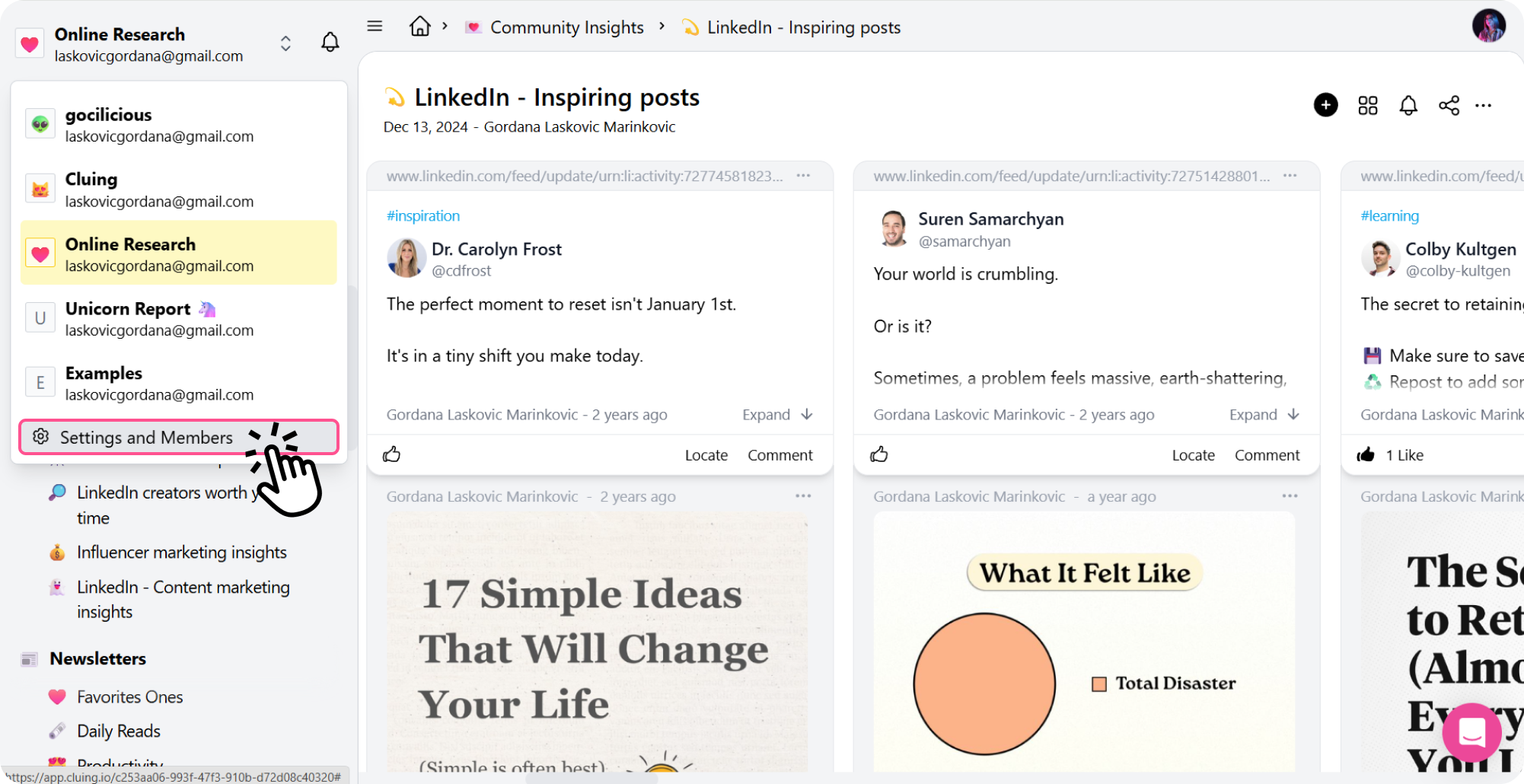
Click the workspace name in the top left corner.
-
At the bottom of the list, select Settings and Members.
-
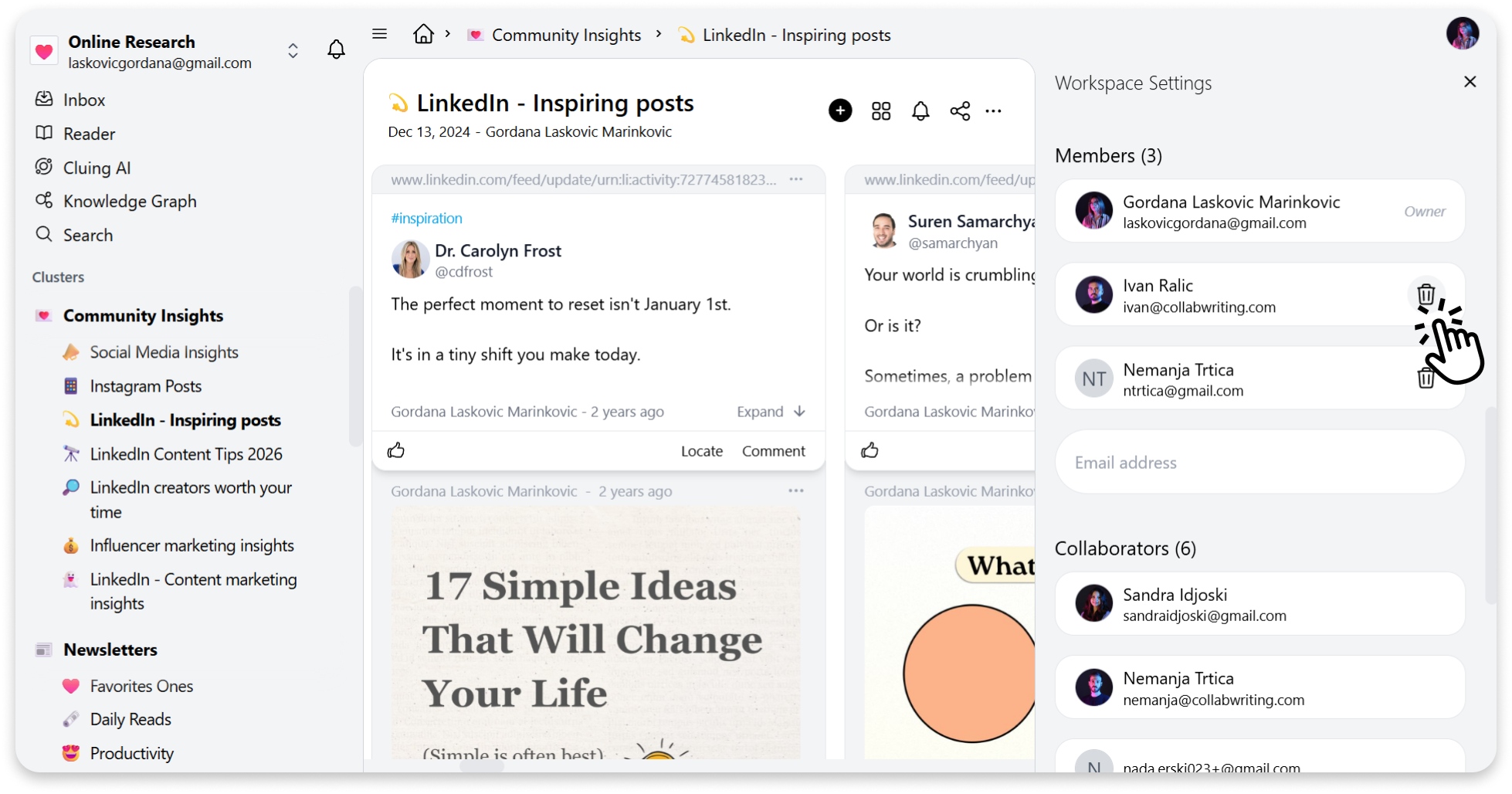
From there, you’ll see the list of members and the option to remove them.