

Subscribe or Unsubscribe to a Topic
Want to get notified when someone adds or changes something in a Topic?
Every topic on the dashboard has a little bell icon in the top-right corner.
Click it to subscribe or unsubscribe from that Topic, and choose whether you want to receive updates.
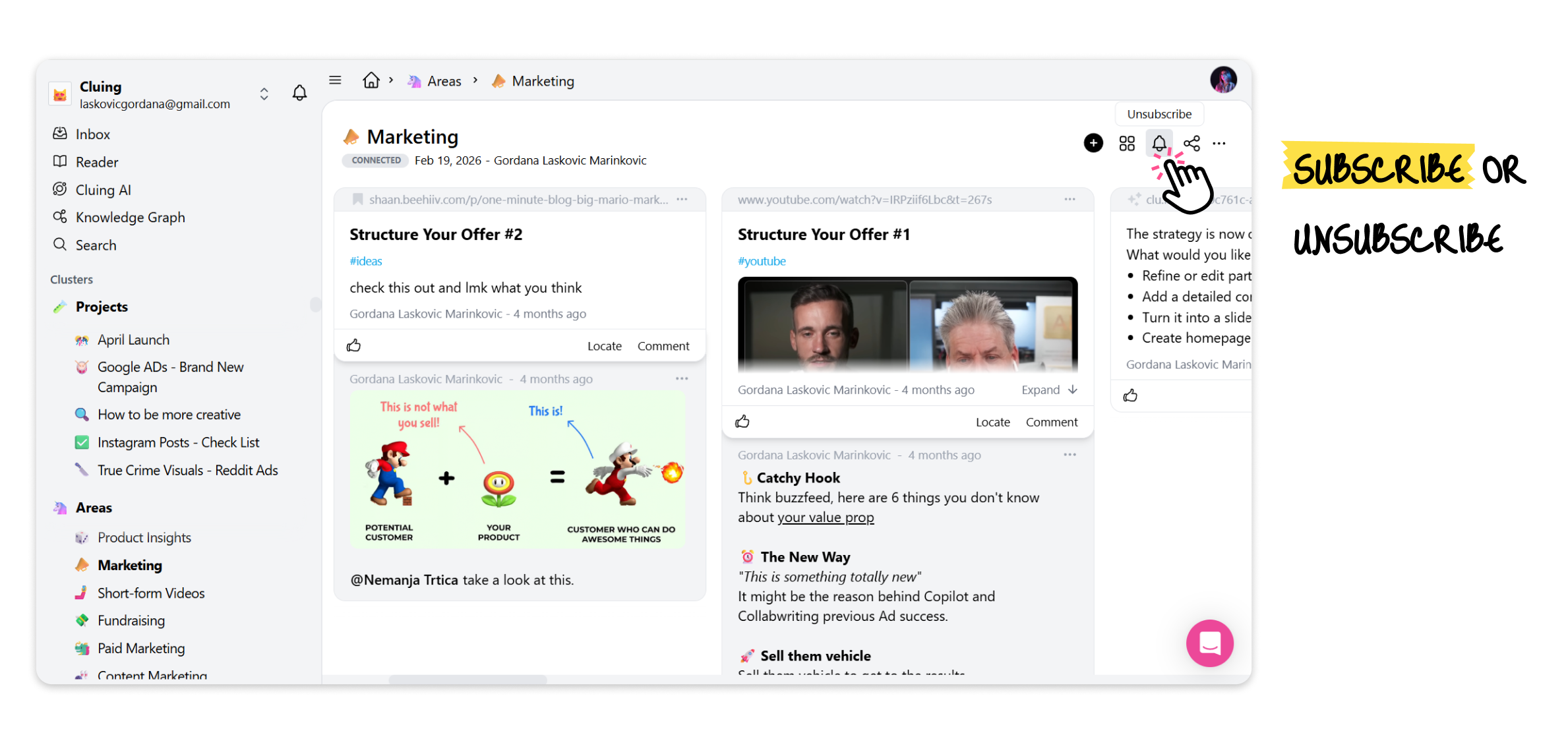
It’s an easy way to stay in the loop for topics that interest you the most. 🔔
Default Subscription Rules
Section titled “Default Subscription Rules”When you are involved with a Topic, the system handles your initial subscription status automatically, based on how you were added:
-
Create a Topic: You are subscribed to that Topic by default
-
Added to an existing Topic: You are unsubscribed by default
Receiving Notifications While Unsubscribed
Section titled “Receiving Notifications While Unsubscribed”If you decide to keep a Topic unsubscribed, you will still receive notifications in one specific ocasion:
- When someone directly mentions you in the Topic using @mention