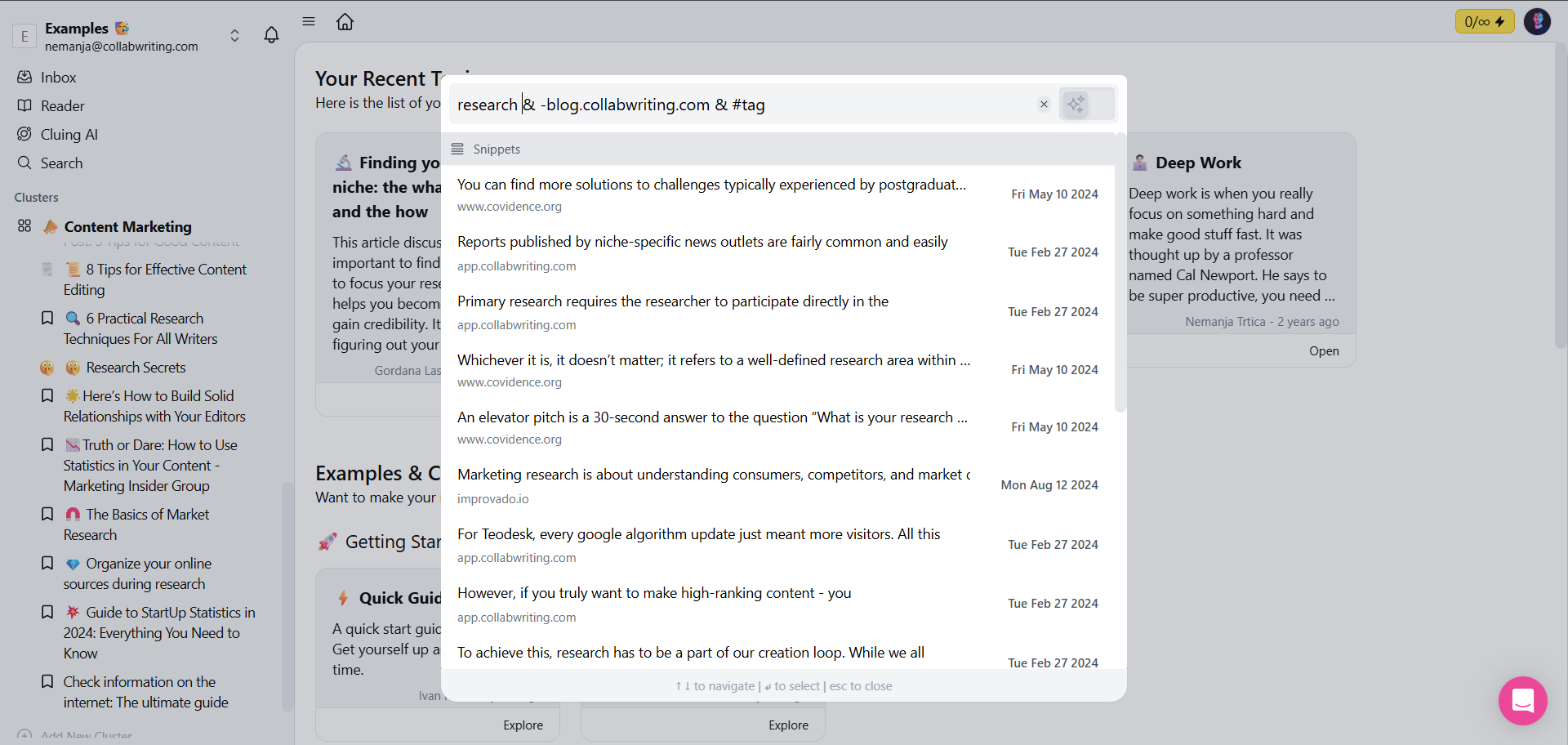
How to Search Through the App?
To quickly find what you need, just type a few keywords into the search box - whether it’s a Topic, snippet, or comment, and let the results guide you.
Advanced Search
Section titled “Advanced Search”If you’re searching for multiple words, you can use operators to refine your results:
-
Use
&to find snippets that contain both words. Example:word1 & word2. -
Use
|to find snippets that contain either word (or both). Example:word3 | word4. -
Add
-before a word to exclude results containing it. Example:-word5. -
Use
~for a fuzzy search when you’re unsure of the exact match.