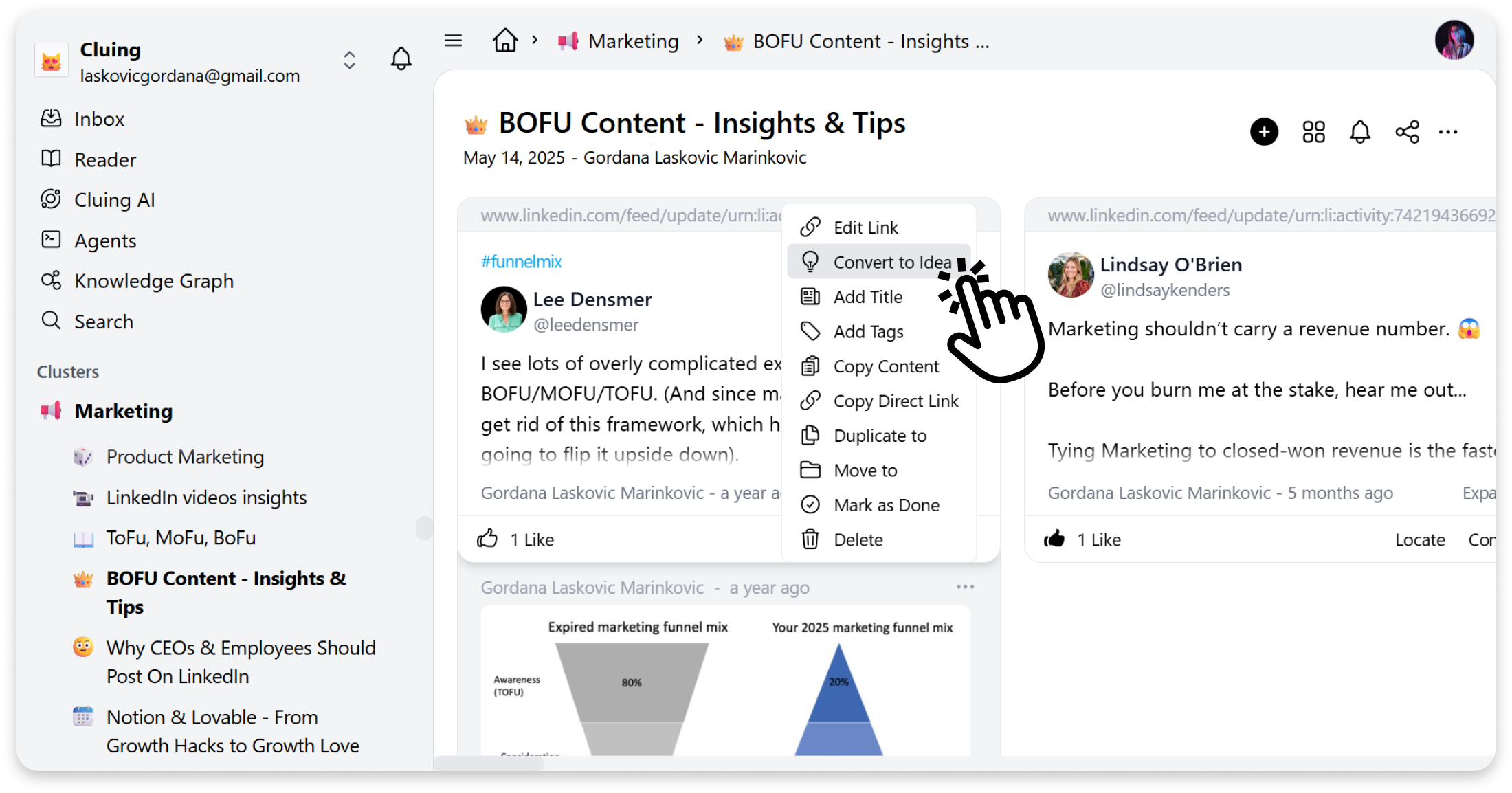
Convert Any Snippet to an Idea
With Convert to Idea, you can easily turn any snippet into an editable draft and continue building on your saved insights.
Steps:
-
Open the snippet menu by clicking the three dots on the snippet
-
Select “Convert to Idea”
-
Your snippet will be automatically converted into an Idea, where you can edit and expand the content however you like