Most Highlighted
Turn on this preference to see the sections most highlighted by other Cluing users. It gives you an instant overview of the key content, helping you focus on the most valuable information.
How to activate it
Section titled “How to activate it”-
Go to the webpage
-
Open the Cluing Extension
-
Click on Settings in the top right corner
-
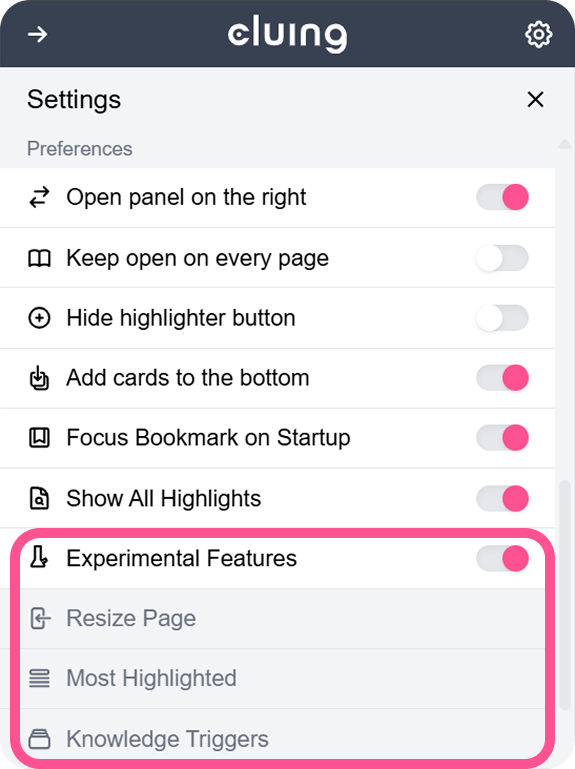
In the Preference menu, activate Most Highlighted