How to delete a Cluster?
To delete a cluster, follow these steps:
-
Go to your Dashboard.
-
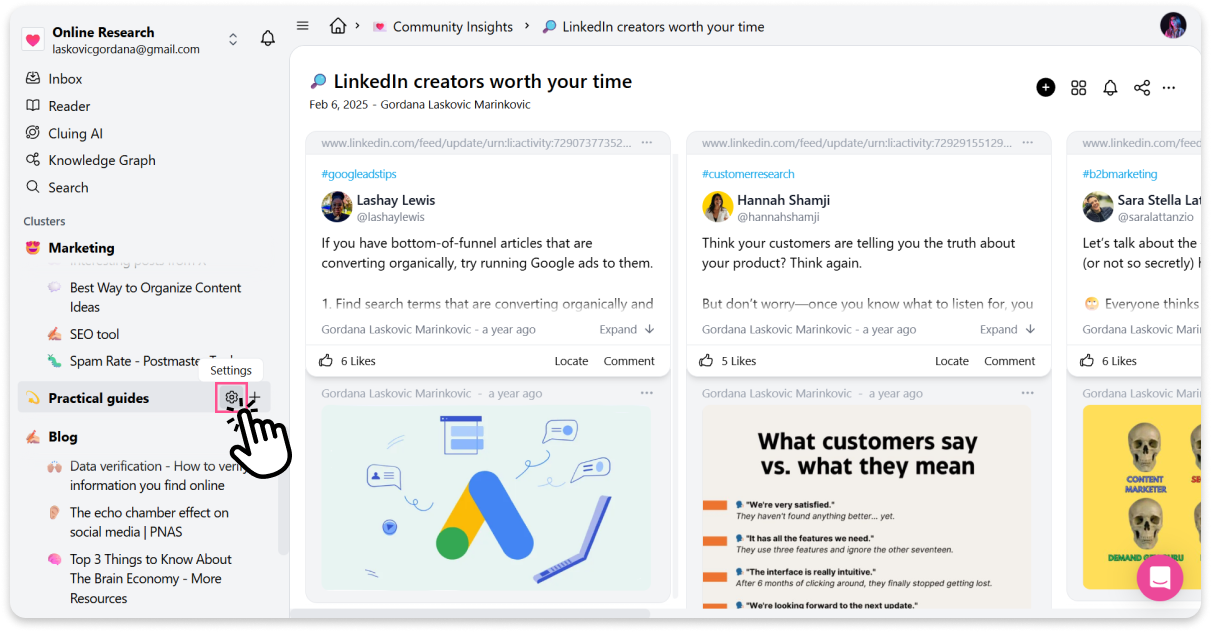
Find the cluster you want to delete in the left sidebar.
-
Click the ⚙️ settings button next to the cluster name.
-
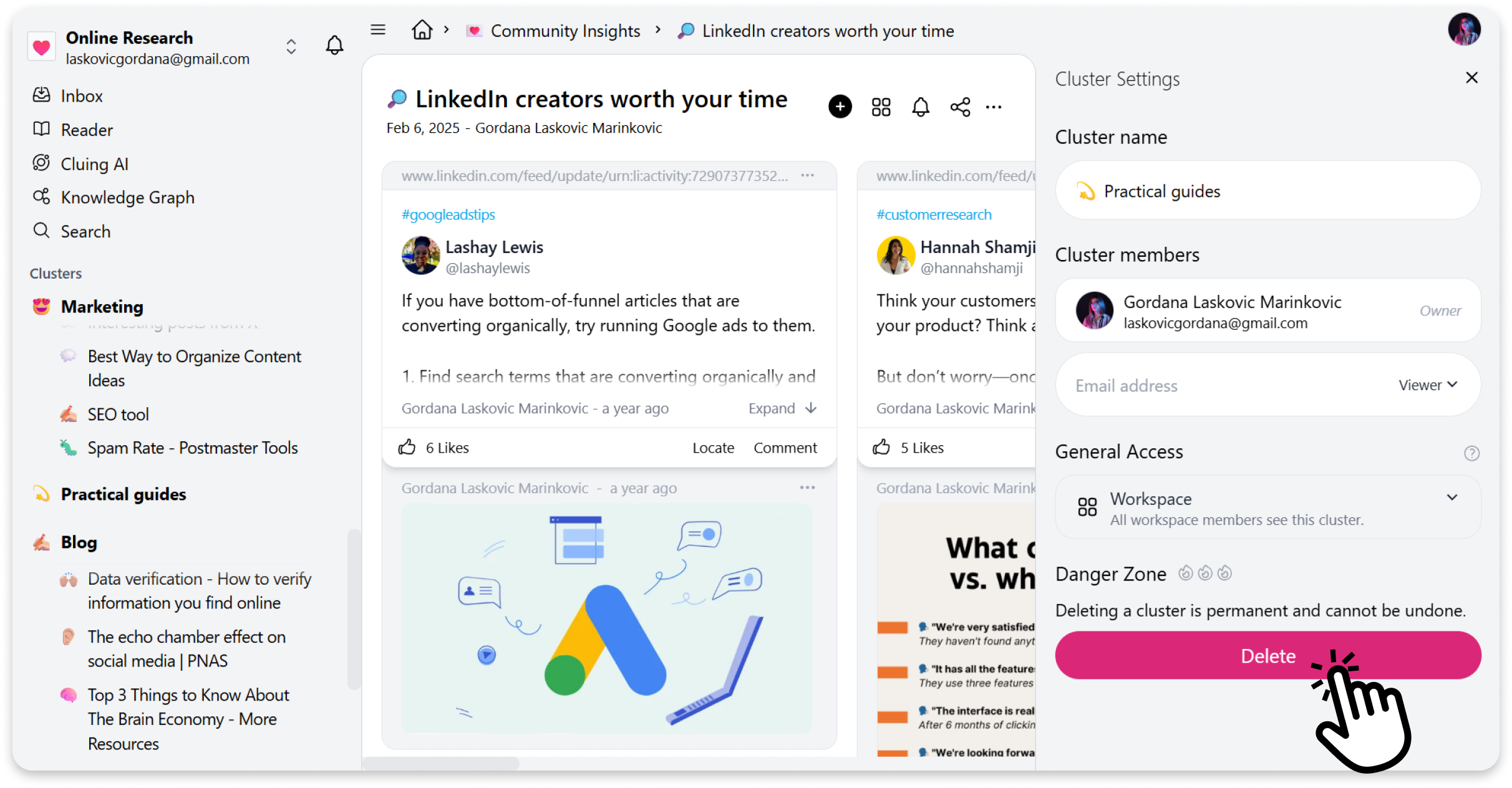
A panel will open on the right side.
-
At the bottom of the panel, click Delete Cluster.