How to add PDF annotations on Mobile?
Making notes and highlighting key parts of your PDFs is super easy and intuitive even on mobile.
Here are the quick steps:
Open Cluing
Section titled “Open Cluing”Go to Reader
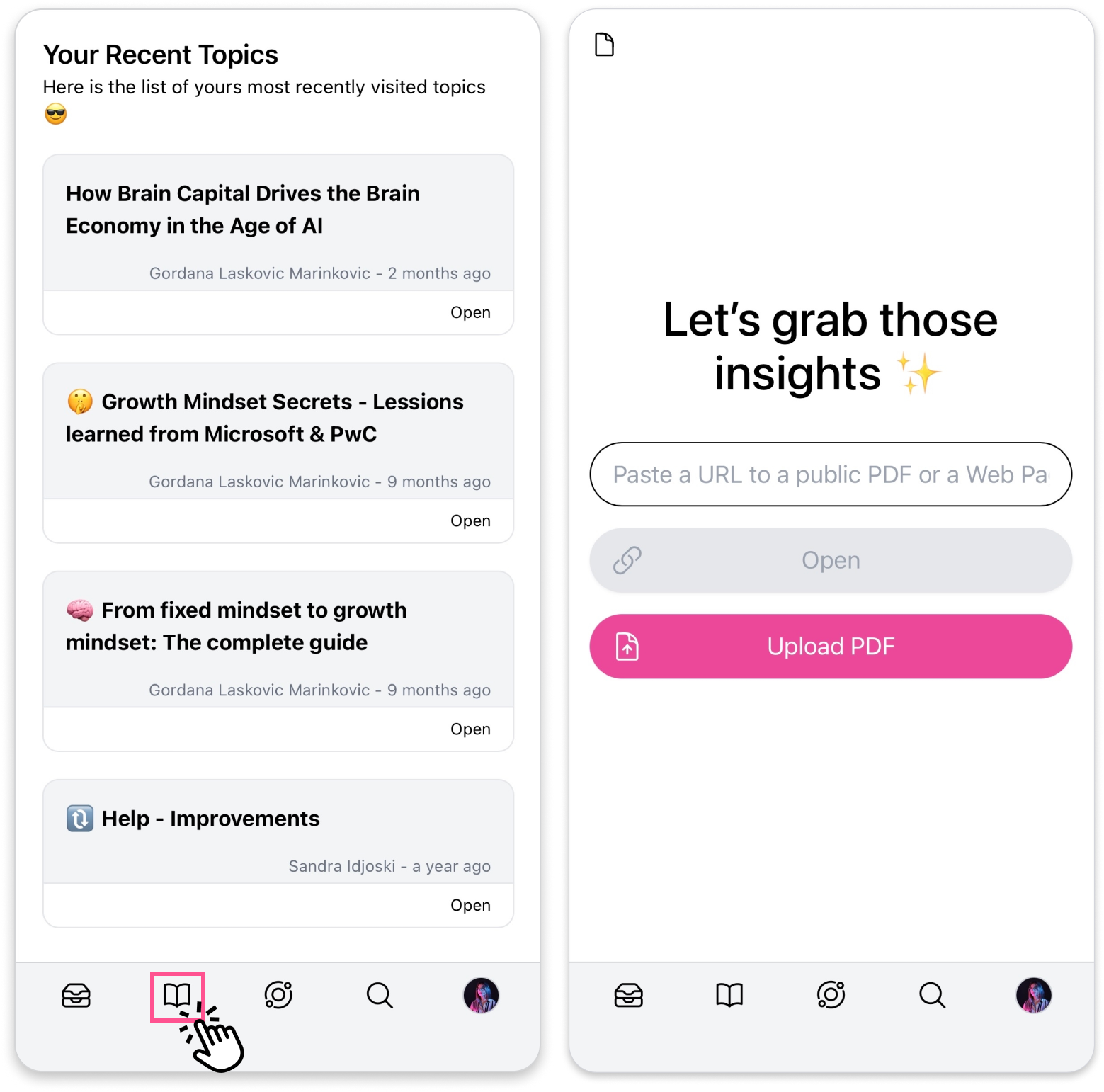
Section titled “Go to Reader”- Tap the Reader icon in the bottom navigation bar. This is where all your uploaded PDFs appear.
Open a PDF and choose one of the options:
Section titled “Open a PDF and choose one of the options:”-
Upload a PDF from your device, or
-
Paste a link to a public PDF
How to Create Snippets on a PDF
Section titled “How to Create Snippets on a PDF”-
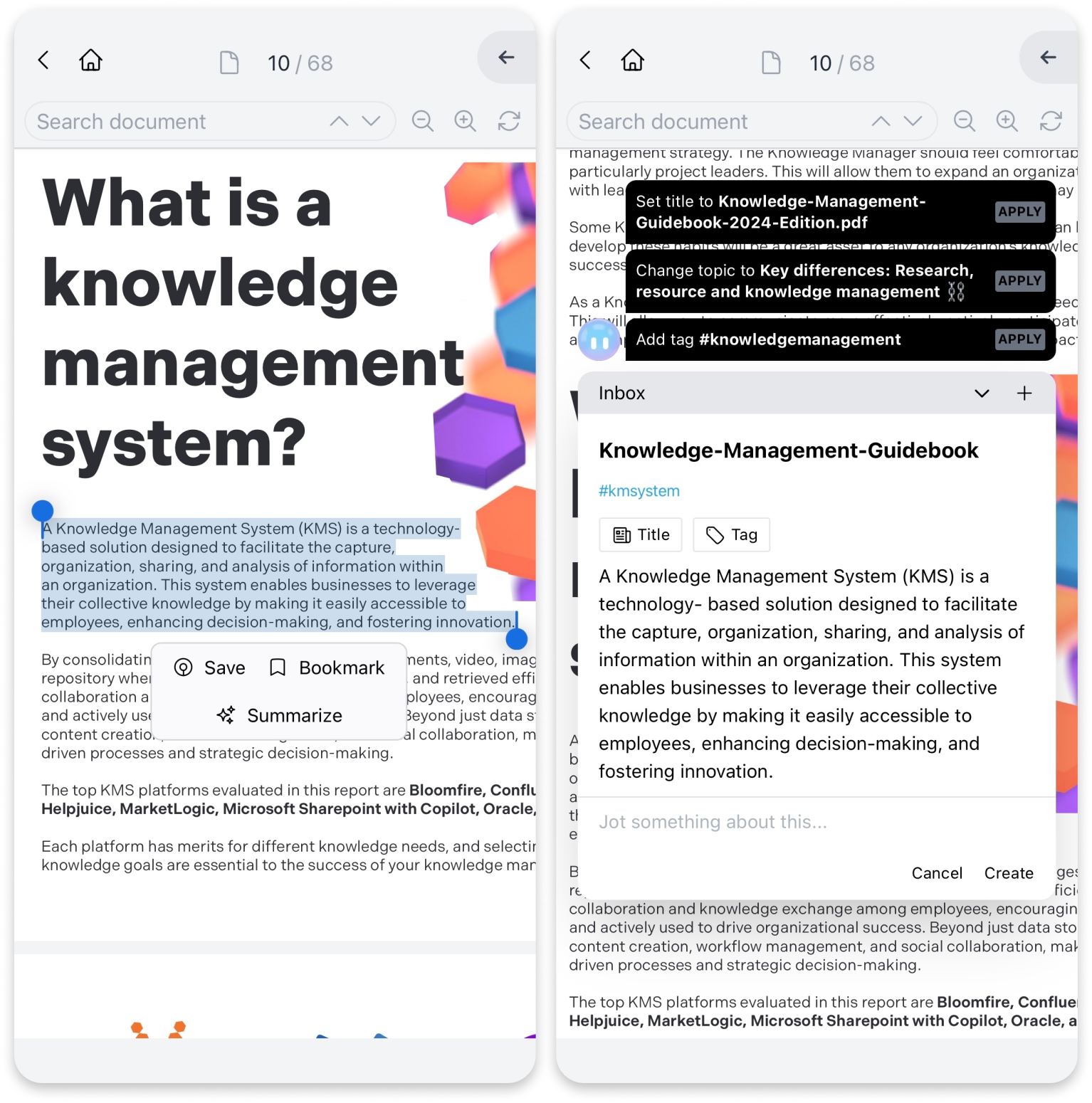
Highlight any text on the PDF
-
A highlighter button will appear next to your highlighted selection
From there, you can:
-
Choose a Topic and a Cluster where you want to save the snippet
-
Add a comment, tag, or mention someone
-
Confirm and save, all in a few clicks