Create a new Topic in a Cluster
Create New Topic from the Extension
Section titled “Create New Topic from the Extension”-
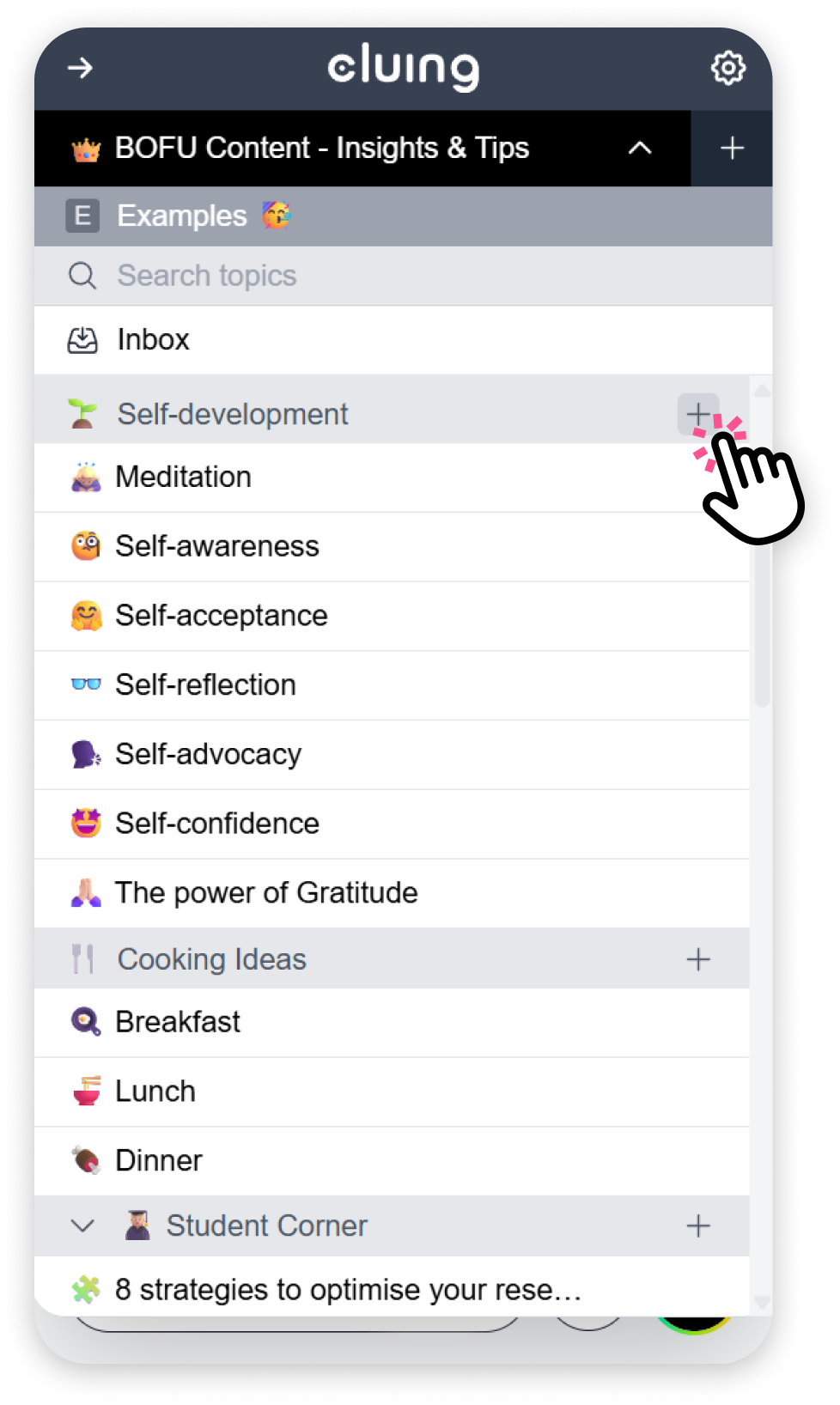
Open the dropdown menu and find the Cluster where you want to create a new Topic.
-
Next to the Cluster name, click the + button.
-
This will create a new Topic inside that Cluster.
Create New Topic from the Dashboard
Section titled “Create New Topic from the Dashboard”-
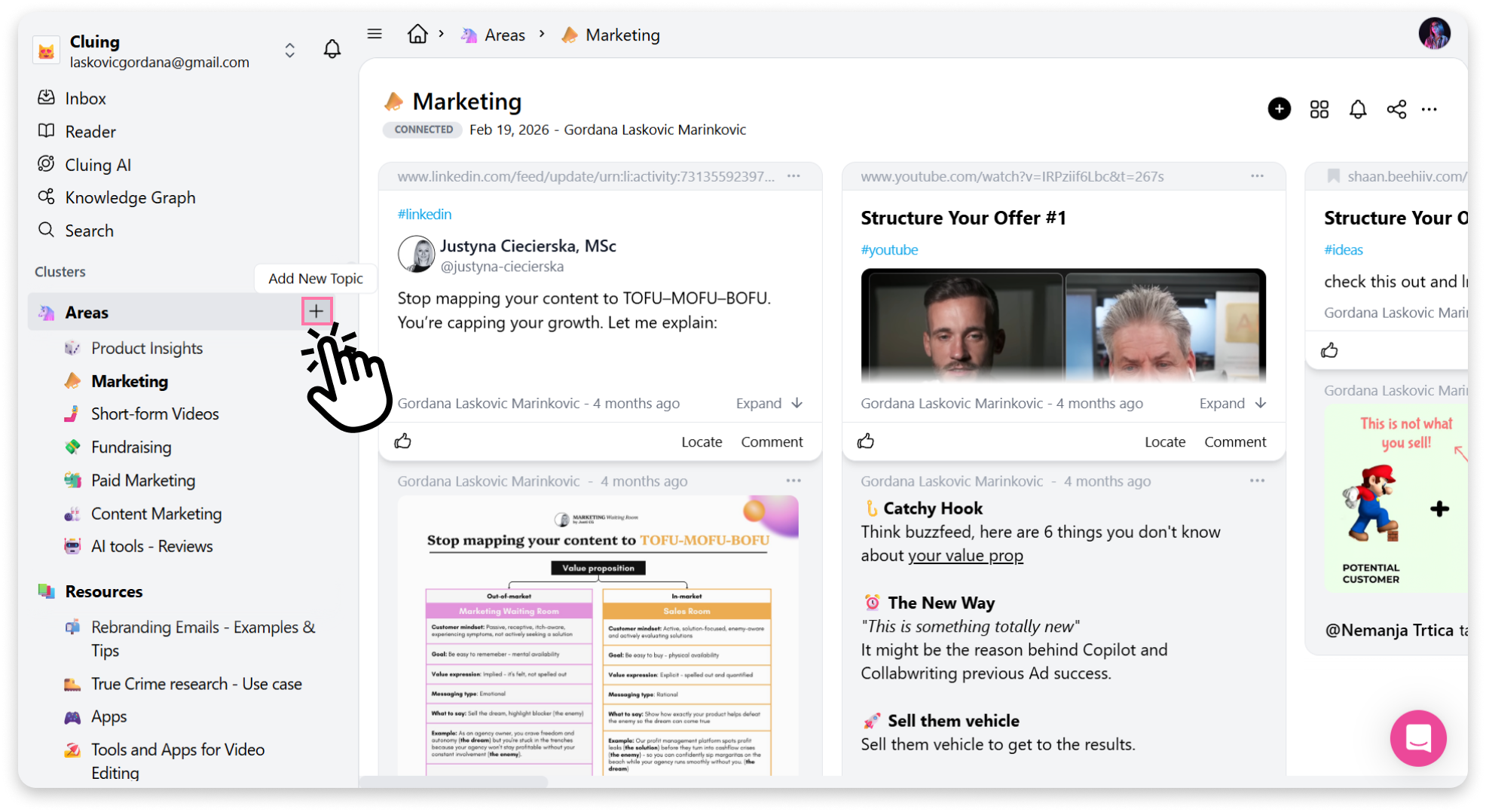
In the left sidebar, find the Cluster where you want to add a Topic.
-
Click the + button next to the Cluster name to create a new Topic.