Leaving Shared Cluster
How to Leave a Shared Cluster
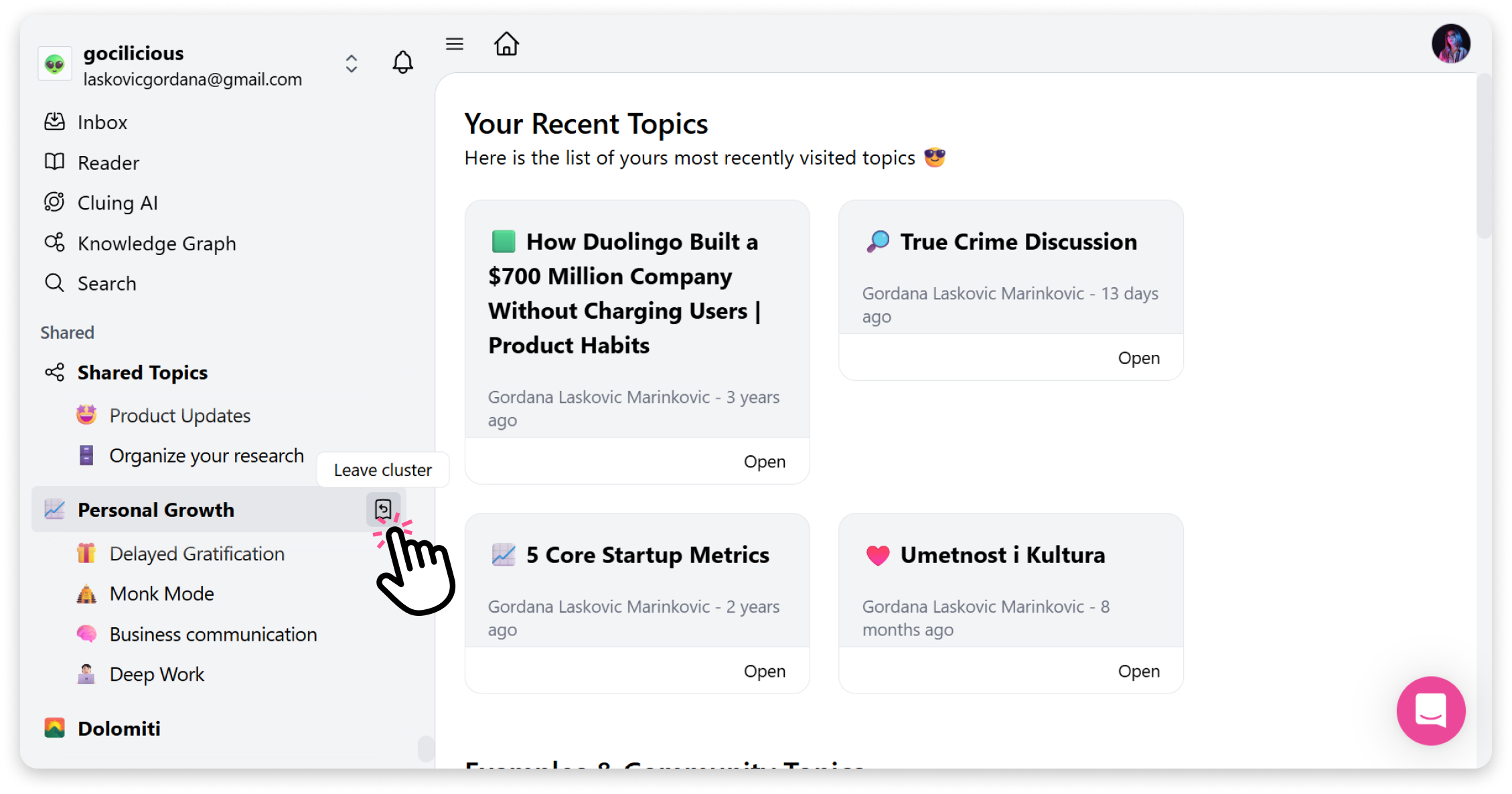
Section titled “How to Leave a Shared Cluster”You can leave a cluster shared with you from your Dashboard. Here’s how:
-
Go to your Dashboard.
-
In the left sidebar with all your topics and clusters, scroll all the way down.
-
Under the Shared cluster, you’ll see topics and clusters shared with you.
-
Hover your cursor over the cluster name, and the Leave option will appear.
-
Click ‘’Leave’’ to exit the cluster.