

Download Topic as a CSV file
You can export your entire Topic, including all its snippets, as a CSV file.
Here’s how:
-
Go to your Dashboard
-
Open the Topic you want to export as a CSV file
-
Click on the three dots in the Topic menu
-
Click on ,,Download CSV‘’
This lets you open your research in tools like Google Sheets or Excel, where you can easily sort, filter, and analyze the data.
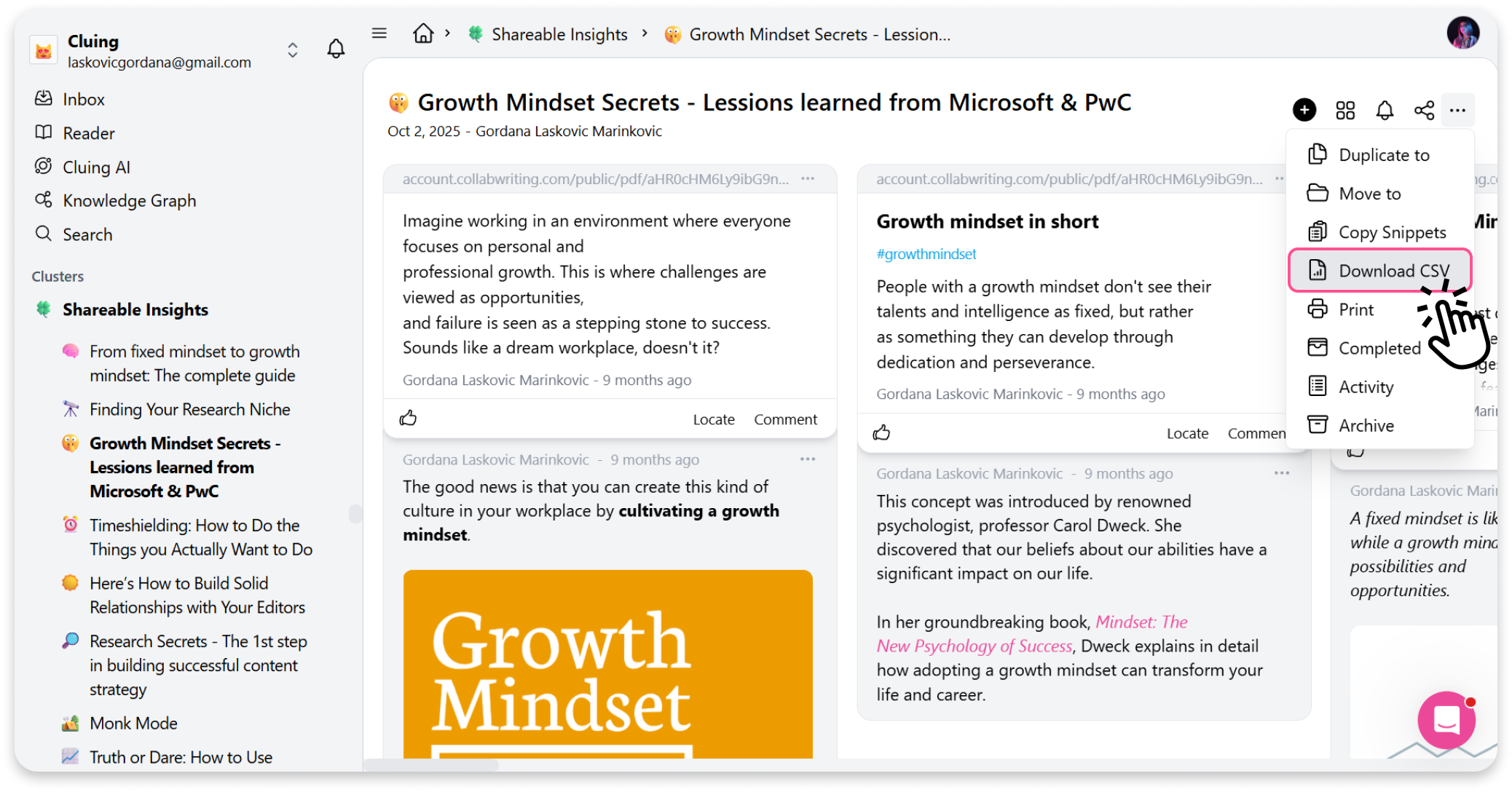
It’s a simple way to save your content in an organized, editable format - perfect if you need to take your research outside of Cluing.