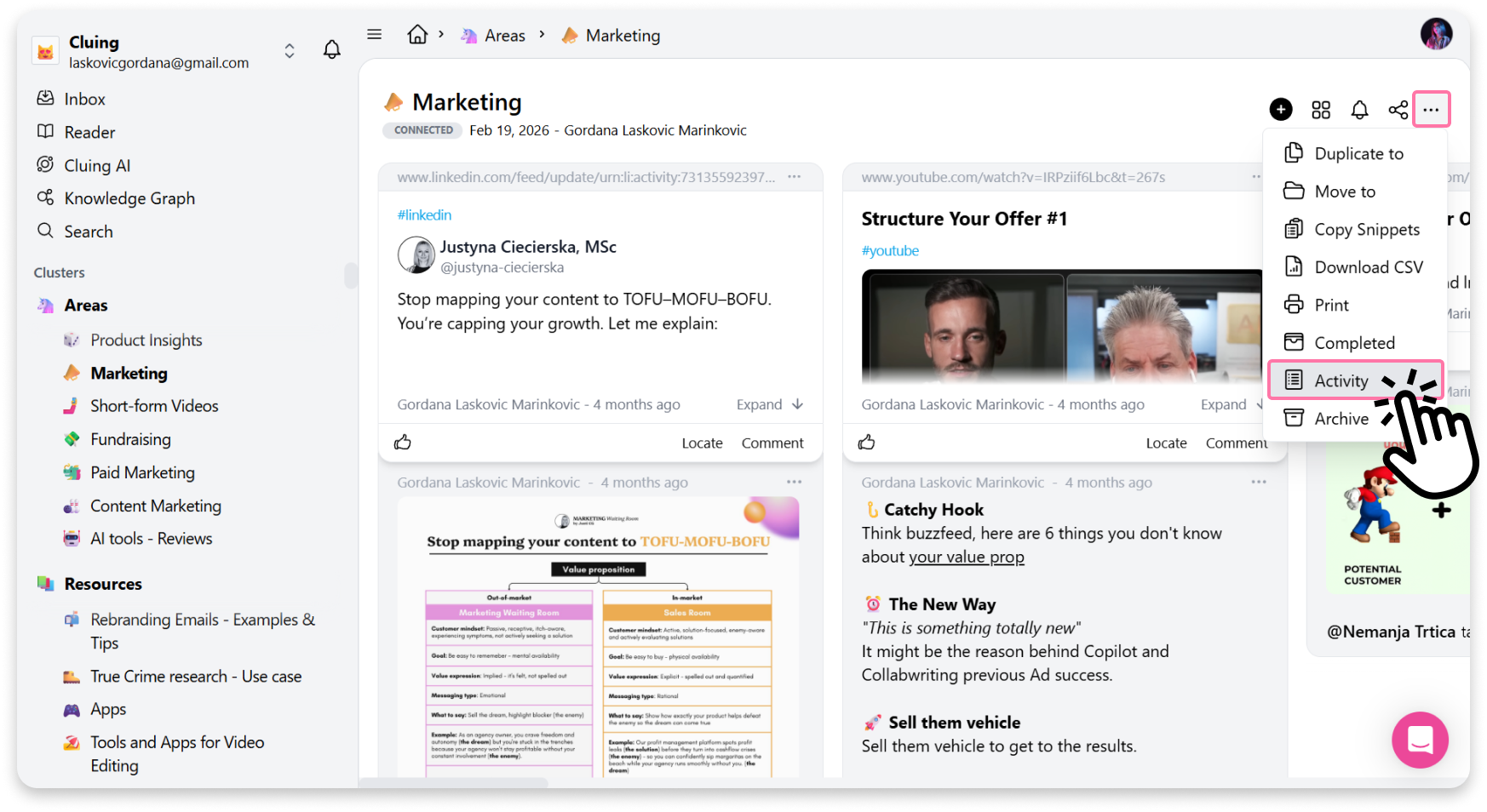
How to see Topic Activity
To view all Topic activity, go to your Dashboard, select the Topic, click the three dots (More Options) in the top right corner, and choose Activity.
There, you’ll see a timeline of all actions taken on that Topic and its snippets, including:
-
Who created a snippet
-
Who deleted a snippet
-
Who changed the snippet name
-
Who liked a snippet
-
Who mentioned you
It’s the easiest way to stay updated on what’s happening in your workspace.