

How to set up mail forwarding to Cluing
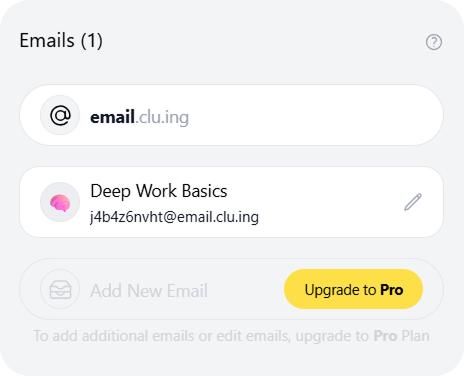
You can turn any email into a structured snippet within your workspace. By assigning a unique email address to a specific Topic, you can forward any email directly into your Topic.
How to set it up?
Section titled “How to set it up?”-
Open workspace settings
-
Navigate to “Emails” section
-
Click to add a new email
-
Choose Topic
-
The system will generate a unique address
How it works?
Section titled “How it works?”-
Send or forward any email to that unique address
-
The app will automatically process the email and create a new snippet within the chosen Topic
-
Simply use the Locate button to view the full content in the Reader Page