

How to Access the Dashboard?
You can access the Dashboard in two ways:
-
Directly: Go to app.cluing.io.
-
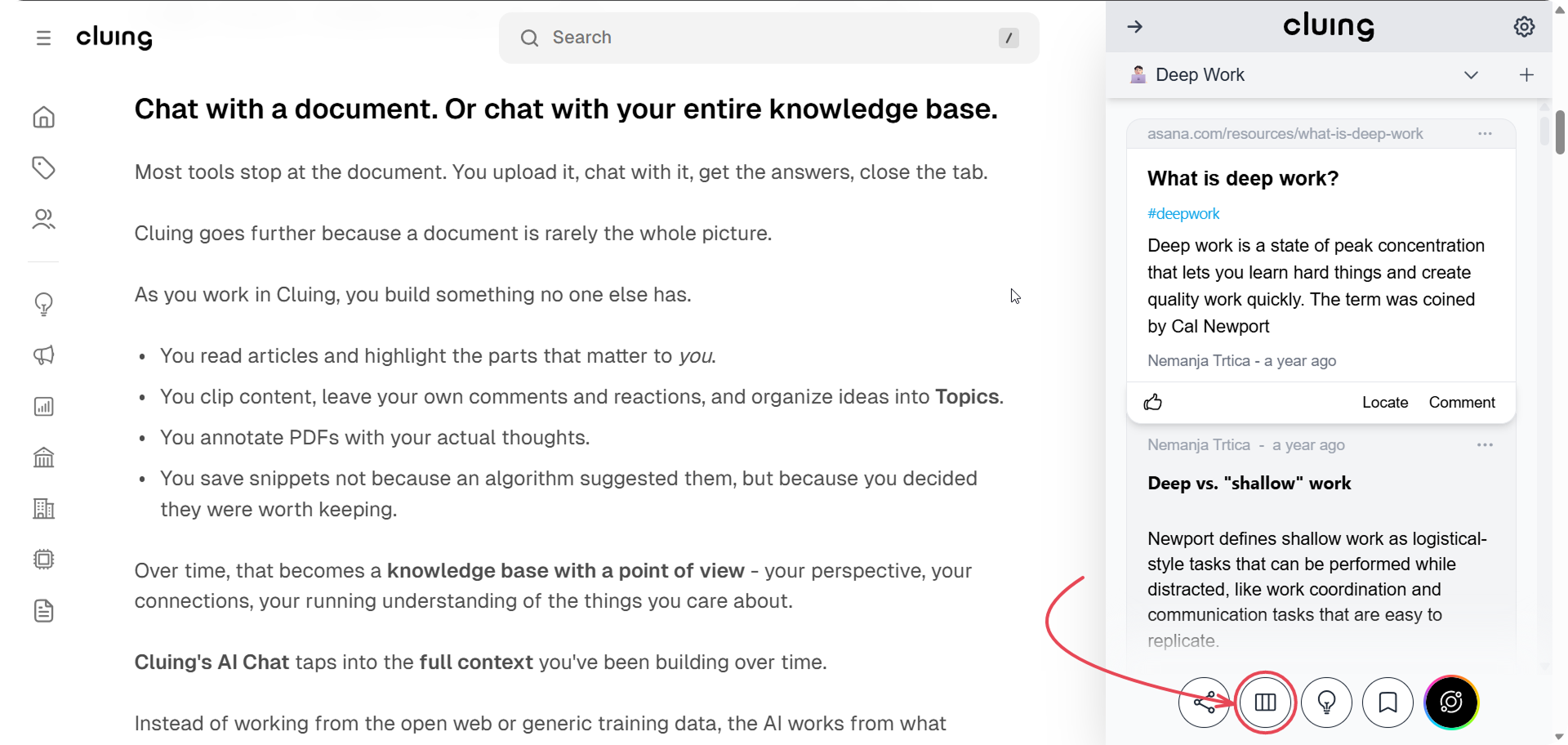
From the Extension: Click the Dashboard icon located at the bottom of the Cluing Extension.
You can access the Dashboard in two ways:
Directly: Go to app.cluing.io.
From the Extension: Click the Dashboard icon located at the bottom of the Cluing Extension.