

Layout options for Topics
Cluing offers different ways to view your Topic’s content to fit your workflow.
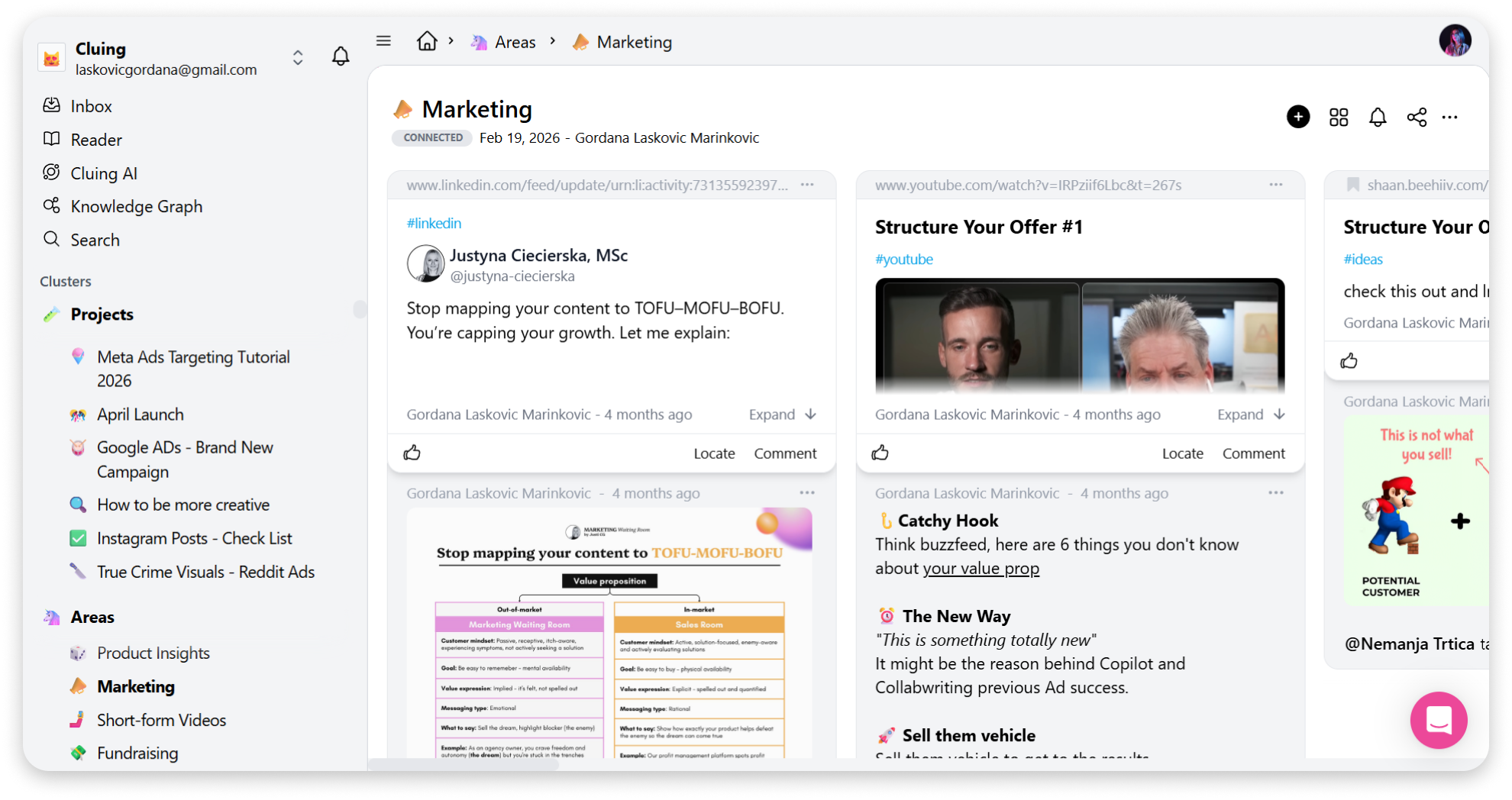
Board View (Default)
Section titled “Board View (Default)”This is the default view. It provides a clear, linear flow of your snippets.
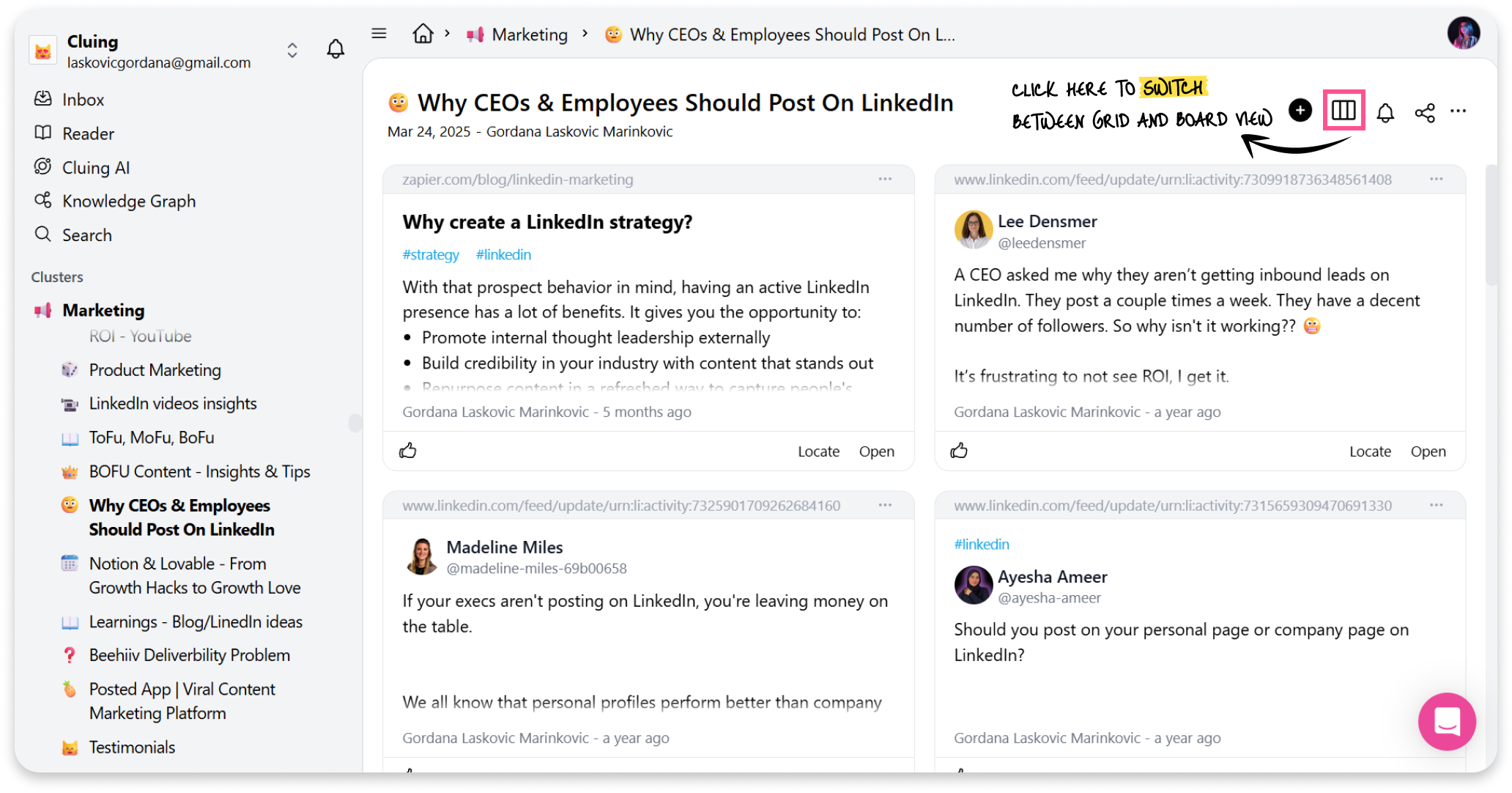
Grid View
Section titled “Grid View”Switch to Grid View for a more compact overview of your snippets.
This can be great for quickly scanning through a lot of information or for a different perspective on your research.
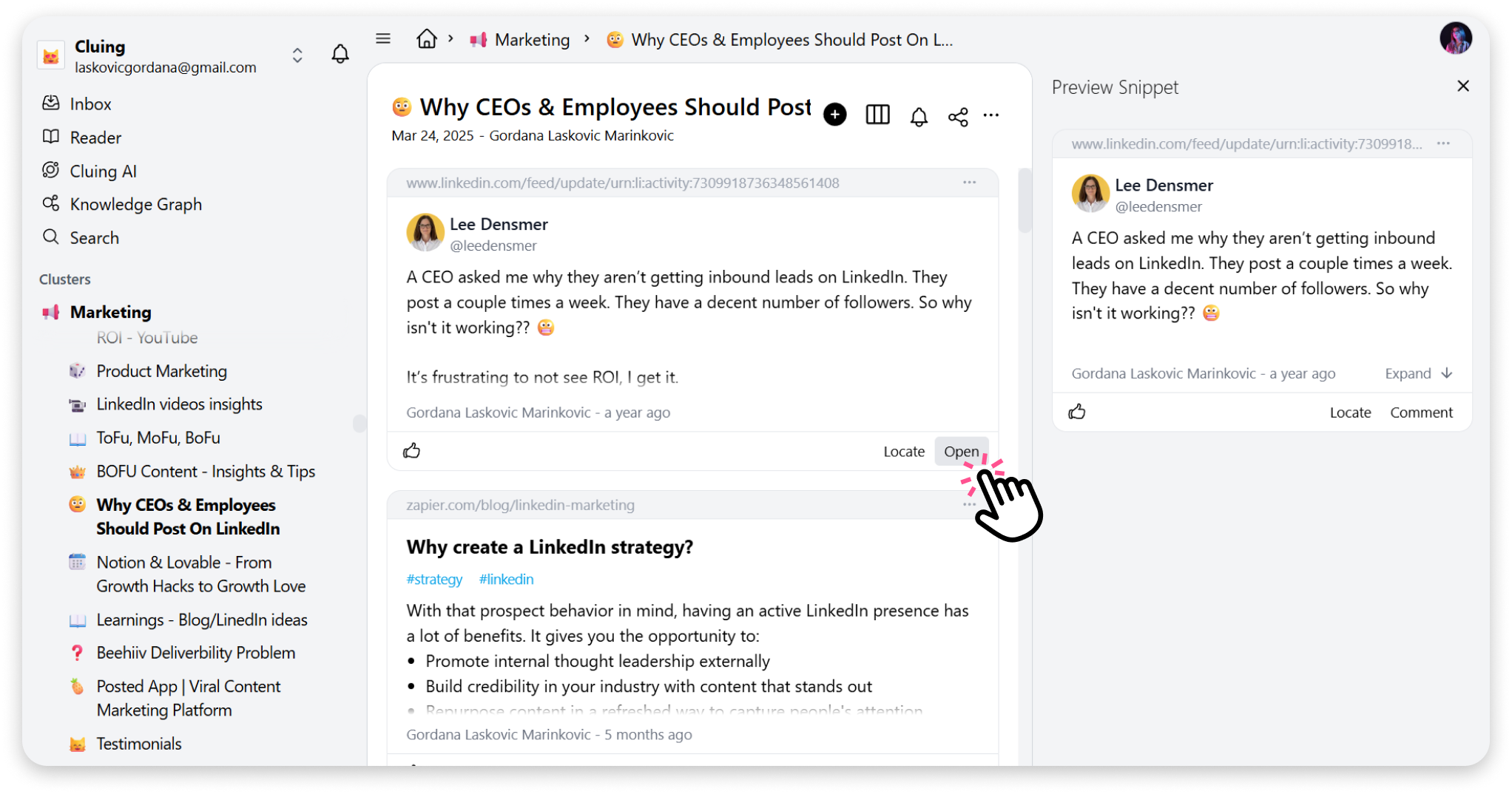
Open a snippet in Grid View
Section titled “Open a snippet in Grid View”When you click “Open” on a snippet while in Grid View, a side menu appears on the right. There, you can see existing comments (if the snippet has any) and also add new ones.
Want to see how it works in action? Check out our interactive video tutorial. 👈🏼