

Show All Highlights & Reverse Locate
Show All Highlights
Section titled “Show All Highlights”When this option is turned on, all your created highlights will appear directly on the webpage as you browse. Even better - those highlights become clickable.
Here’s how to turn it on
Section titled “Here’s how to turn it on”-
Open the Cluing extension.
-
Click the Settings (⚙️) button in the top-right corner.
-
Find Show All Highlights in the menu.
-
Enable it ✅
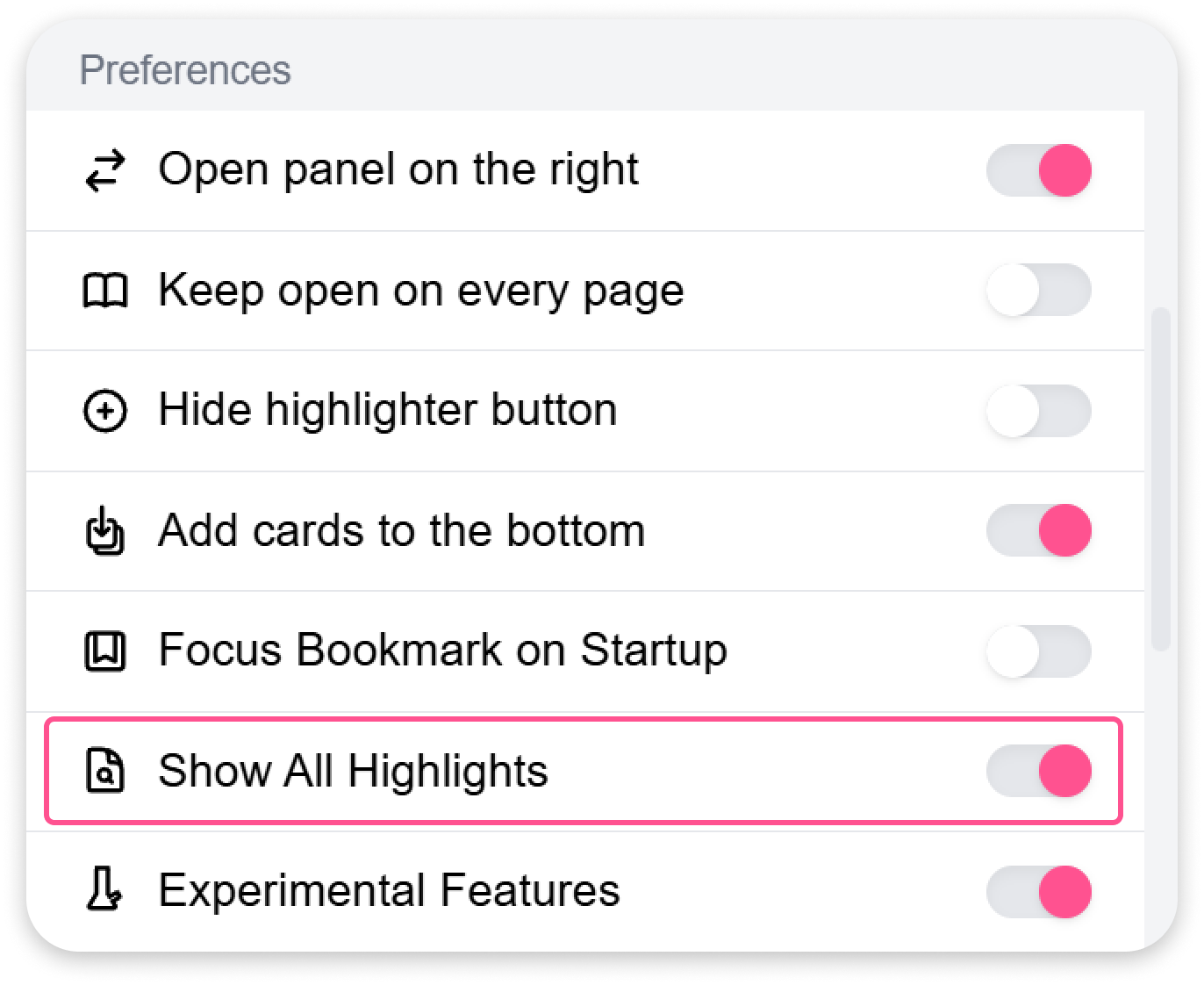
Once enabled, you’ll see your highlights right on the page.
Reverse Locate
Section titled “Reverse Locate”How it works:
-
Visit any webpage where you’ve saved snippets.
-
Look for your highlighted text and click on it.
-
The extension will instantly open and take you to that exact snippet, complete with your notes, tags, and comments.
No more scrolling or hunting for saved content. Just click the highlight and jump straight to your saved insight.
How it helps?
Section titled “How it helps?”✅ Save time - no need to search manually ✅ Go straight to your exact snippet ✅ Works seamlessly on any page where your highlights are visible