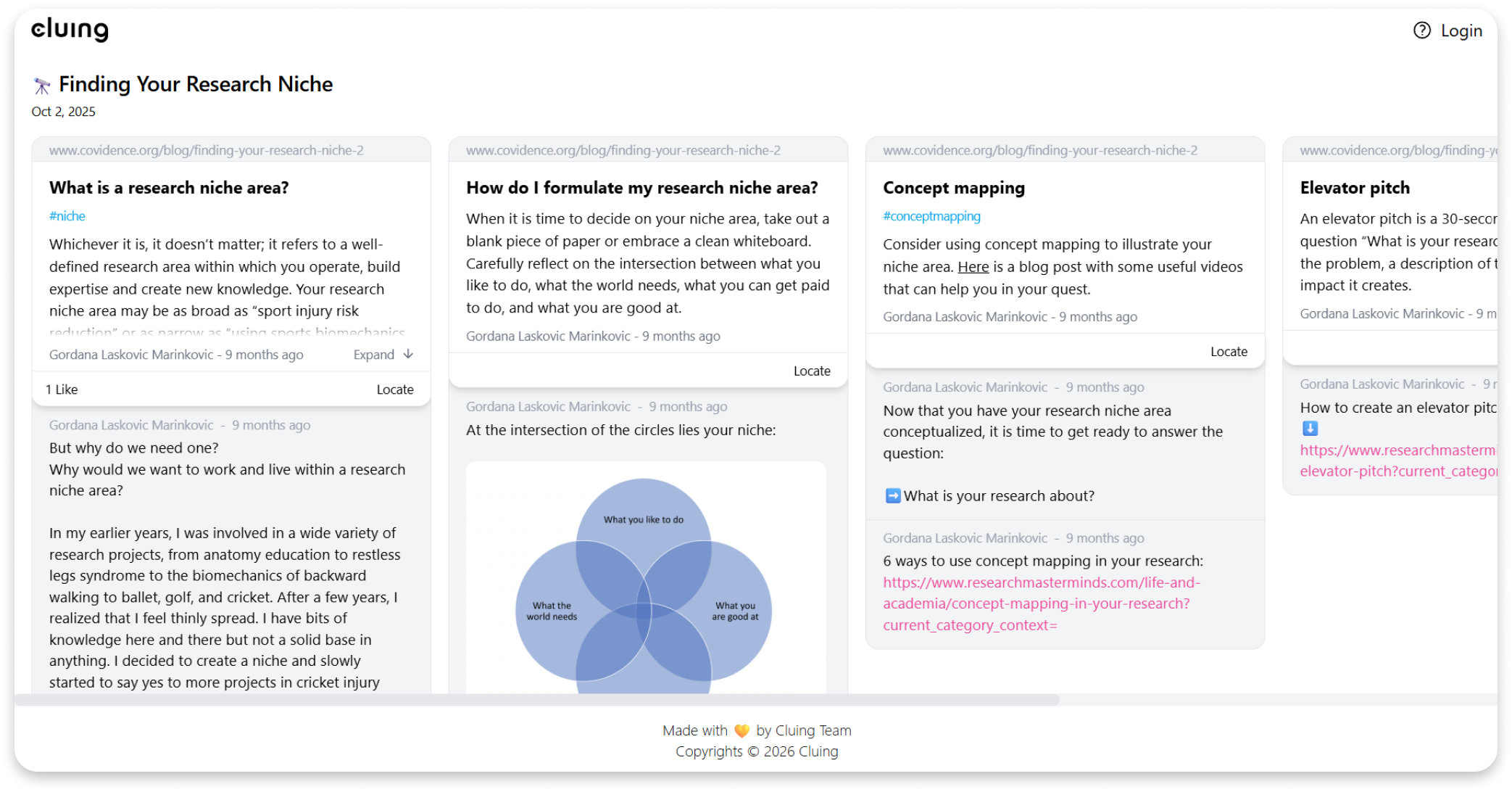
Sharing Topics with clu.ing Links
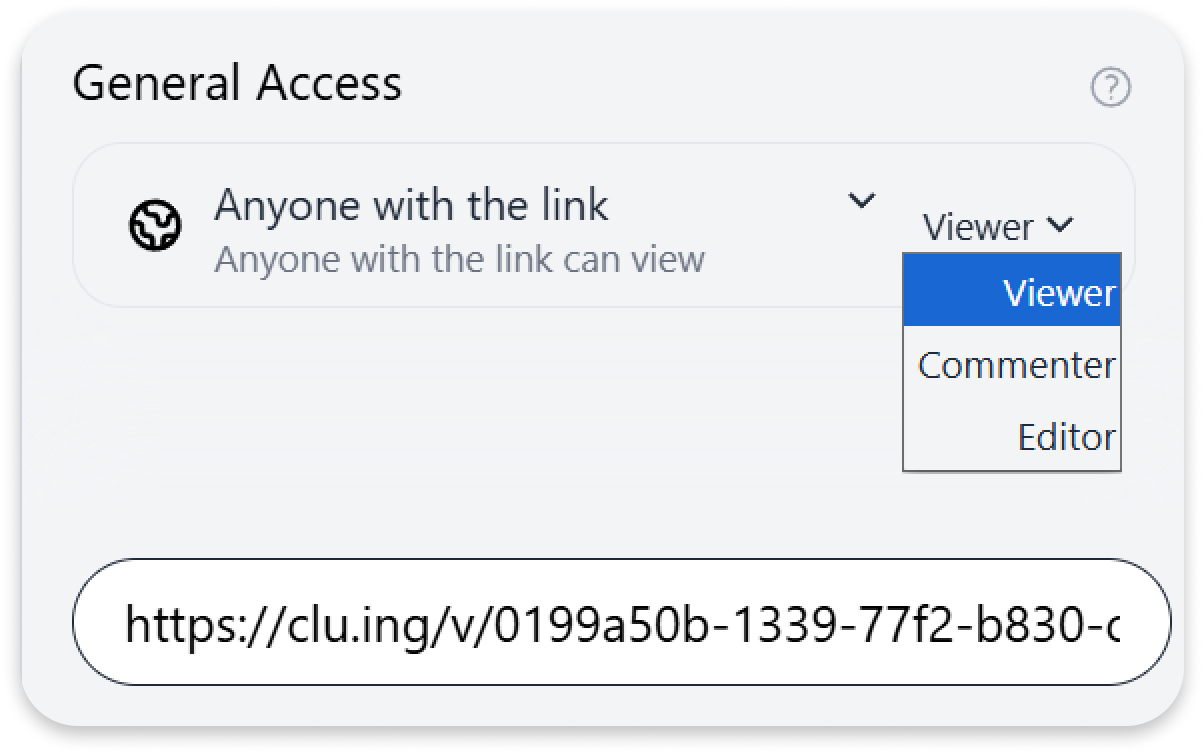
General Access in Cluing allows you to share a link without directly adding people to a Topic.
If you choose Anyone with the link, you can assign a permission level:
-
Viewer
-
Commenter
-
Editor
Once you set the permission and share the link, anyone who receives it will be able to view, comment, or edit your work - depending on the level you assigned.
How to share clu.ing links
Section titled “How to share clu.ing links”From the Extension
Section titled “From the Extension”-
Select the Topic you want to share.
-
Click the Share button at the bottom of the extension.
-
Under General Access, choose Anyone with the link.
-
Set the permission level: Viewer, Commenter, or Editor.
Now, simply copy the link at the bottom of the extension and share it with anyone.
From the Dashboard
Section titled “From the Dashboard”-
Go to your Dashboard.
-
Open the Topic you want to share.
-
Click the Share button in the top right corner.
-
Under General Access, select Anyone with the link.
-
Set the permission level: Viewer, Commenter, or Editor.