

Snippets Saving Preference
You can now choose whether your saved snippets appear at the top or bottom of the list in the extension. Here’s how to change this preference:
How to change snippet order
Section titled “How to change snippet order”Open the Extension Launch the Cluing extension in your browser.
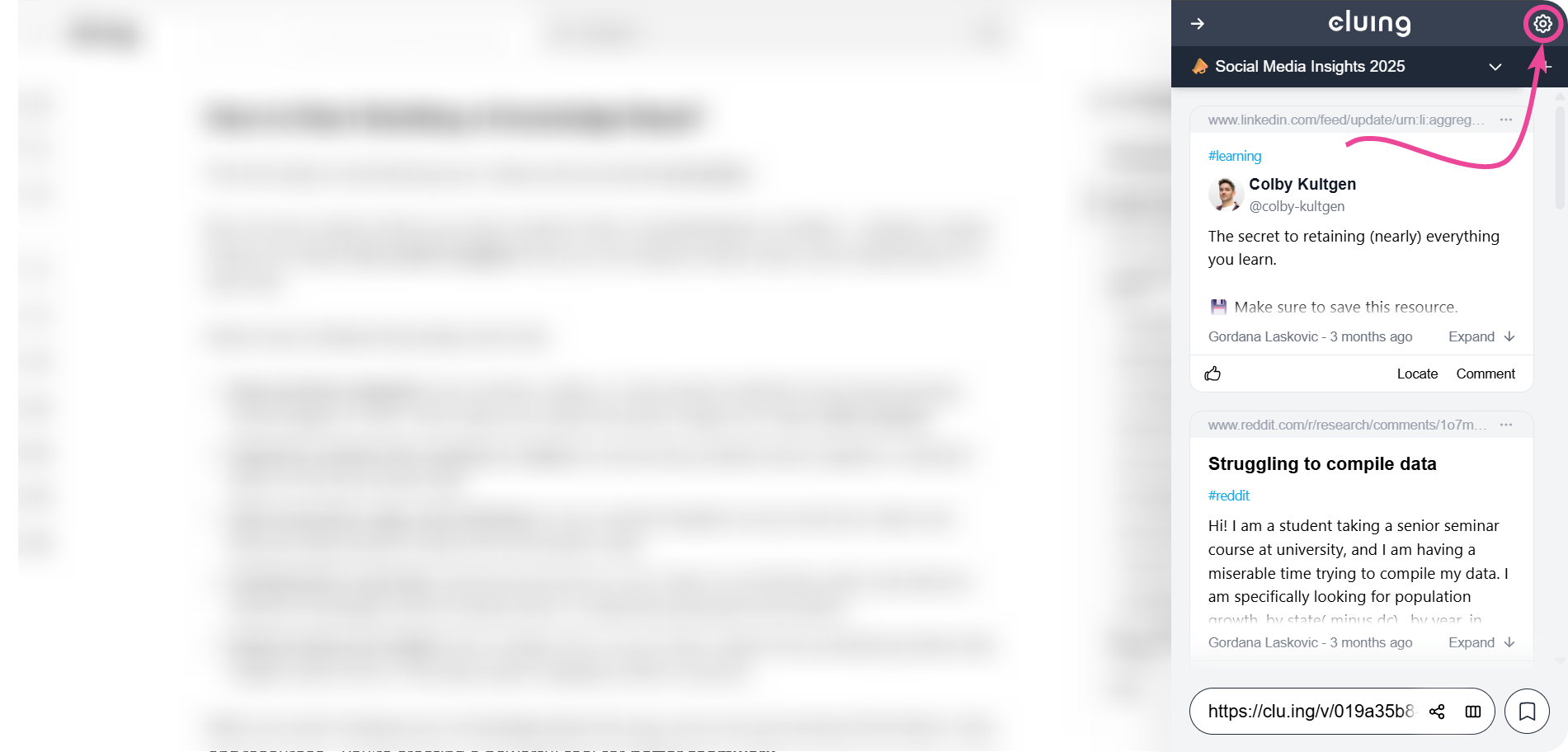
Go to Settings Click on the Settings icon located in the upper-right corner of the extension.
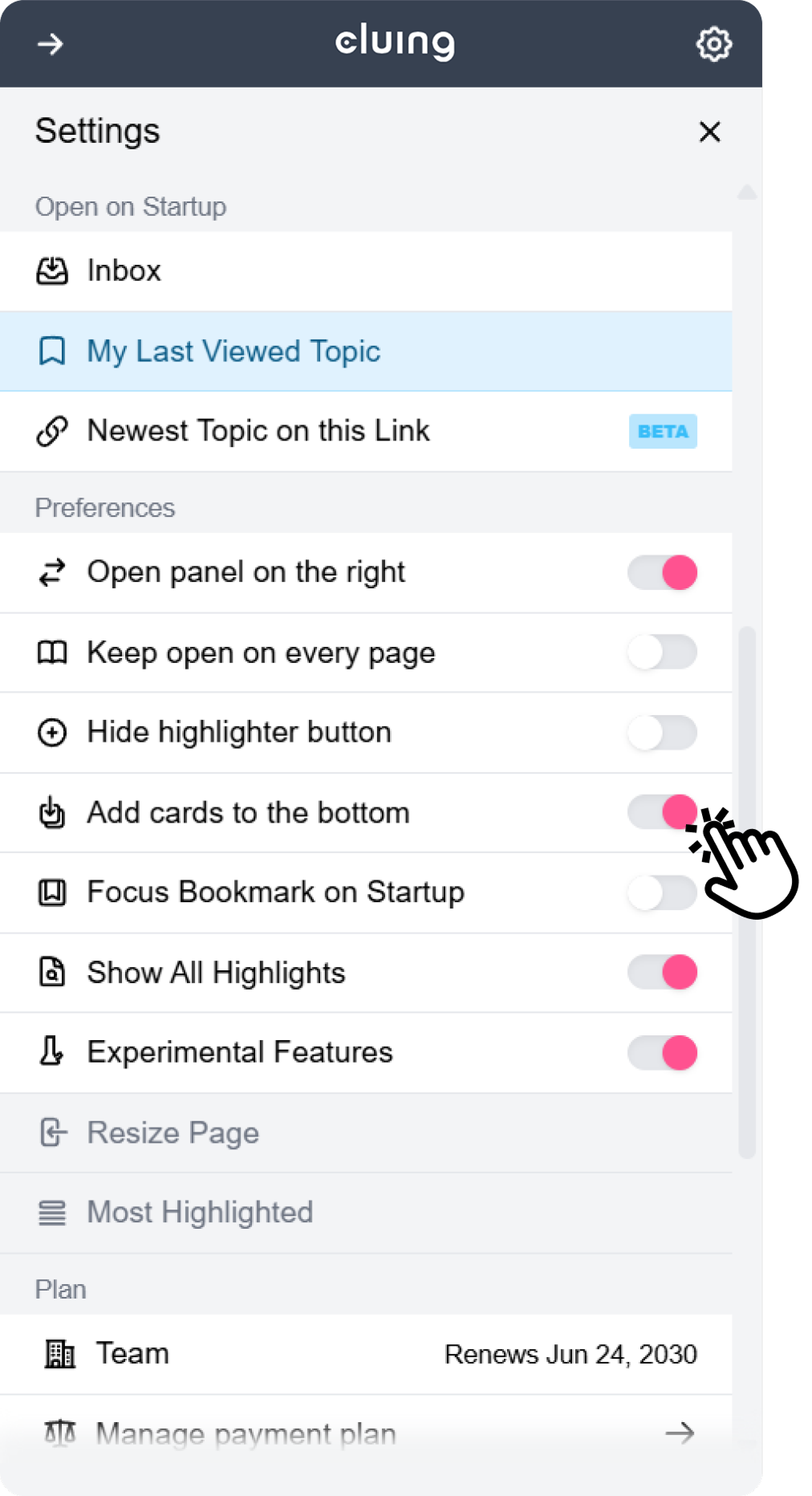
Choose Snippet Placement
Look for the option “Add Cards to the Bottom” and toggle it on or off depending on your preference.
Once done, all your new snippets will be saved according to your chosen preference-either at the top or at the bottom of your list. 🙌🏼