

How to Use AI Chat on Mobile
Before you start, make sure to download the Cluing mobile app - available for iOS and Android.
How to Open AI Chat
Section titled “How to Open AI Chat”-
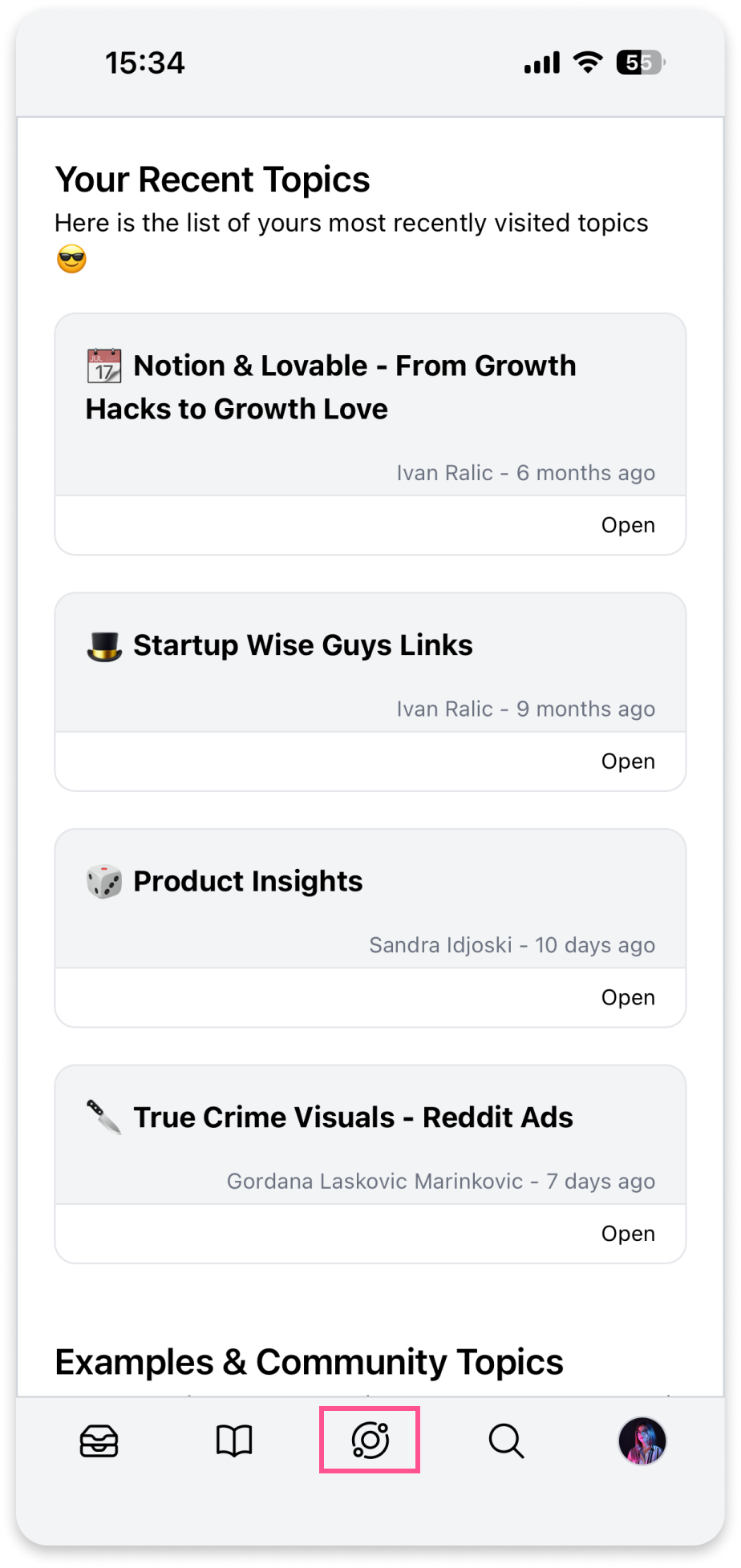
Open the Cluing app
-
Tap the Chat icon in the bottom navigation bar
What You Can Do
Section titled “What You Can Do”Once in Chat, you can:
-
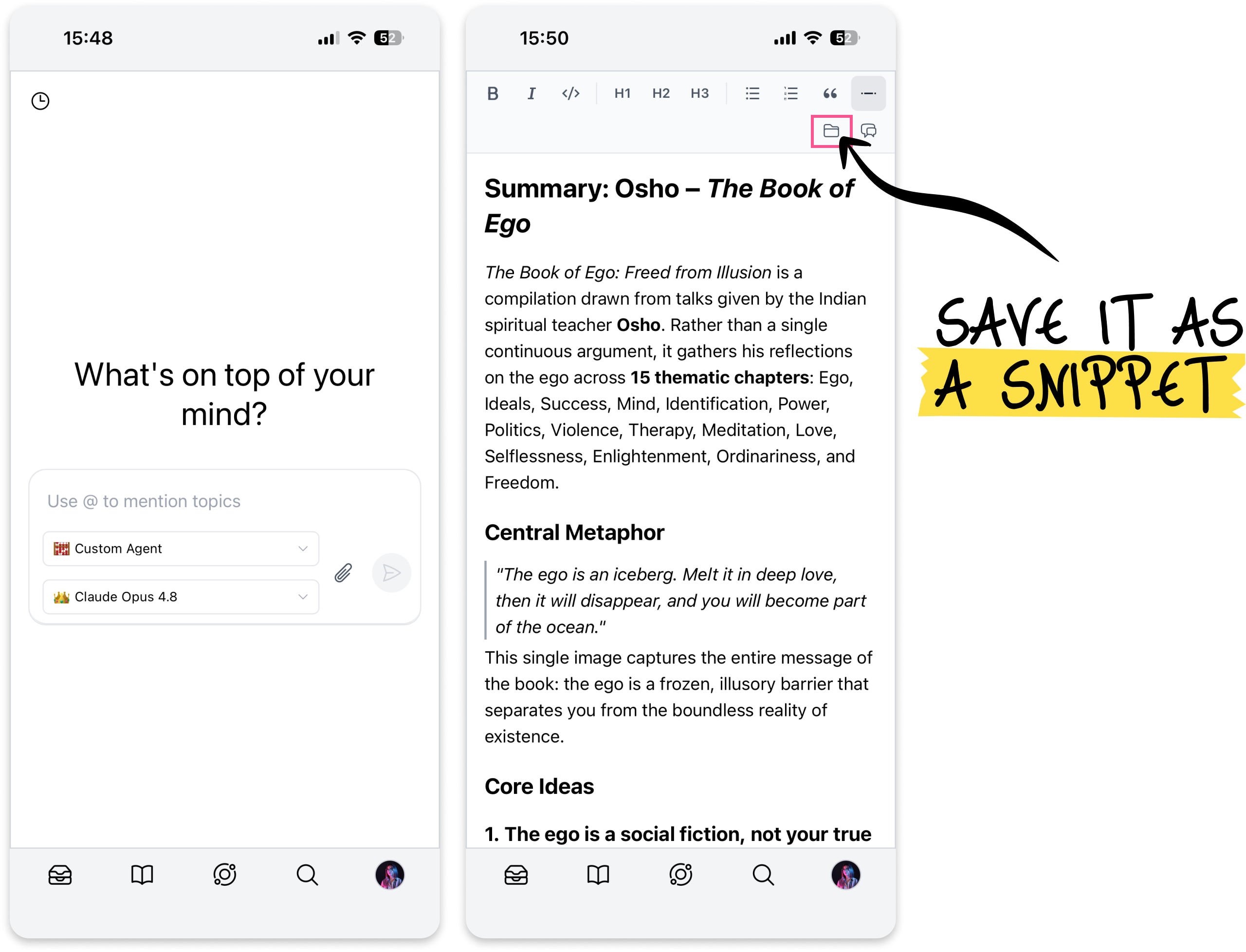
Choose an AI model based on what you need - ChatGPT, Grok, Gemini, Claude, or DeepSeek, or use custom-made agents for specific tasks
-
Type your prompt and get instant answers with source links for easy verification
-
Use @ to mention a specific Topic from your workspace and give the chat context from your own research
-
Upload your own documents or images
-
Save conversation as a snippet to keep it alongside the rest of your research
-
Type “Add research to Canvas and Open Canvas” to turn your findings into a structured, visual document you can always save as a snippet
Chat History
Section titled “Chat History”All your past conversations are saved automatically. You can search through them, rename chats to stay organized, or delete ones you no longer need.