

Notifications
Your notifications are represented as the bell icon located in the top-left corner of your Dashboard! When you have unread updates, a red bubble will appear over the bell icon, showing you the exact number of new notifications you have.
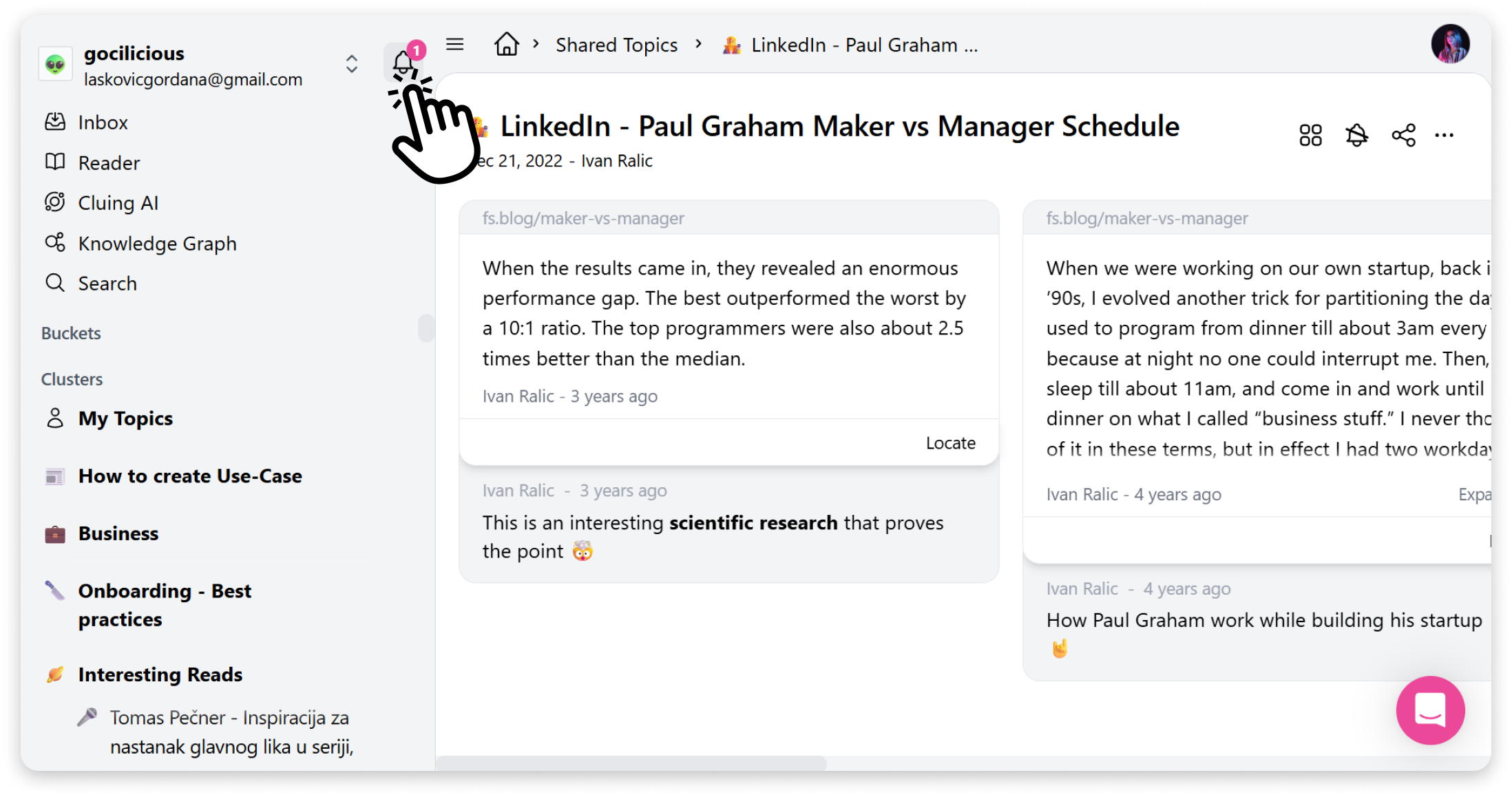
What You Get Notified About
Section titled “What You Get Notified About”You receive notifications for various activities, including:
-
Topic/Snippet Activity
-
Snippet creation: When someone creates a Snippet, changes the Snippet Title or adds a comment
-
Direct Mention: When someone mentions you using @mention
How does it work
Section titled “How does it work”When you click on a notification:
-
It instantly redirects you to the exact location the update represents (e.g., the specific comment or Snippet)
-
If the notification is outdated (e.g., the Topic no longer exists or you were removed), we’ll redirect you to your HOME Page instead
Managing Notifications
Section titled “Managing Notifications”If you want to stop receiving general activity updates for a particular Topic, you can always unsubscribe from it using the bell icon within that Topic.