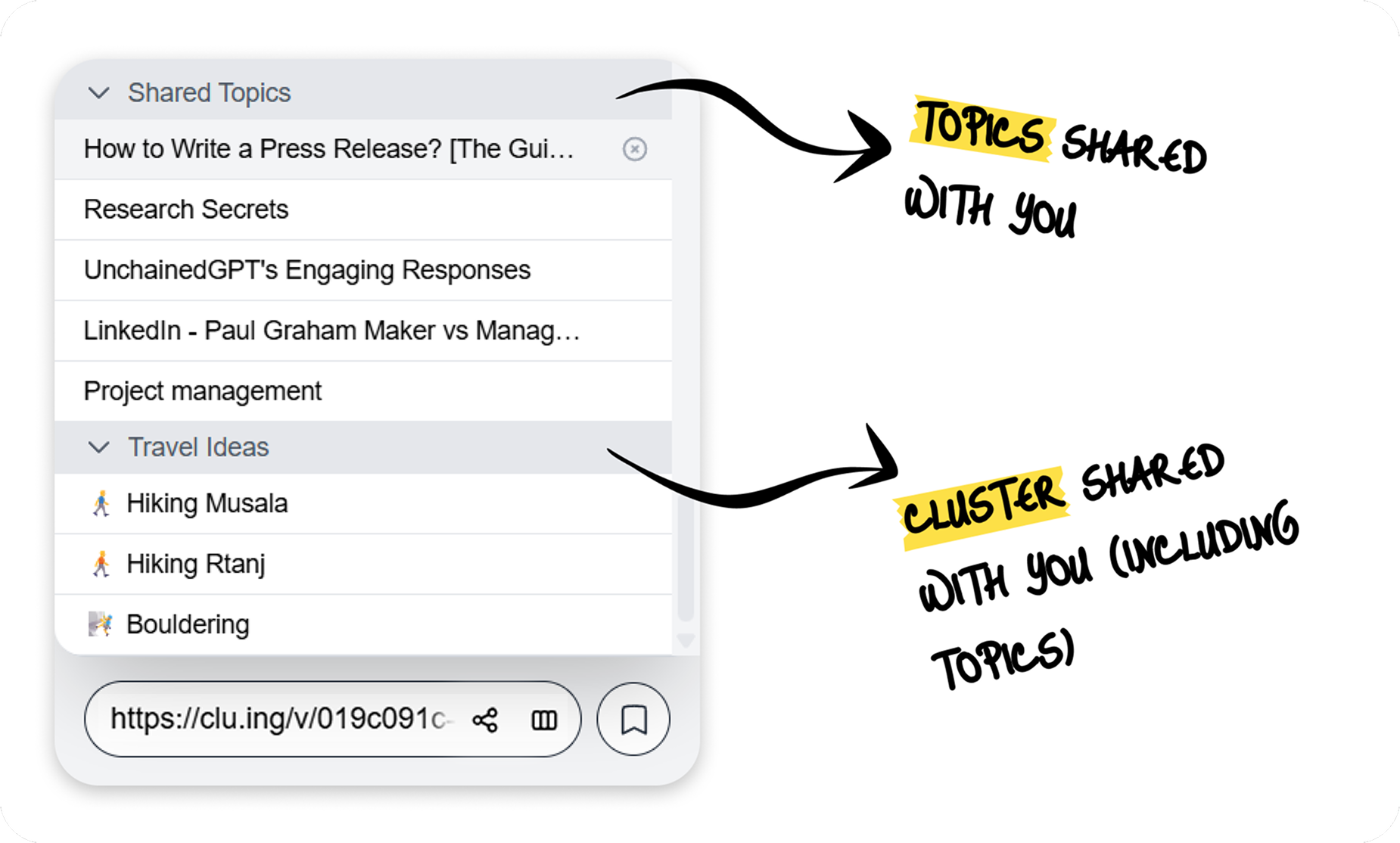
Topics and Clusters Shared With You
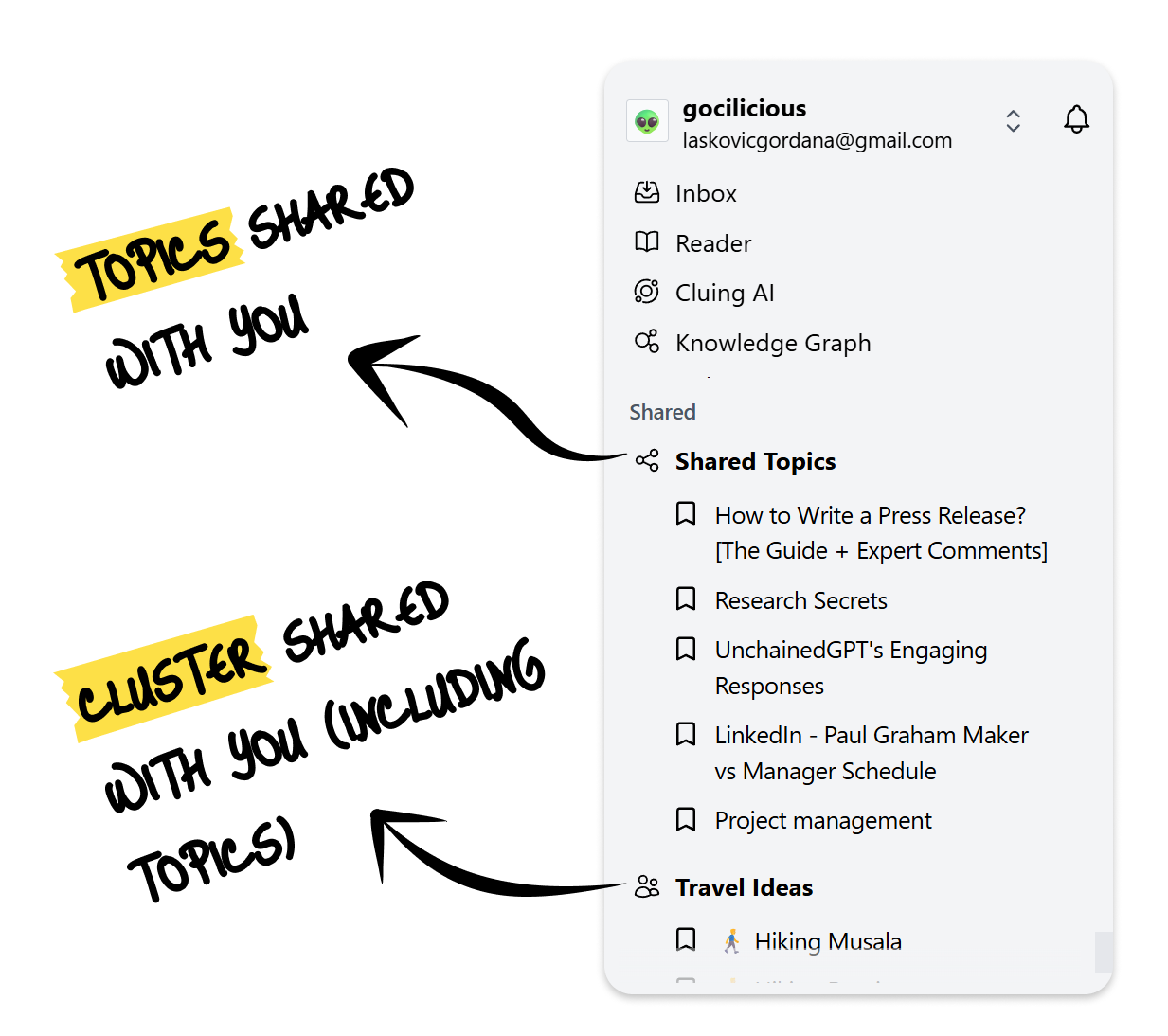
When someone shares a certain Topic or Cluster with you, it will appear in the “Shared” section in both the extension and the Dashboard.
If the link-sharing settings change (or your access is revoked by the owner of the topic), you’ll no longer have the option to access any of the data.
Where to Find Topics Shared With You?
Section titled “Where to Find Topics Shared With You?”On the Dashboard
Section titled “On the Dashboard”-
Go to your Dashboard.
-
In the left sidebar with all your topics and clusters, scroll all the way down.
-
If someone has shared a topic or cluster with you, you’ll see it listed under the Shared cluster.
In the Extension
-
Open the extension.
-
Click to open the drop-down menu with your topics and clusters.
-
Scroll all the way down.
-
If someone has shared a topic or cluster with you, it will appear at the bottom of the extension.