Sharing AI Chats
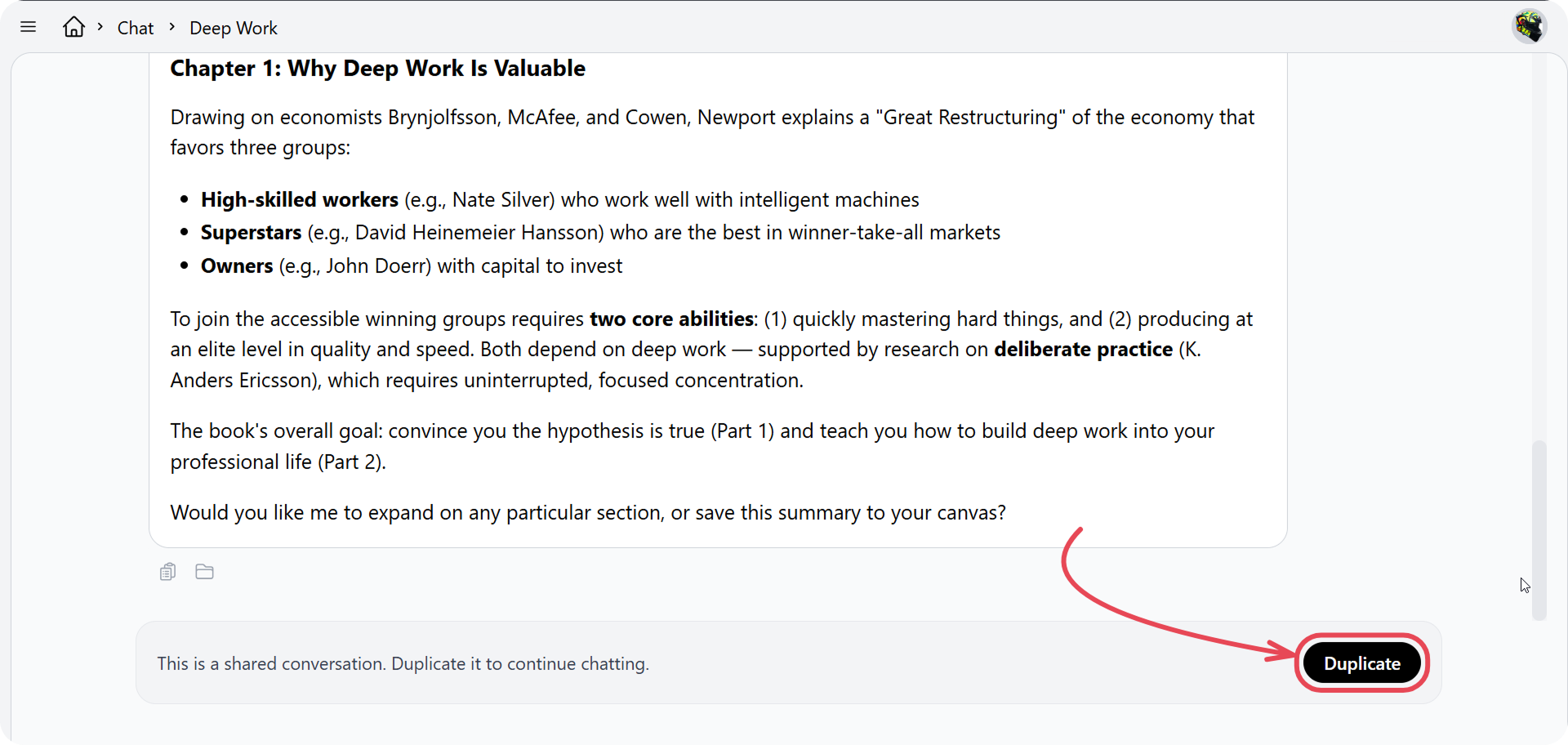
You can share any AI Chat conversation with with anyone who has a Cluing account. Teammates get a read-only view of the conversation, and can fork it to continue on their own - without changing your original.
How to share a conversation
Section titled “How to share a conversation”-
Open AI Chat History
-
Click the 3 dots next to the conversations
-
Click share button
-
When the Share panel opens, set General Access to the level you want
-
Copy the share link and send it to the people
General Access options
Section titled “General Access options”When sharing, you can choose one of three access levels:
-
Restricted: No one else can see the conversation - only you have access
-
Workspace: Only members of your workspace can see the conversation
-
Public: Anyone with a Cluing account and the link can see the conversation
What people you share with can do
Section titled “What people you share with can do”-
View: They can read the full conversation but can’t edit it or send new messages
-
Duplicate: They can click Duplicate to create their own copy and continue the discussion independently - your original conversation stays untouched