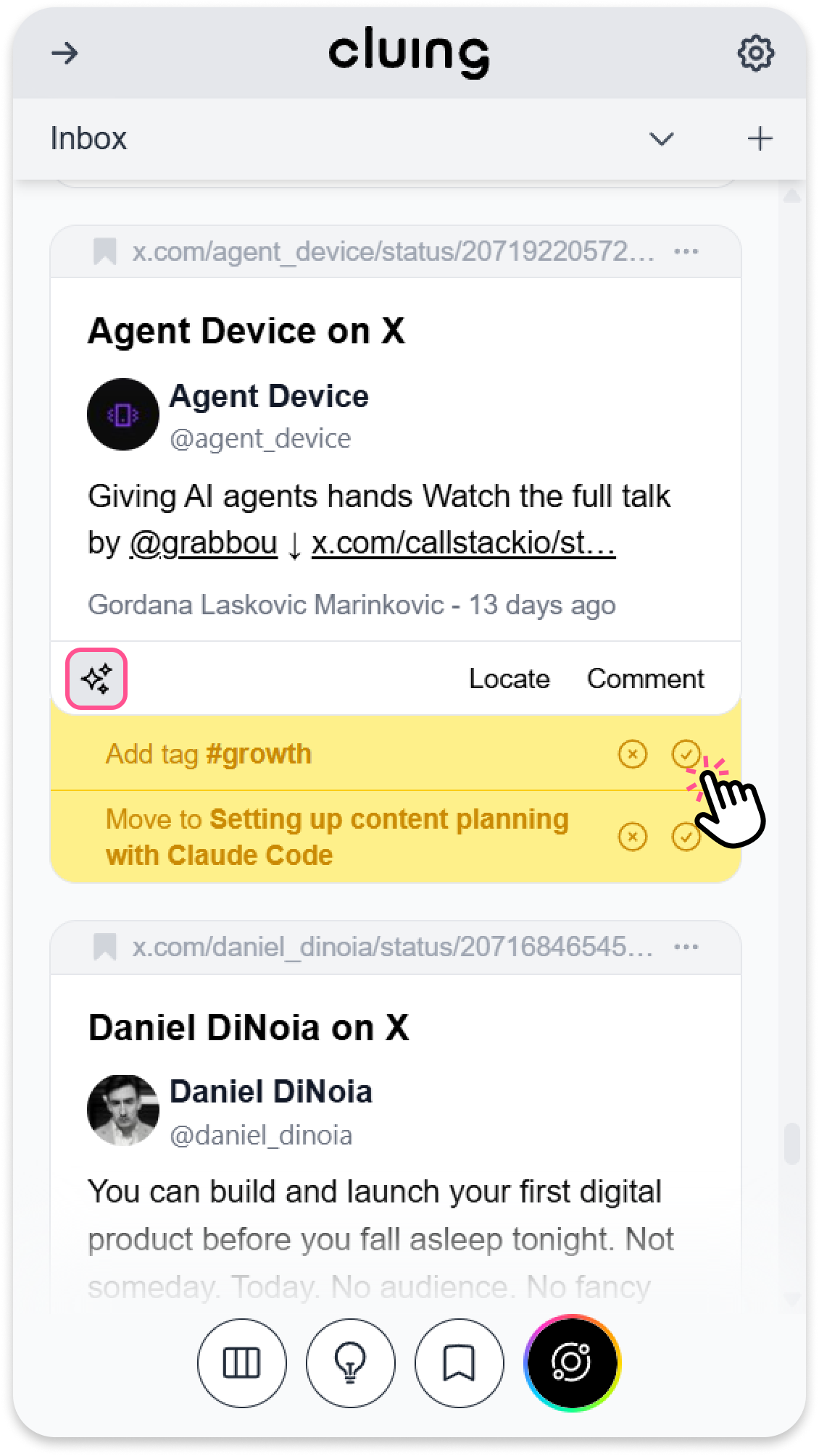
Inbox Snippet suggestion
Stop wasting time manually sorting your inbox. You can use AI Suggestions button on your snippets, making it easier to categorize, label, and clean up your workspace in seconds.
How to Use AI Suggestions
Section titled “How to Use AI Suggestions”-
Open your Inbox Topic
-
Look for the AI icon located in the bottom-left corner of snippets
-
Click the button to reveal three smart, content-based actions
-
Add Title: Automatically creates a snippet title [if you haven’t added one]
-
Add Tag: Suggests relevant #tags for easier searching
-
Move to Topic: Based on your previous research, the AI suggests the best Topic for your snippet.
-