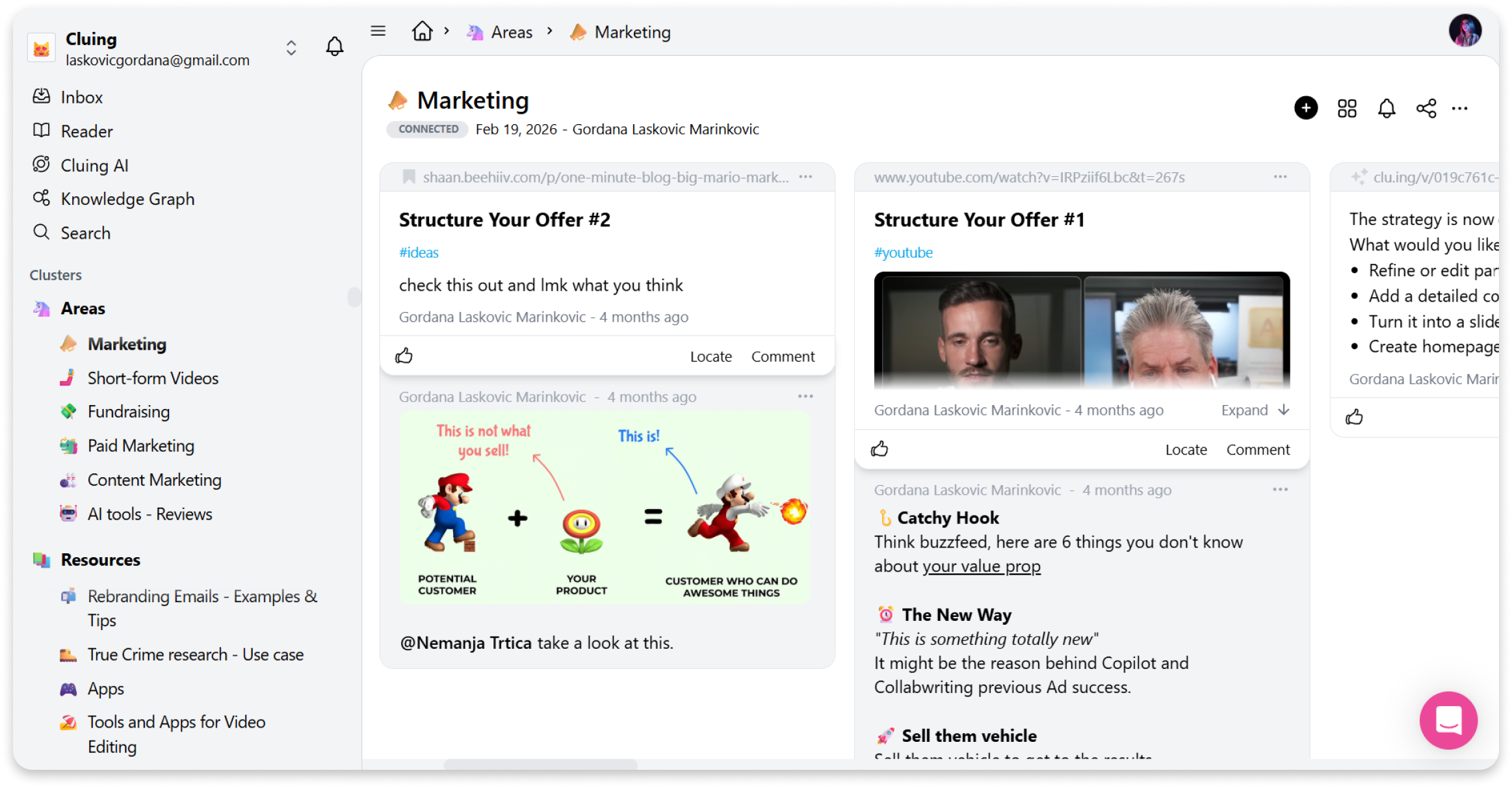
What is Dashboard?
The Dashboard is your home base in Cluing - where every Cluster, Topic, Snippet and research lives.
Cluing Dashboard is where you can:
-
Access and manage all your Topics and Clusters
-
Change your workspace name
-
Customize the style of your Shared Topics
-
Manage your payment plan
-
Update your user settings (first and last name, password)
-
Connect the Slack workspace
-
Delete your account
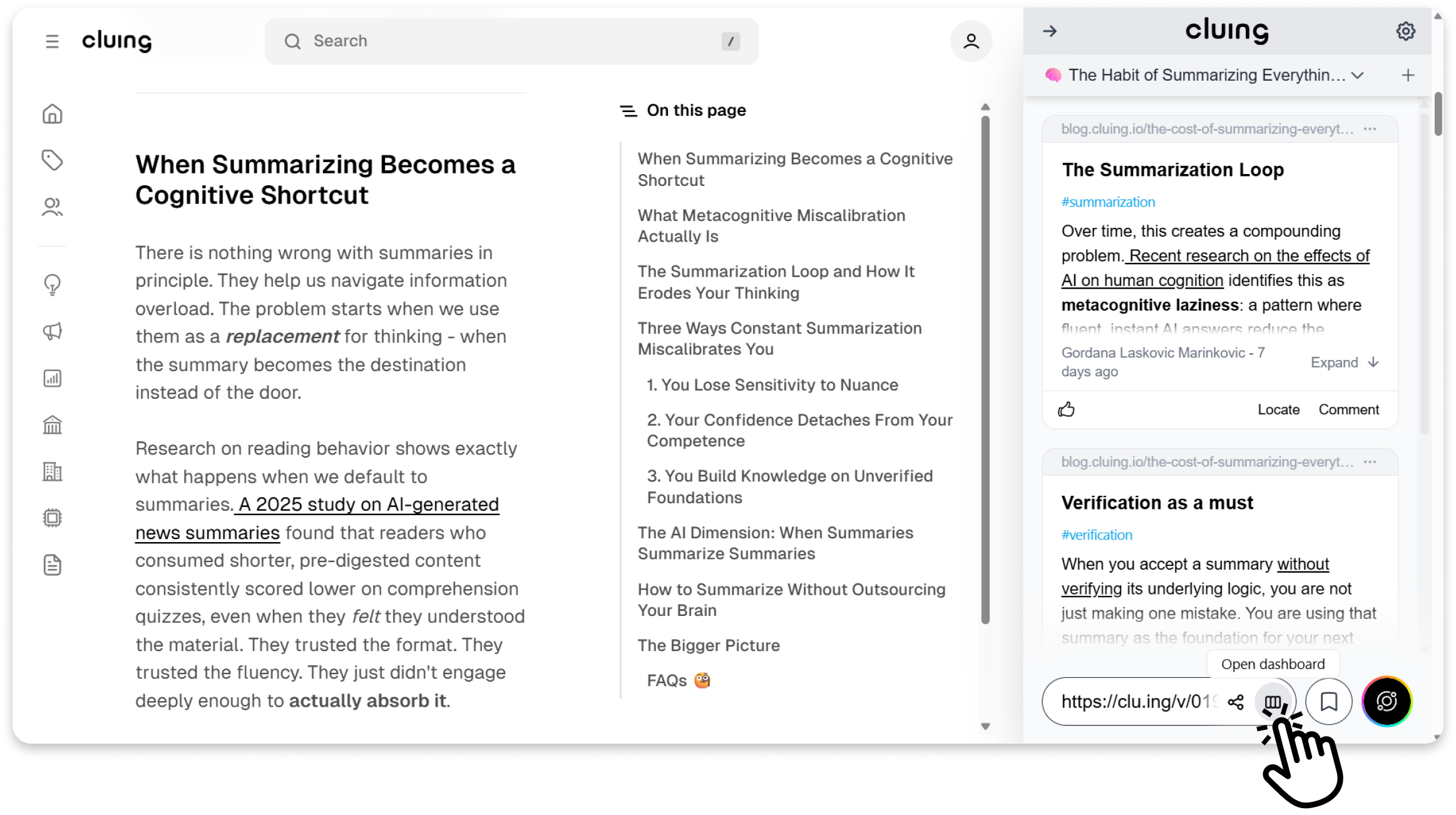
You can access it either directly by visiting app.cluing.io or by clicking the Dashboard icon at the bottom of the Cluing Extension.
How to access Dashboard from the Extension
Section titled “How to access Dashboard from the Extension”-
Open the extension
-
Click the Dashboard button at the bottom
-
Your dashboard will open in a new browser tab