

How to cancel a plan in Cluing?
You can cancel your subscription at any time directly within your account.
Here is how:
Section titled “Here is how:”-
Open your Workspace Settings
-
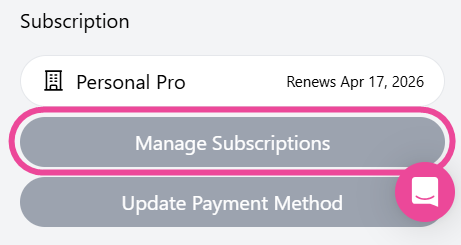
Navigate to the Subscription section
-
Click the Manage Plan button
-
When new page is open - Click Cancel Subscription button
If for any reason this is not working, you can cancel your subscription at any time by sending a cancellation request via email to refunds@collabwriting.com from your registered email address.
In your email, please include:
-
A brief reason why you want to cancel
-
Your billing information (name, transaction ID, last 4 digits of the credit card, billing date, etc.)
-
Your email address and login name
-
Any other info needed for identity verification
Read more here: Cluing Refund Policy 👈🏼