

Custom Domain and Email Address Setup (Pro/Team)
As a Professional or Team user, you can replace random system addresses with your own brand and give each integration a unique identity.
Setup domain
Section titled “Setup domain”-
Open your Workspace Settings
-
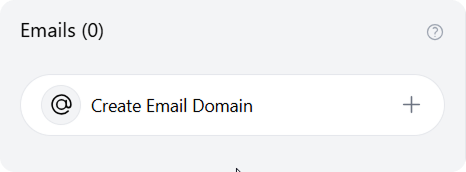
Navigate to the Emails section
-
Click Add New Domain and follow the setup prompts
This is a one-time setup. Configuring a domain is only possible if you haven’t previously created one, and once set, it cannot be changed.
Custom Email Address
Section titled “Custom Email Address”Custom email addresses let you create a forwarding email that matches your brand or project instead of using a random-looking address.
How to set it up?
Section titled “How to set it up?”Once your domain is active, you can setup custom email address.
-
Under Email Section click “Create new email
-
Select the Topic where you want these emails to be created as snippets
-
Type your desired prefix (e.g.,
researchorfeedback).- Your address will appear as
prefix@yourdomain.clu.ing.
- Your address will appear as
-
Press ✔️ button