

Installing the Cluing Slack App
Connecting the Slack Workspace
Section titled “Connecting the Slack Workspace”First is connecting your Slack Workspace with your Cluing Account. To do so follow these steps:
-
Go to Dashboard
-
Open application settings by clicking your initials in the top-right corner
-
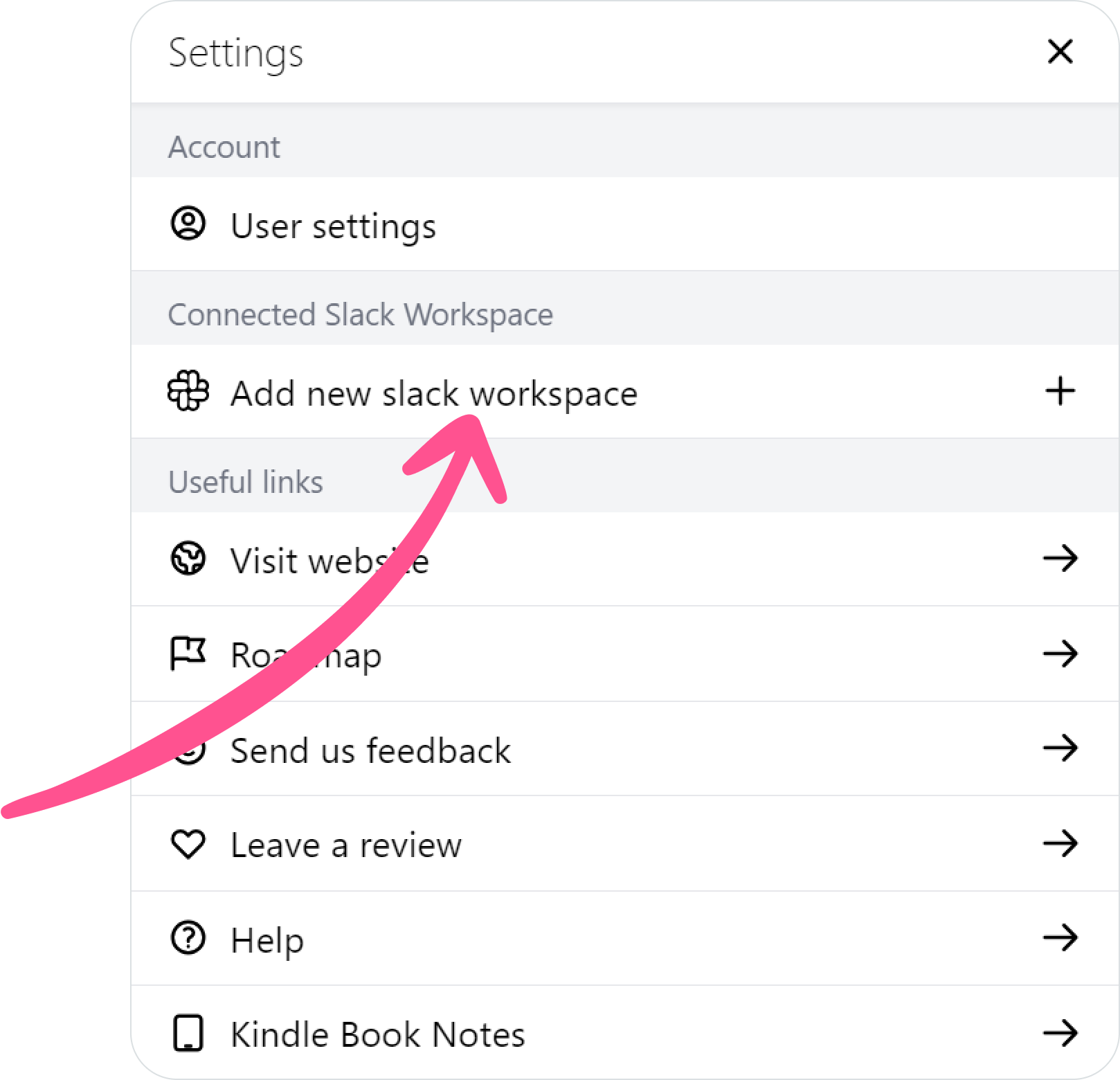
Click “Add new Slack workspace” button
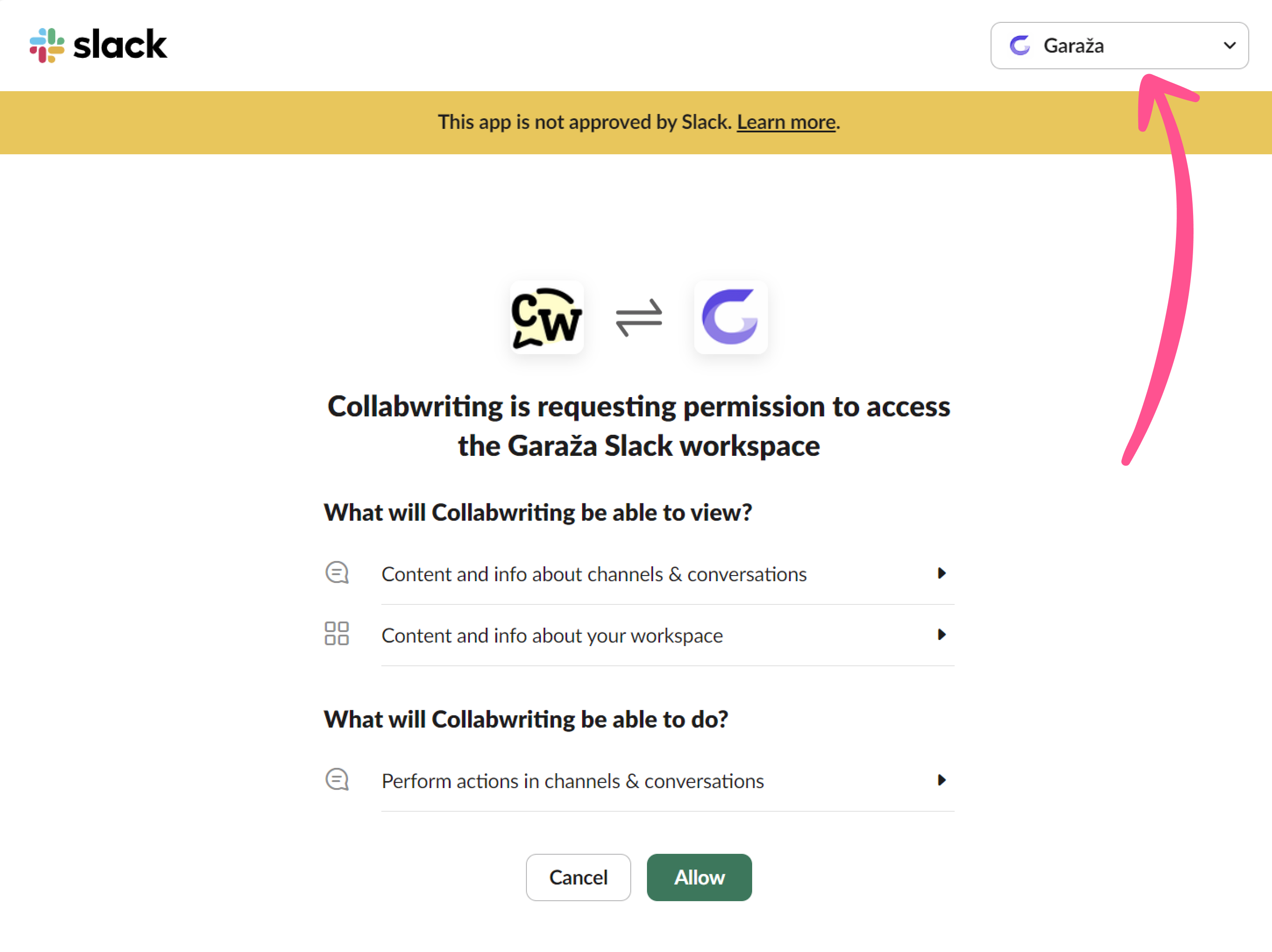
4. Choose Slack Workspace you want to connect (top-right corner)
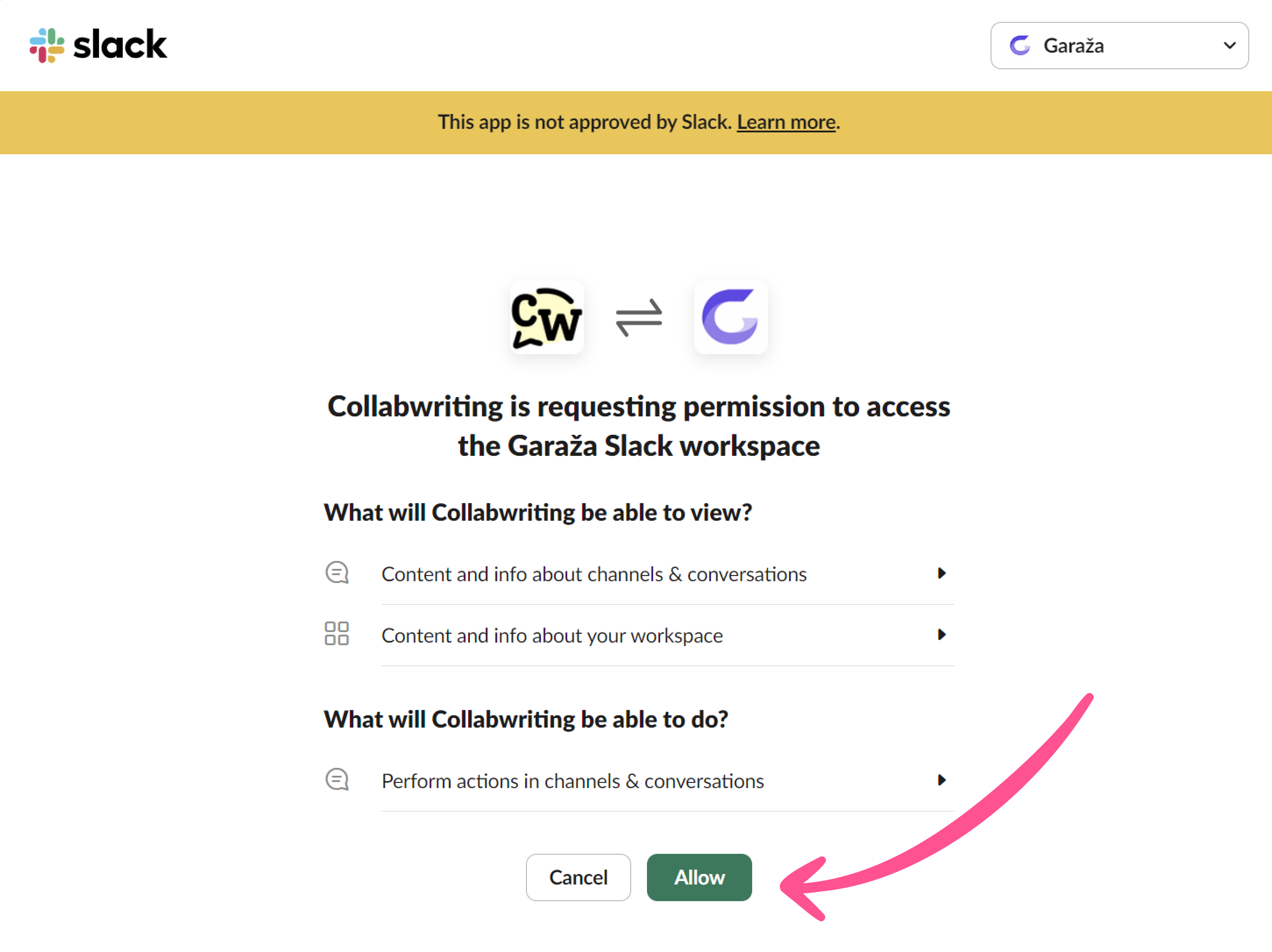
5. Click Allow button
You’re all set - your Slack workspace is now connected. 🎊