Customize the Look of Shared Topics
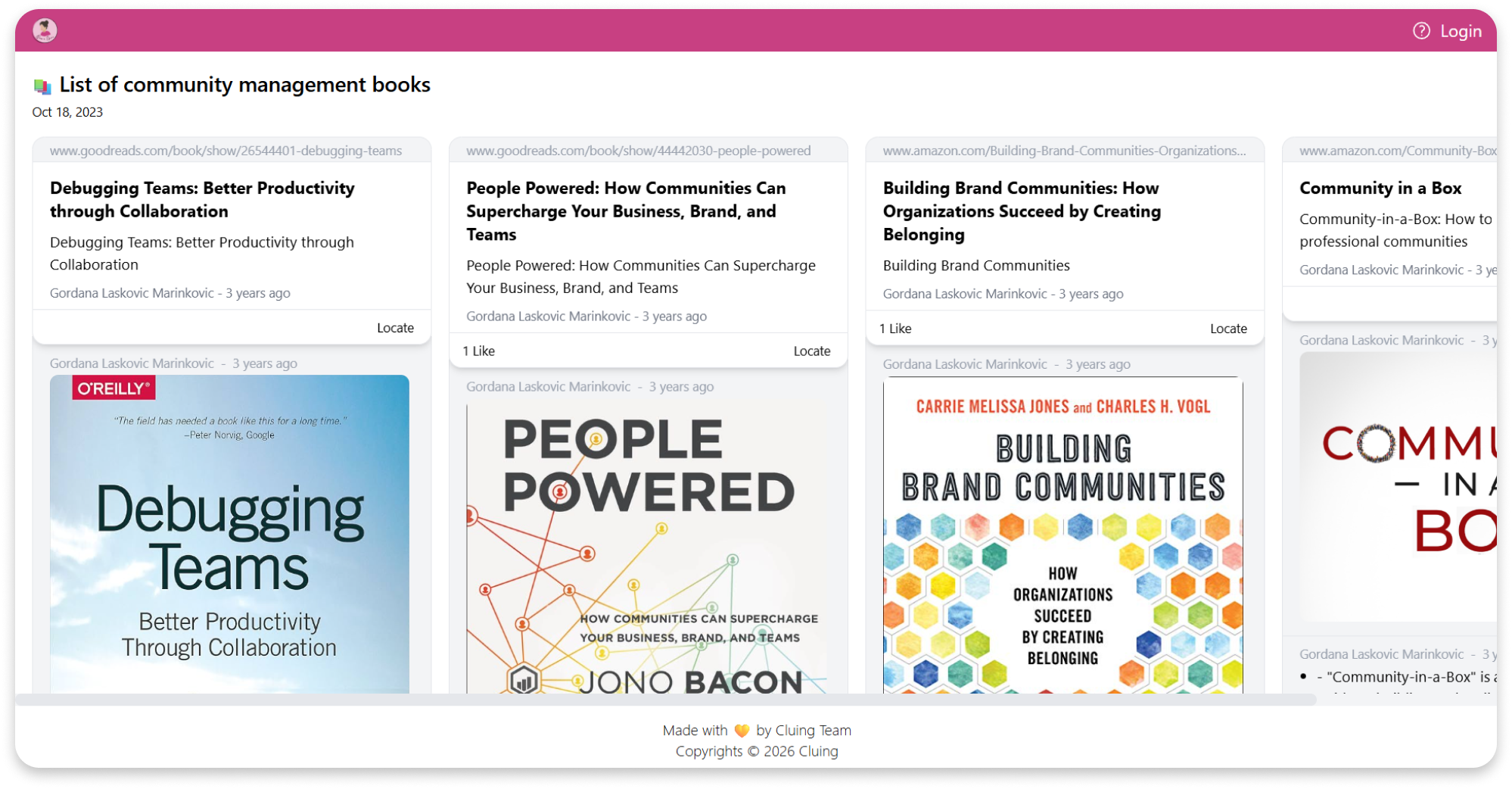
When sharing a topic via a Clu.ing link, you have the option to customize its appearance however you prefer.
You can add your brand colors, logo, or other visual elements to match your style.
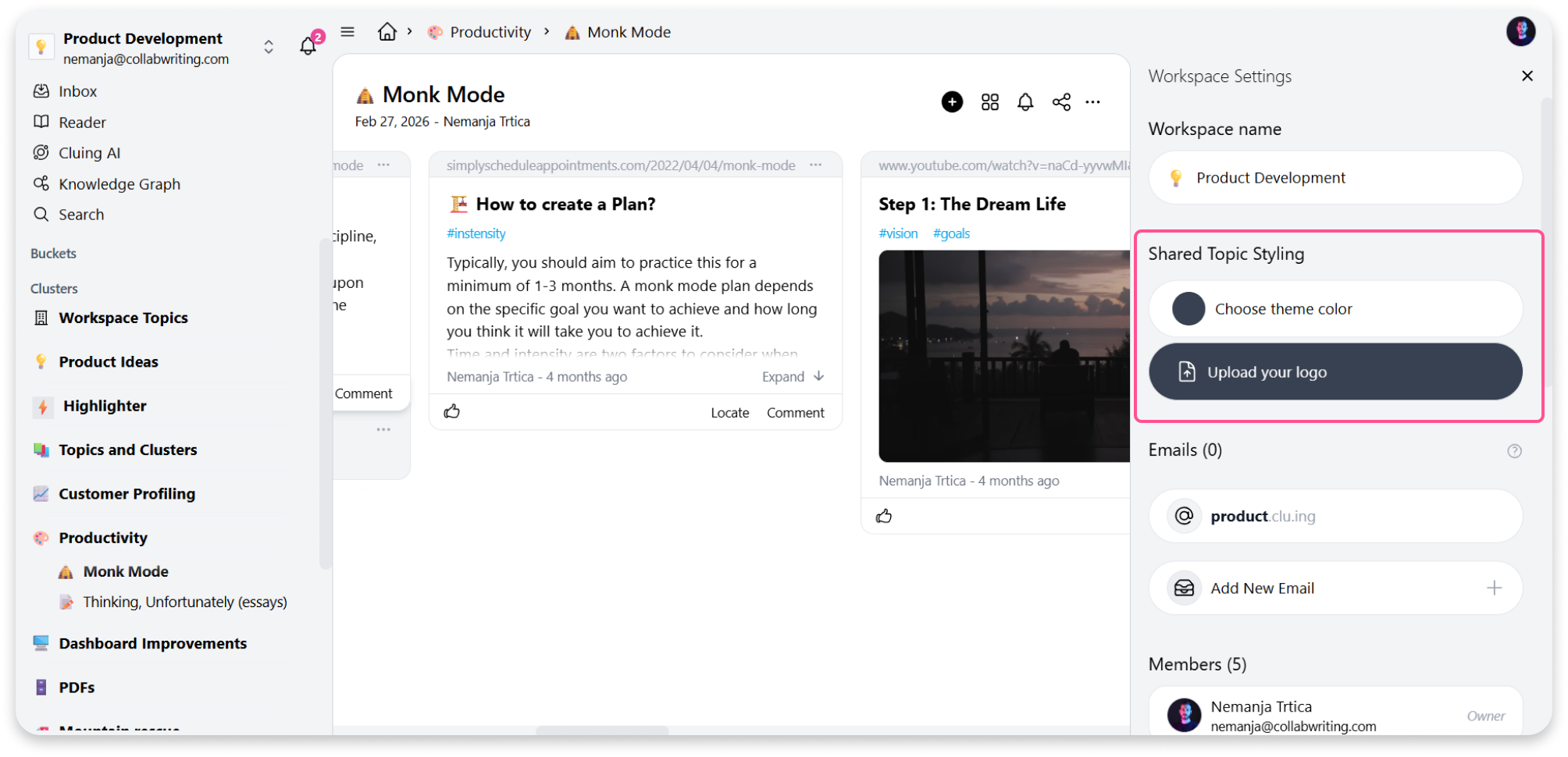
Here’s how to customize your shared topics:
-
Go to your Dashboard.
-
Click the workspace name in the top left corner.
-
Select Settings and Members.
-
There, you’ll find the option to upload your logo and choose your brand color.