TikTok Integration
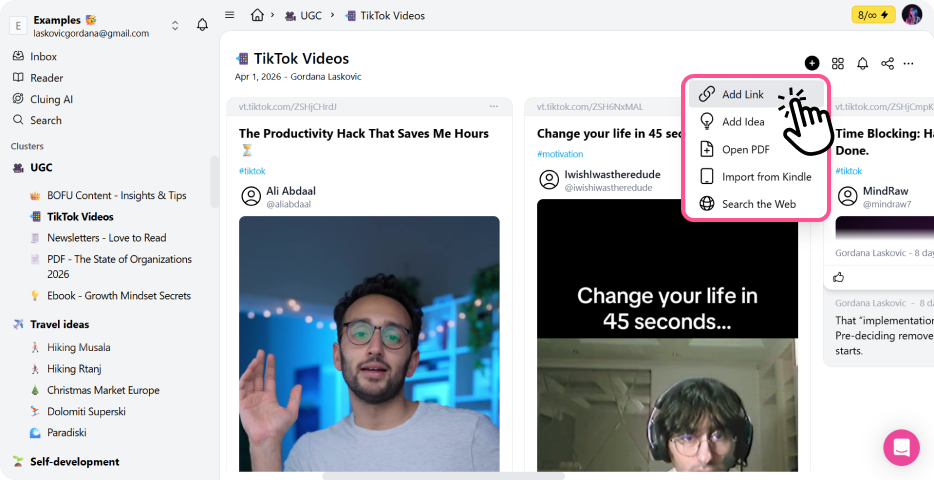
Cluing lets you turn any TikTok link into a snippet. Once added, the content is stored in your workspace, where you can organize it, revisit it, and use it like any other saved resource.
On Mobile
Section titled “On Mobile”-
Open TikTok and tap Share
-
Click “more” button in options
-
Select the Cluing app from the options displayed
-
You’ll be redirected to the Cluing app
-
A modal will appear where you can confirm and save the snippet
On Desktop
Section titled “On Desktop”-
Copy the TikTok post or profile link
-
Go to your Dashboard
-
Paste the link into the “Add Link” section
-
The content will be automatically saved as a snippet