How to delete a workspace?
To access settings, open the workspace panel in the top left corner and click “Settings and members.”
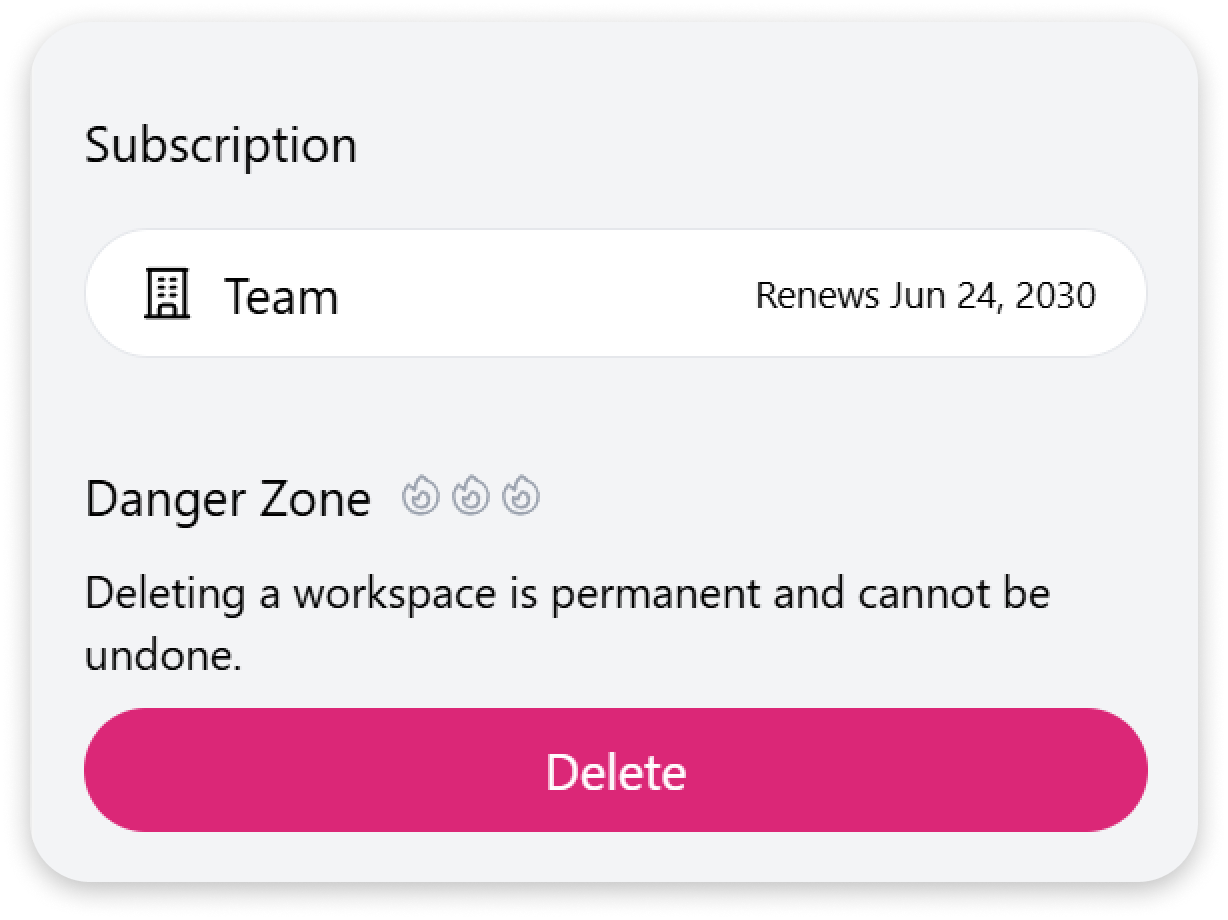
From here, you can manage your workspace or delete it - but be careful, deletion is permanent and cannot be undone.
Once a workspace is deleted:
Section titled “Once a workspace is deleted:”-
All content within the workspace will be permanently deleted
-
The deletion applies to all members of the workspace
-
After deletion, you will be redirected to another workspace you are part of