

How to hide the highlighter button?
For the quick-open button to stop showing on every page whenever you highlight a piece of text, you should just:
-
Open your Cluing Extension
-
Press the ⚙️ icon on the top right
-
Scroll down to the Preferences section
-
Check the “Hide quick open button” setting item
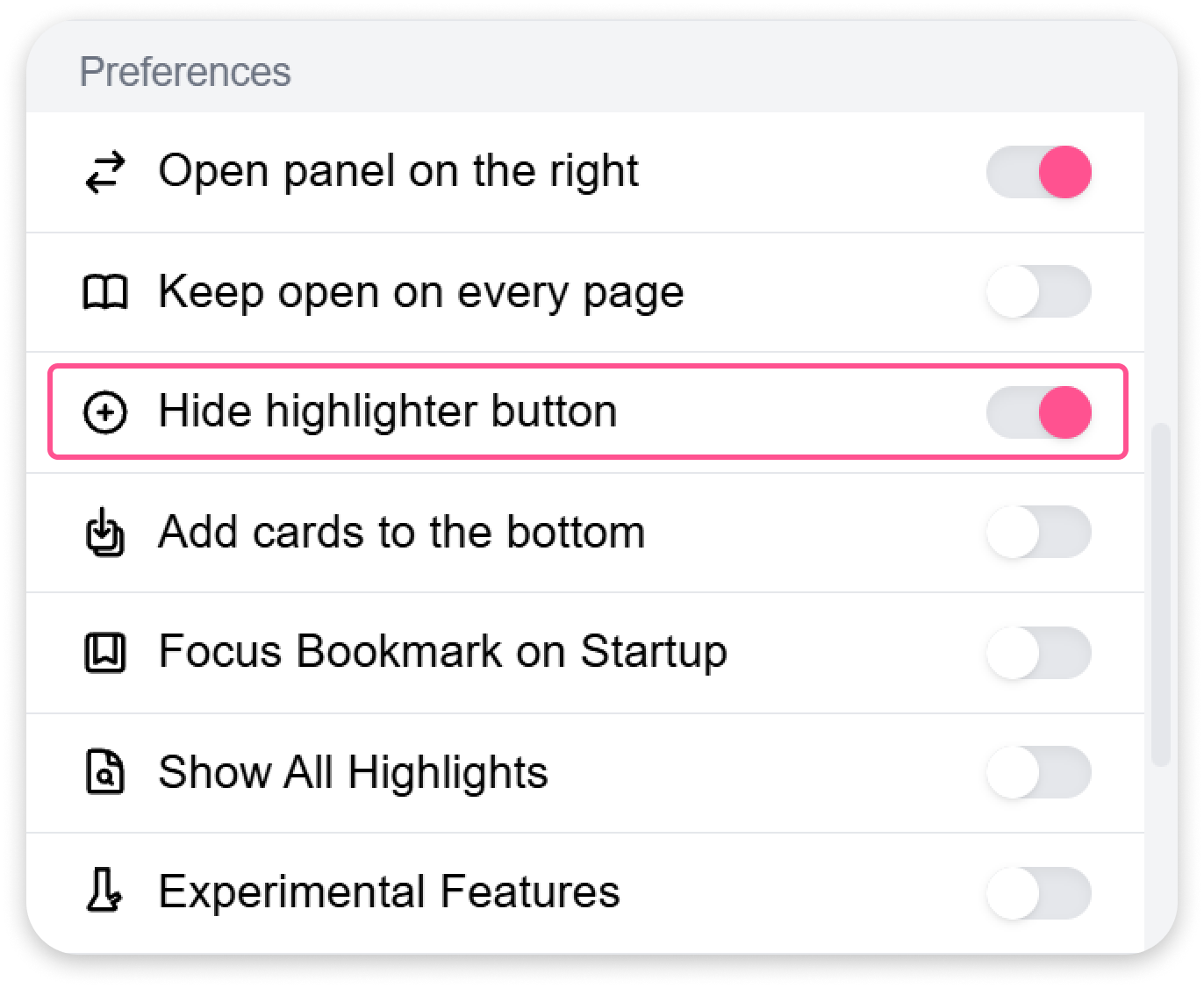
After this Cluing highlighter button won’t show anymore on the web pages you visit.