Summarize Webpage
Don’t let long articles or deep-dive research slow you down. Whether you’re short on time or just want to see if a page is worth a full read, our Summarize feature gives you the “TL;DR” in seconds.
How it works
Section titled “How it works”Whenever you encounter a page you want to digest quickly, look for the Summarize option. Our AI will scan the entire page, pick out the most important points, and automatically create a new snippet in your Topic.
Summarize button
Section titled “Summarize button”We’ve placed the summarize button into few key spots so it’s always right where you need it, whether you’re deep in a browsing session or just starting a new project on your dashboard.
Extension
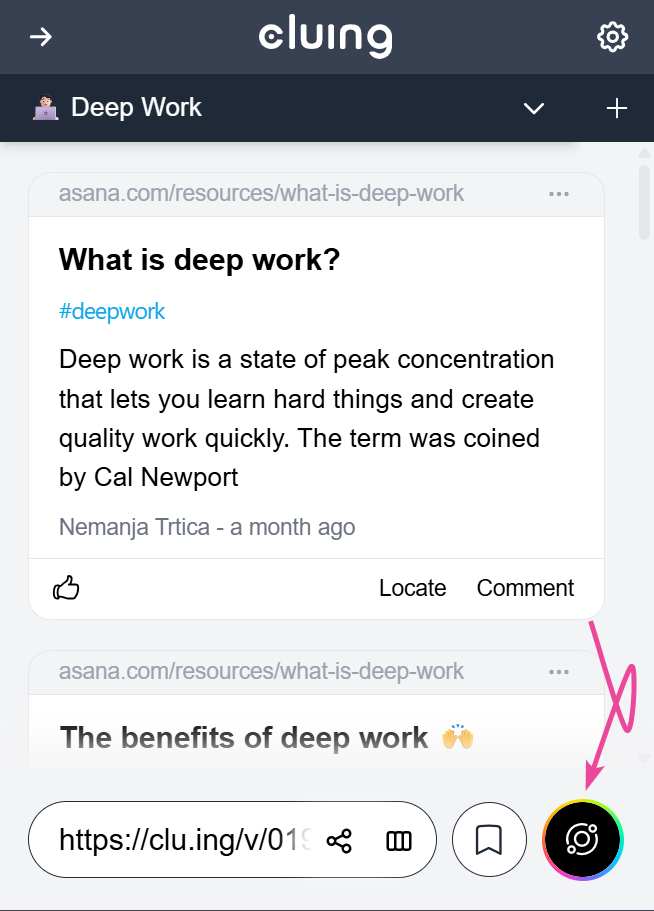
Section titled “Extension”If the extension is open while you’re reading, look at the bottom right corner.
Highlighter
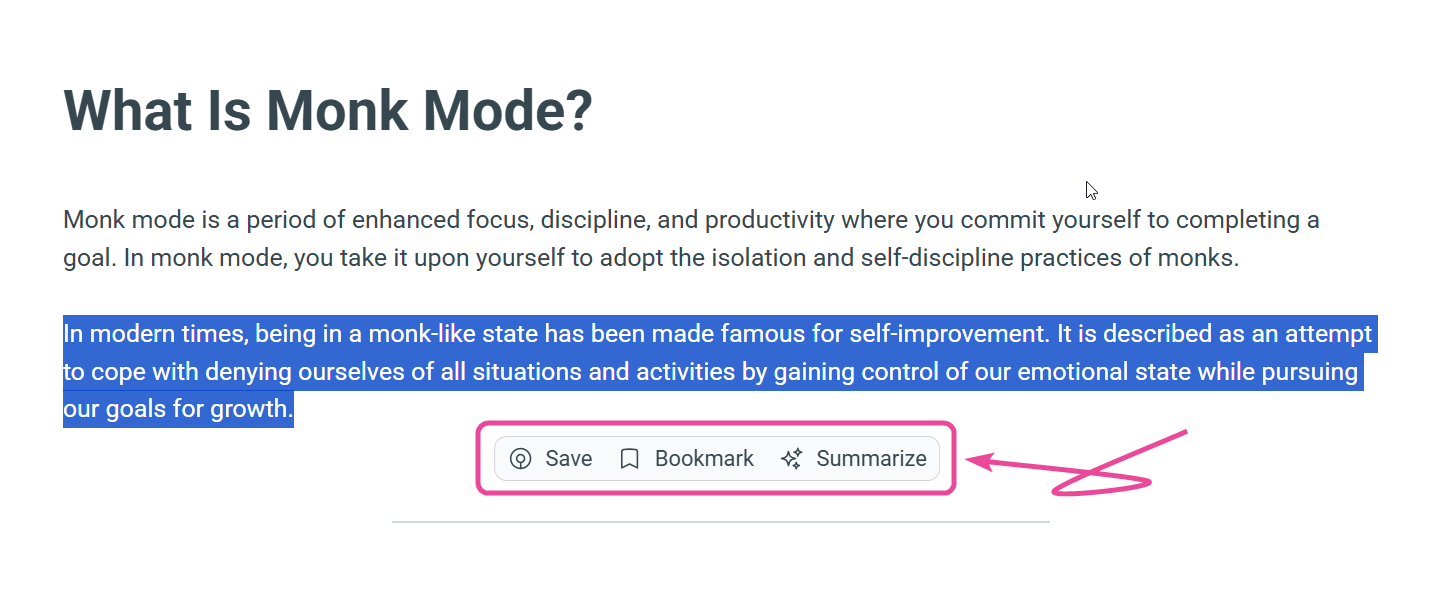
Section titled “Highlighter”You don’t even need to open the extension to get a summary. Simply highlight any piece of text on a webpage, and our Highlighter menu will pop up. The summarize button is one of the three that appears
Empty Topic
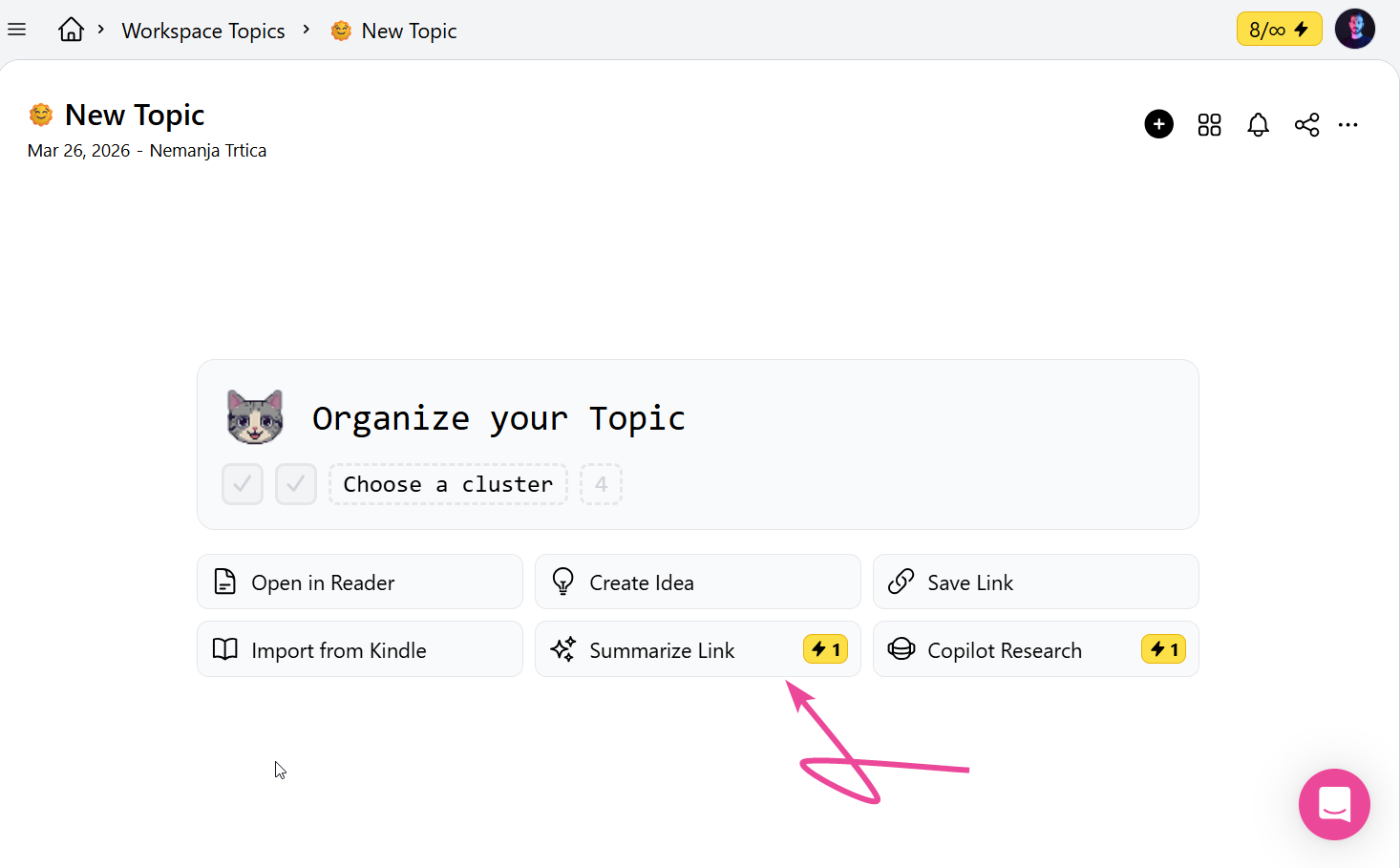
Section titled “Empty Topic”On an empty Topic, you’ll see a summarize button right in the middle of your screen. Just paste a link of any article or webpage, and we’ll instantly turn it into a summarized snippet for you.