

Copy Content From a Single Snippet
If you want to copy content from just one snippet, here’s how:
-
Find the snippet (in the Dashboard or the Extension)
-
Click on the Snippet Menu Options (three dots)
-
From the list, select Copy Content
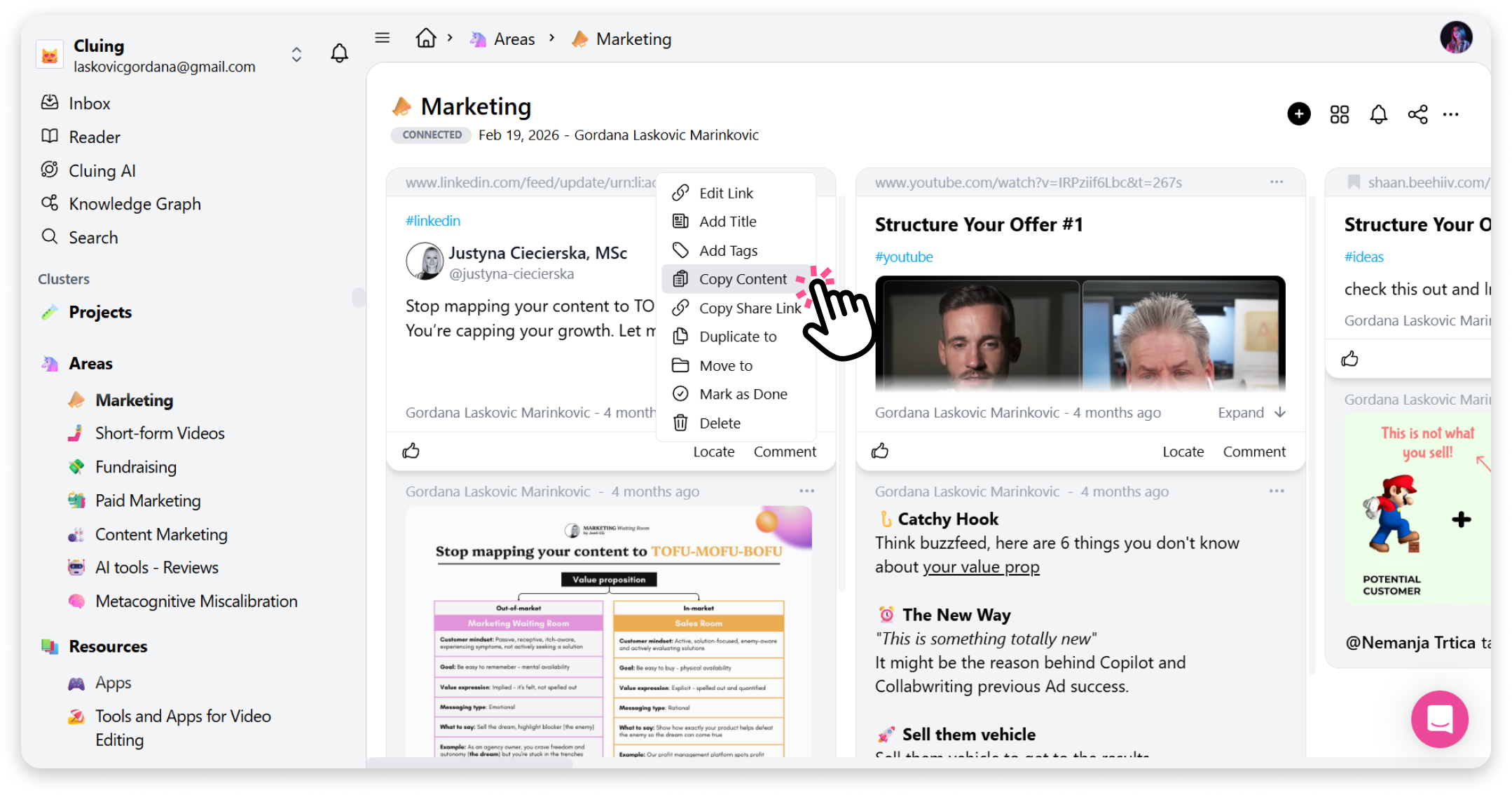
Now you can paste the content into any text editor or document where you need it.