

Cluing Reader 📖
Ever worried about losing your highlighted snippets if a webpage disappears or changes? 🤔
With the Cluing Reader, you can now save, highlight, and collaborate safely, without losing context. It even works on mobile.
Here’s how you can use it to make your research safer, cleaner, and more collaborative.
Two Ways to Open the Reader
Section titled “Two Ways to Open the Reader”1) From Your Dashboard
Section titled “1) From Your Dashboard”-
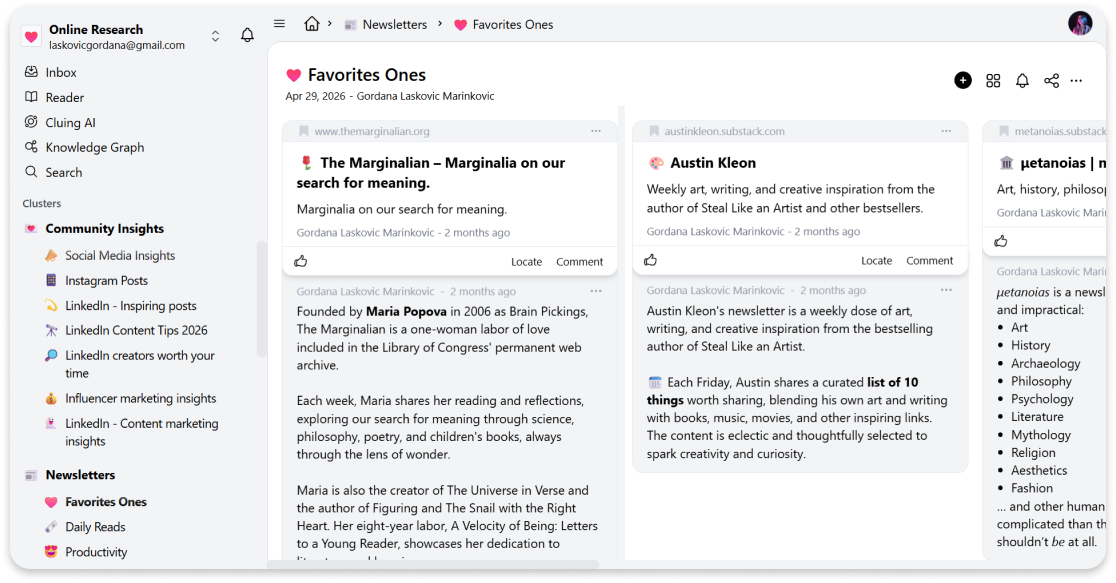
Go to your Cluing dashboard.
-
In the left sidebar, click on “Reader”.
-
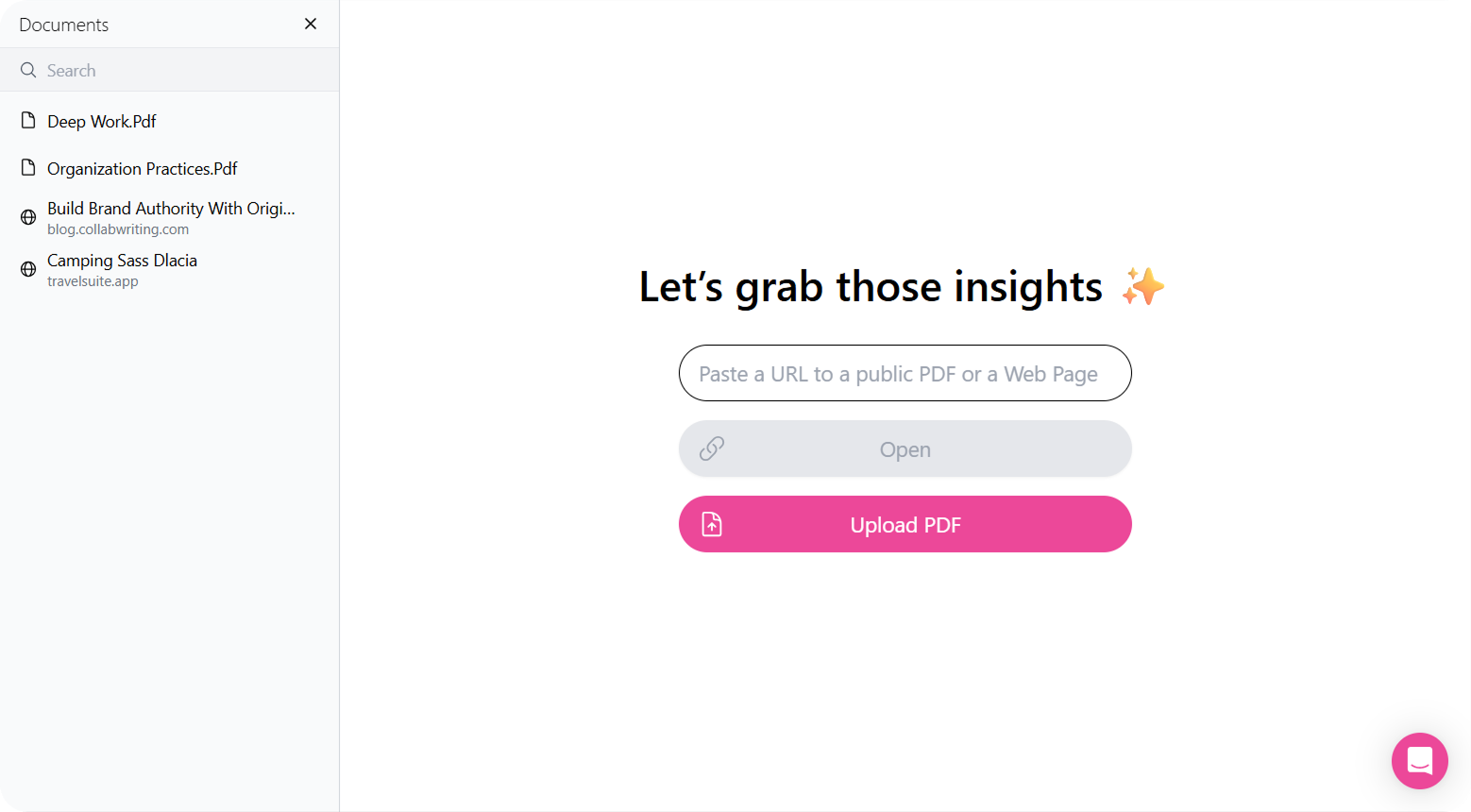
Paste the webpage link you want to open.
-
You can now highlight, comment, tag, and collaborate as usual.
2) From a Snippet
Section titled “2) From a Snippet”-
Click on the menu options (three dots) on any snippet.
-
Select “Open in Reader”.
-
The webpage opens in the Reader, and you can continue to highlight, comment, tag, and collaborate as usual.