

Upload documents to AI Chat
You can upload multiple documents (like PDFs, CSVs, and Images) into AI Chat in Cluing. Just drop in a file, ask a question, and get instant answers - without leaving the conversation.
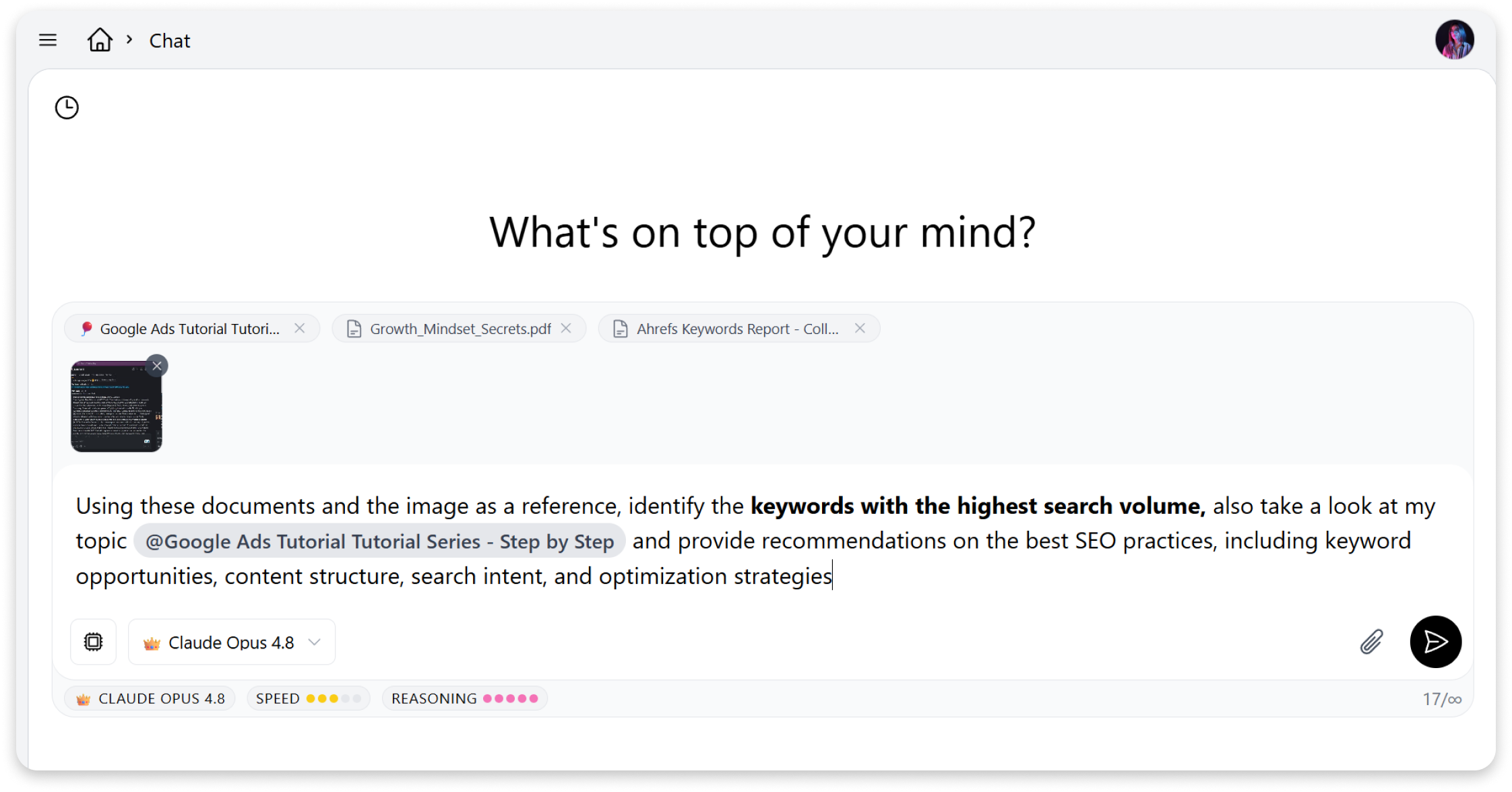
How to upload a file
Section titled “How to upload a file”-
Open the AI Chat
-
Click the upload button on the right side of the input field
-
Select one of the files from your device (PDF or other supported document types)
-
Type your message and send
Once uploaded, you can ask the AI anything about the file - summarize it, extract key points, compare documents, or ask specific questions about the content.
The AI will use the file as context to give you more accurate and relevant responses.